



















Tenorshare PDNob PDNob 2.0 AI Powered

Rebuilt, Faster & Smarter PDF Editor

Major Update: Upgraded PDFium, evolved Al & OCR, and dark mode

  • Blazing-Fast, Self-Developed PDFium Engine: Open 100+ page PDFs in 1 second—no lag, no crashes
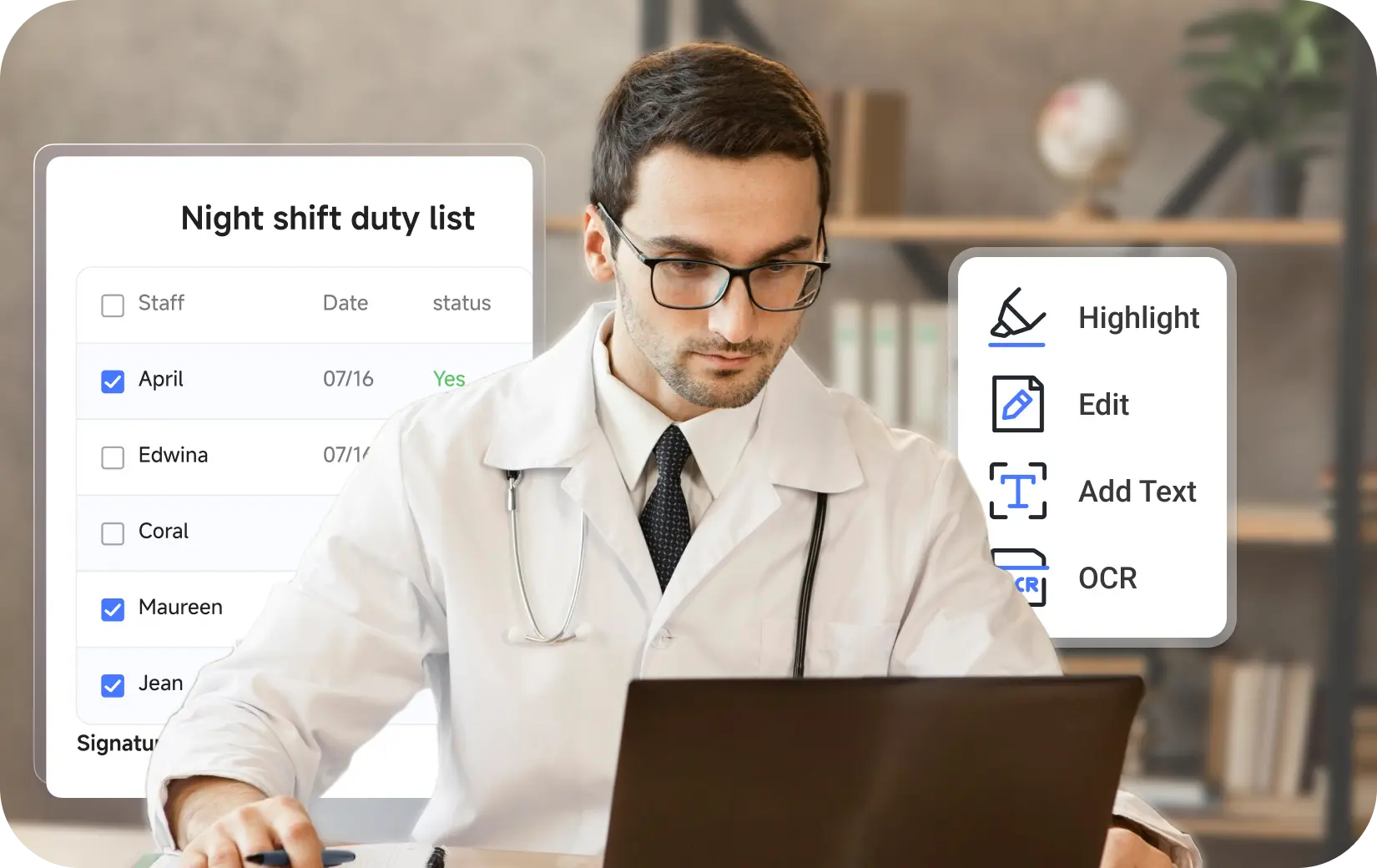
  • Accurate OCR: Convert scanned PDFs and NotebookLM PDFs to editable, searchable
  • Edit like a Pro: text, images, annotate, watermarks, links, backgrounds, and more
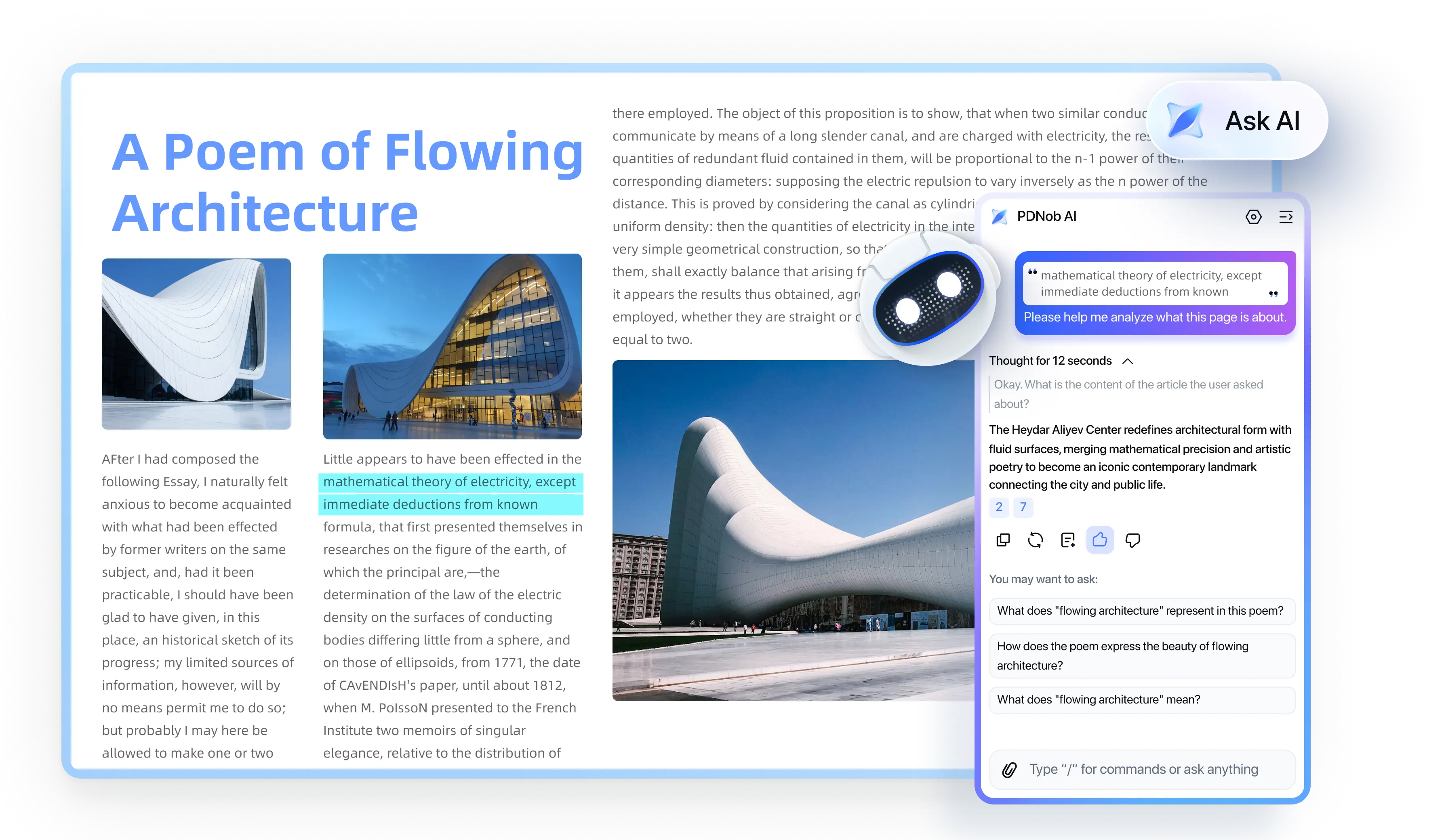
  • Smart AI: Chat with text/image, translate, source-backed Al Answer
  • Try all features with no limits & free upgrades.
Available for:
QR Code Get PDNob App
ask ai Ask AI
Trusted by Top
Tech Media
Trusted by Top Tech Media
pdnob pdf editor icon 1 pdnob pdf editor icon 2 pdnob pdf editor icon 3 pdnob pdf editor icon 4 pdnob pdf editor icon 5
ask ai Ask AI
Trusted by Top Tech Media
pdnob pdf editor icon 1 pdnob pdf editor icon 2
pdnob pdf editor icon 3 pdnob pdf editor icon 4 pdnob pdf editor icon 5

Why Choose PDNob PDF Editor

10+ Years
PDF Expertise
Reliable & Secure
45 M+
Trusted Users
Global Popular
99%
AI OCR
Precise Recognition
5B+
PDFs Processed
Batch Power
<1s
Instant Launch
Runs Smoothly
5S
Ultra-Fast
PDFs Conversion

Edit Your PDF Like a Pro

pdnob pdf editor sec3 icon 4 OCR new-icon
pdnob pdf editor sec3 icon 3 Convert
pdnob pdf editor sec3 icon 1 Edit new-icon
pdnob pdf editor sec3 icon 2 Annotate new-icon
pdnob pdf editor sec3 icon 8 Organize new-icon
pdnob pdf editor sec3 icon 8 Forms
pdnob pdf editor sec3 icon 6 Read new-icon
pdnob pdf editor sec3 icon 5 Create
pdnob pdf editor sec3 icon 5 Sign
pdnob pdf editor sec3 icon 7 Protect
pdnob pdf editor sec3 icon 9 Compress
pdnob pdf editor sec3 icon 10 Record

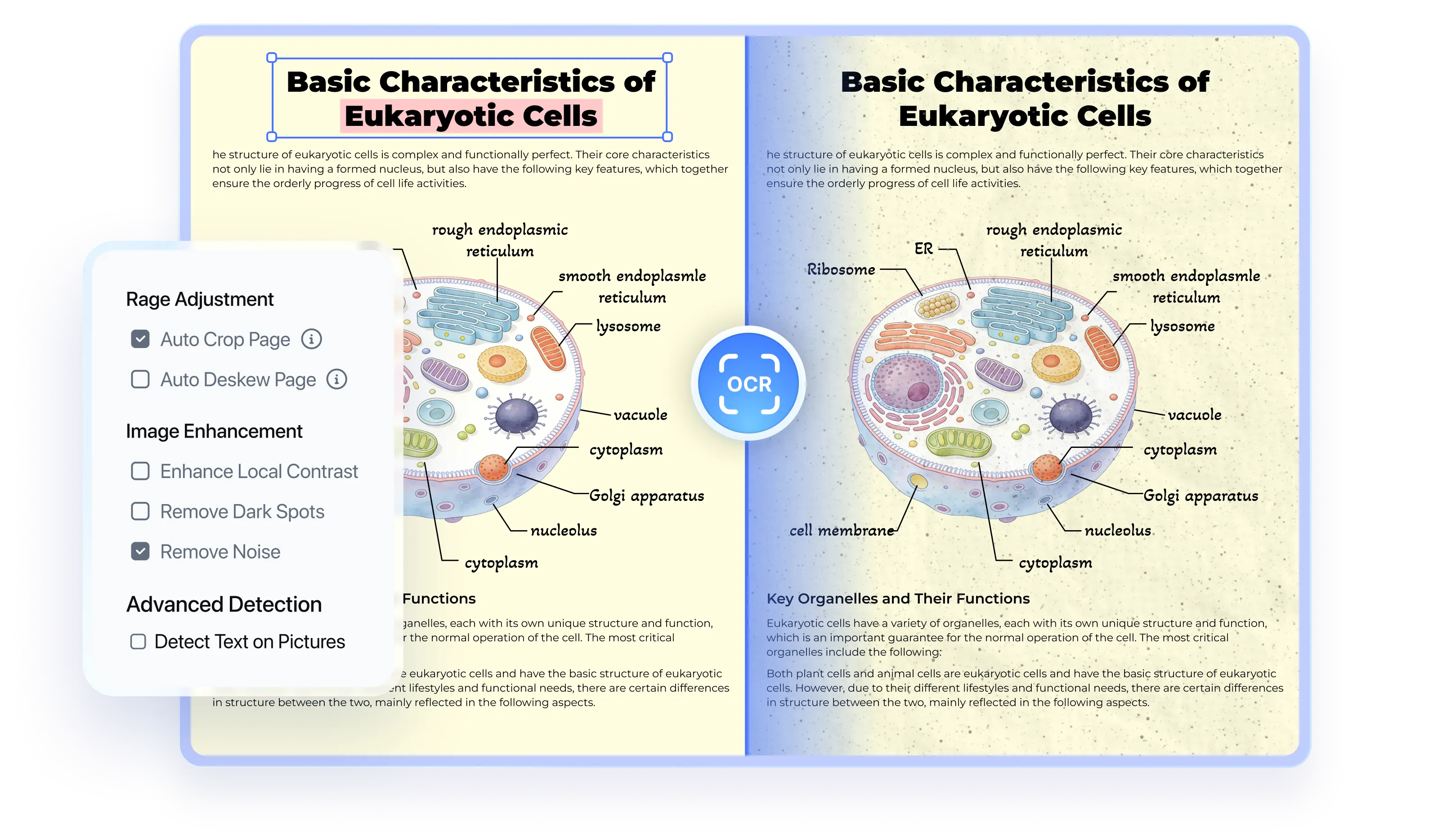
AI OCR with Precision

  • Advanced Image Processing: Auto deskew, denoise, and enhance images for better OCR accuracy.
  • Accuracy Output: Convert scans into editable, searchable PDFs while preserving layout and formatting.
  • 16+ Languages: Recognize English, French, Japanese, Chinese, Spanish, and more.
  • AI-OCR: Improve accuracy on skewed and low-quality documents with AI and ADRT®.
pdnob pdf editor ocr pdf

5x Faster PDF Conversion

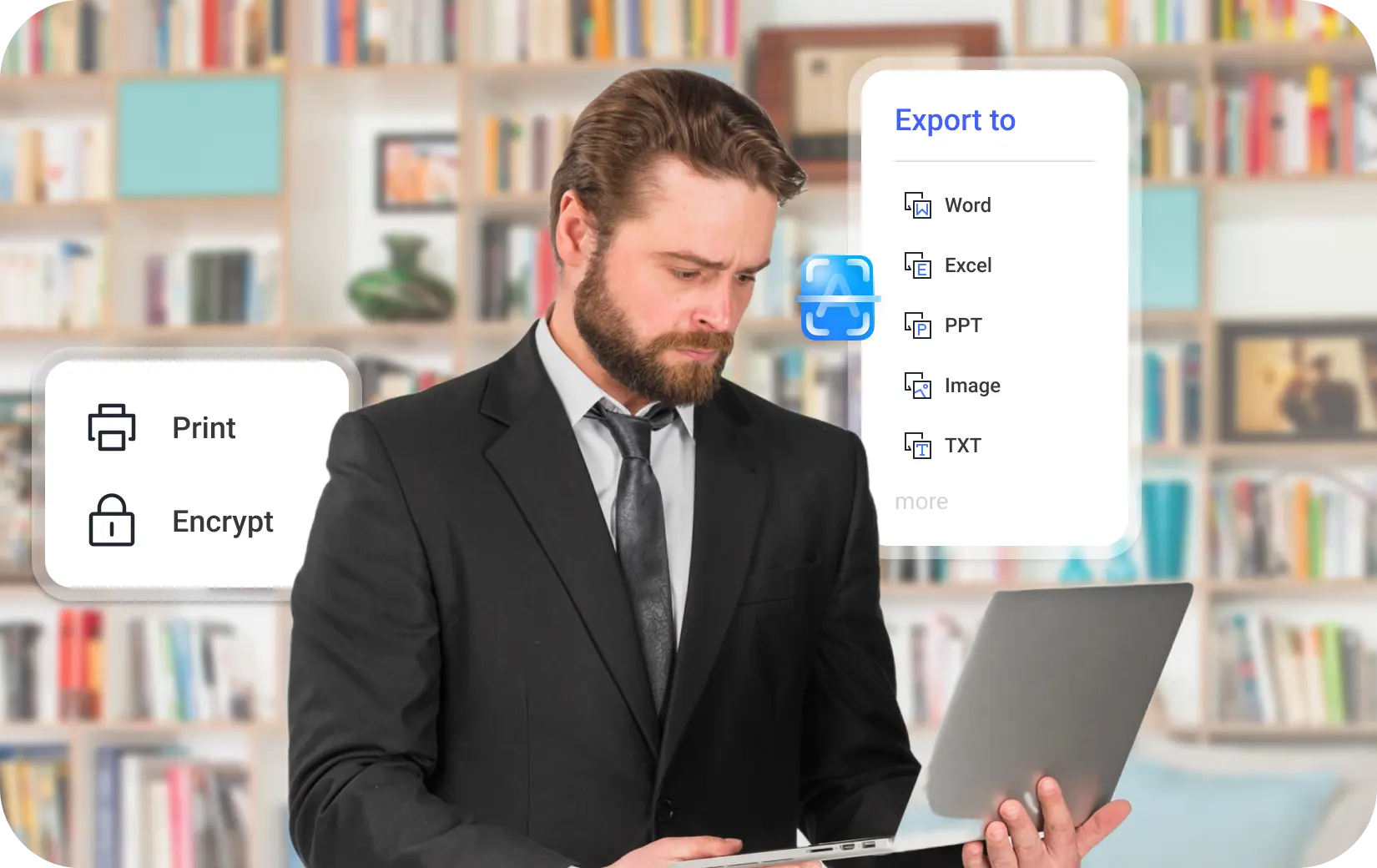
  • 30+ Supported Formats: Convert PDF to Word, Excel, PPT, RTF, TXT, PNG, EPUB, JPEG, BMP, TIFF, PDF/A, etc.
  • 100% Retain Original Formatting: Maintain the same file quality and page layout, fonts, margins, spacing, etc.
  • 1,000+ Files Processed at Once of Any Size: Enjoy unlimited file batch processing, no limits on number (up to 1 Million) or size (GB or TB)!
pdnob pdf editor read pdf pdnob pdf editor convert pdf pdnob pdf editor convert pdf pdnob pdf editor convert pdf pdnob pdf editor convert pdf pdnob pdf editor convert pdf

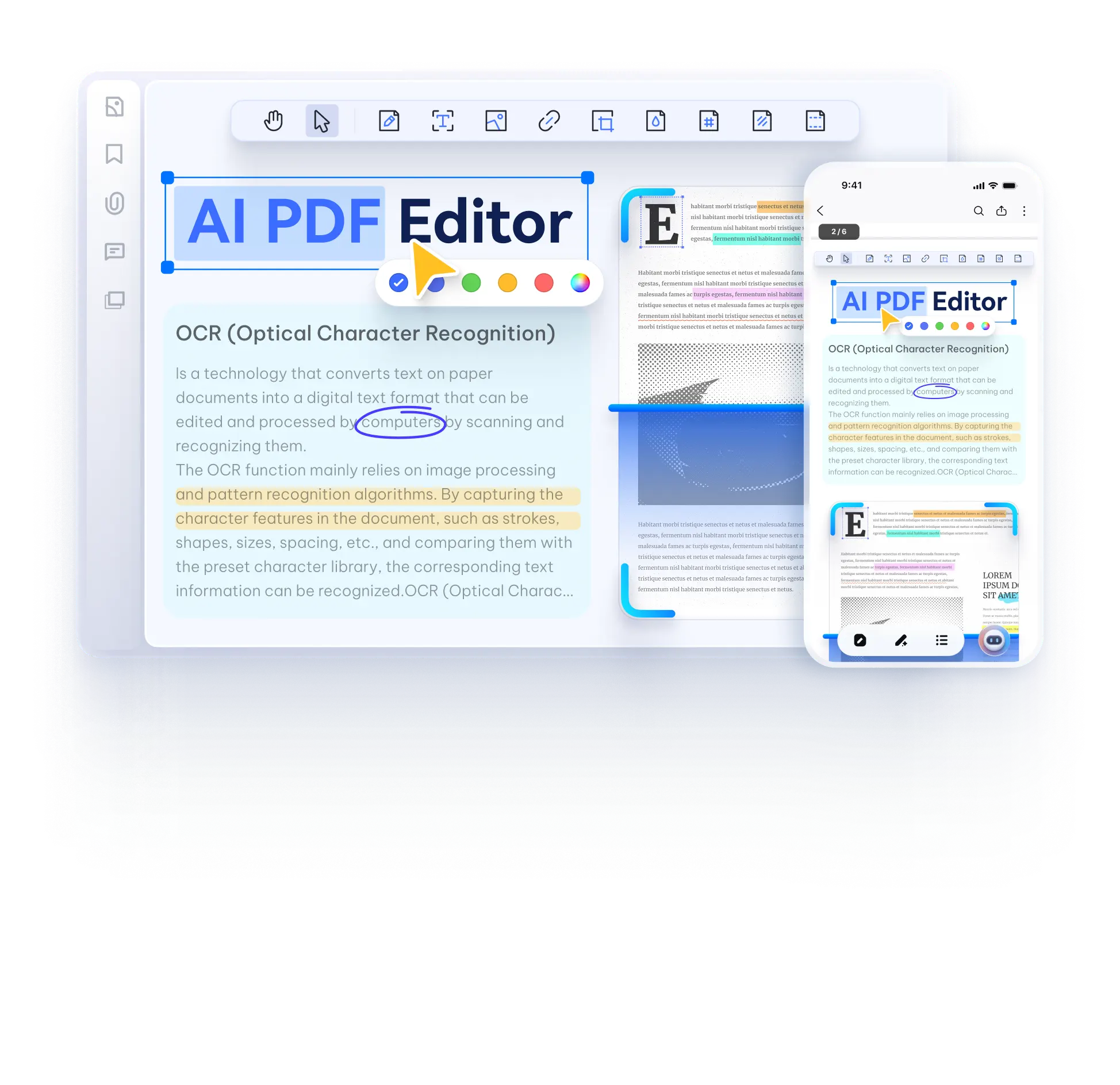
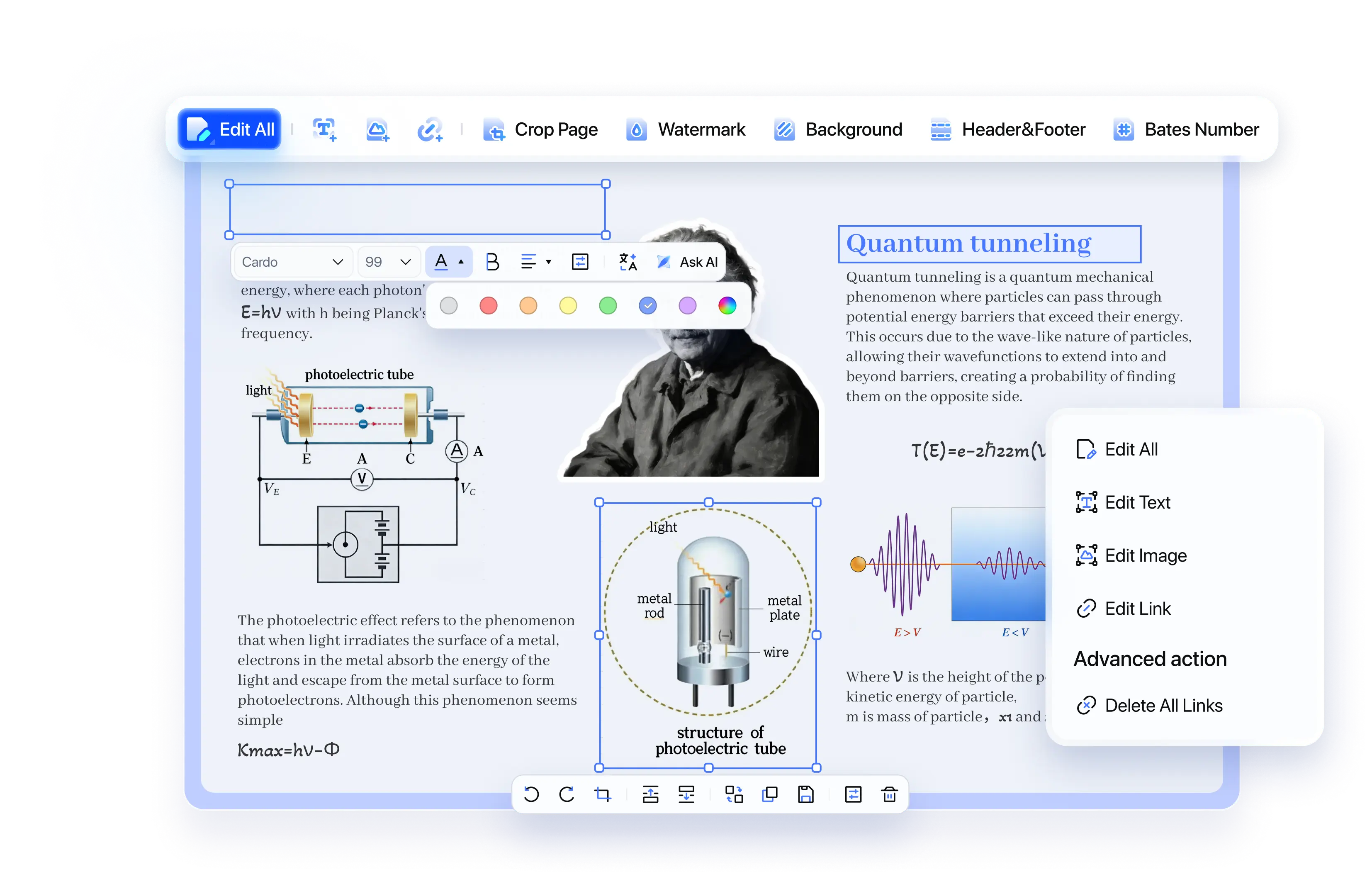
Fast, Professional PDF Editing

  • Edit or add text with ease: Keep original formatting or adjust font, size, color, and alignment for professional results.
  • Advanced Image Editing: Add, replace, and move images, crop, rotate, flip, and adjust opacity for professional results.
  • Fully Customize Your PDFs: Adjust layout, backgrounds, watermarks, and headers or footers to create tailored documents.
pdnob pdf editor edit pdf

Photo electric effect

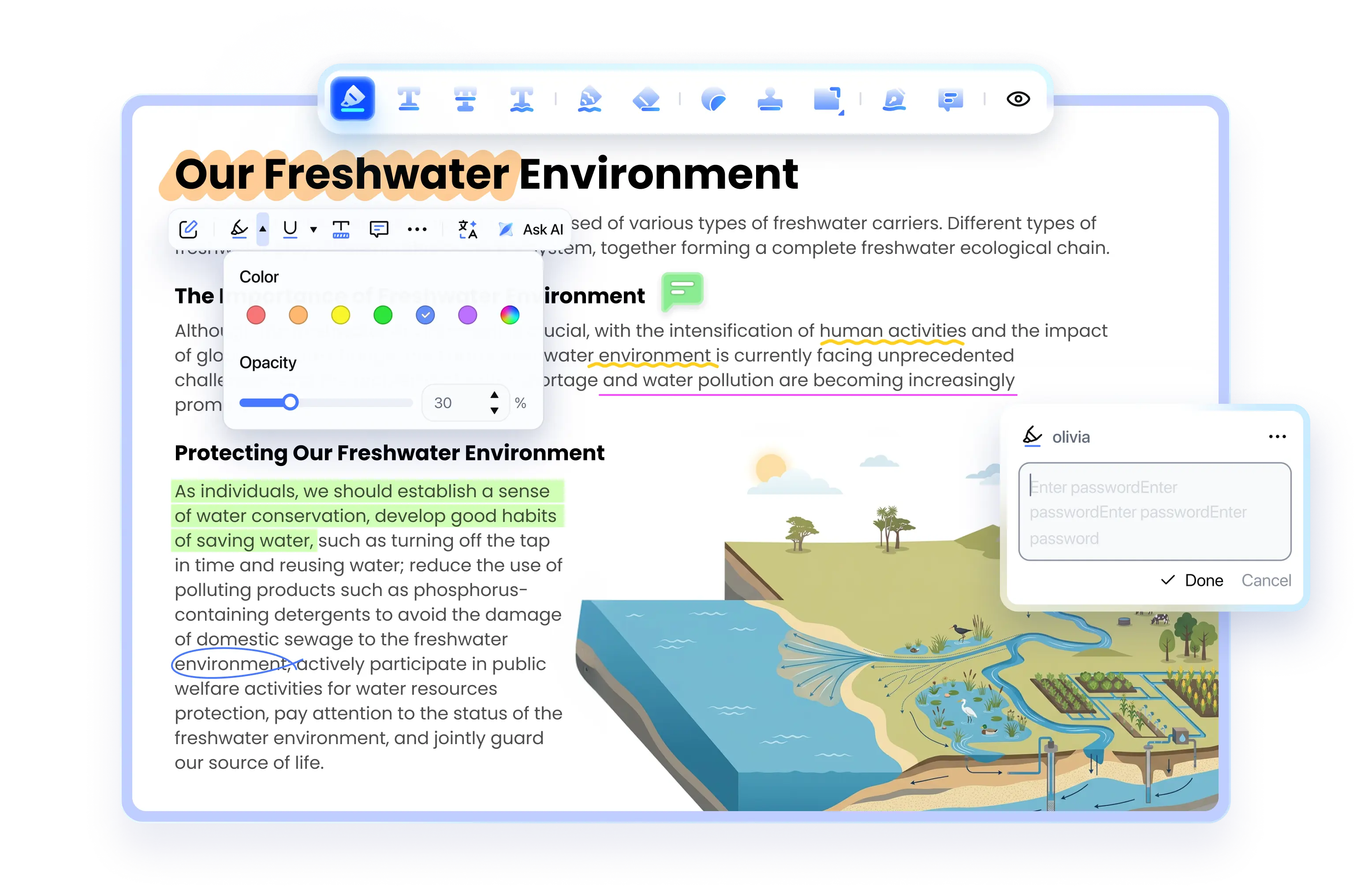
Smart & Flexible PDF Annotations

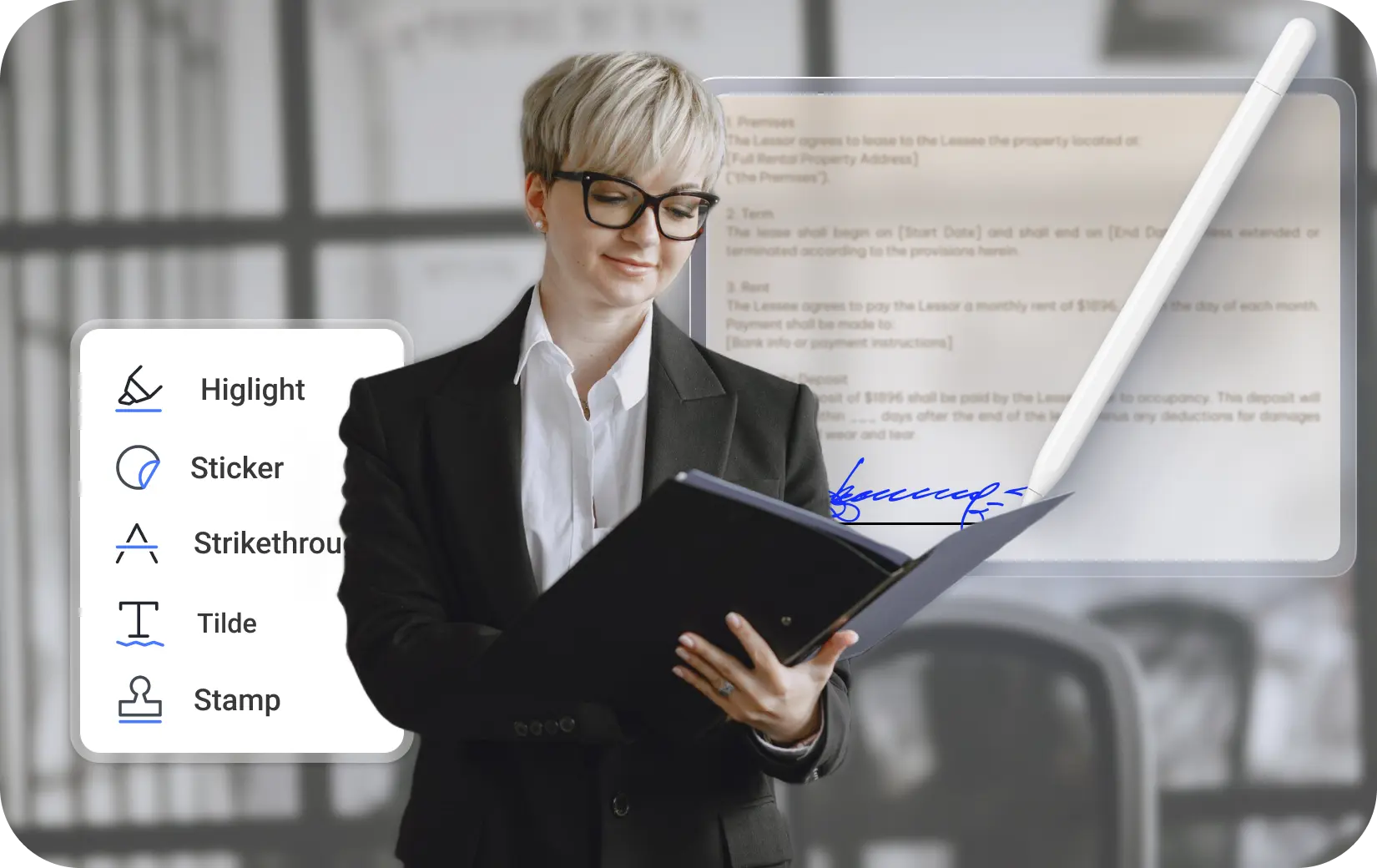
  • Quick-Access Markup: Highlight or underline instantly on selection—no tool switching needed.
  • Smart Annotations That Move with Text: Notes and text boxes automatically stay aligned with your content—even after edits.
  • 100+ Shapes & Stickers: From arrows to decorative stickers, browse categorized libraries and customize colors, sizes, and thickness to match your style.
pdnob pdf editor annotate pdf

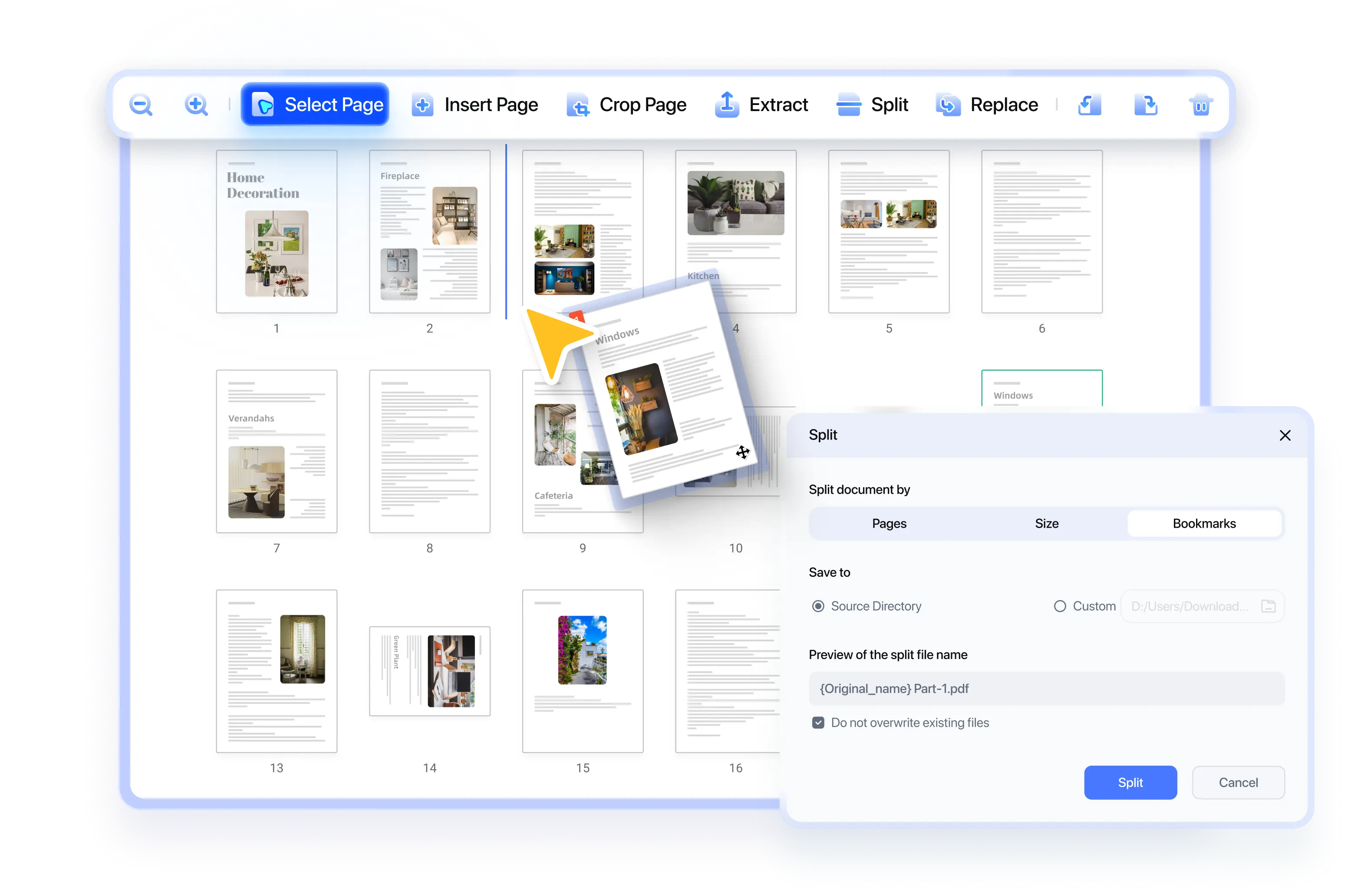
Easy PDF Organization

  • Smart PDF Splitting: Split PDFs easily by page count, file size, or bookmarks—fast and intuitive.
  • Easy Page Control: Easily add, delete, rotate, and reorder PDF pages via thumbnails.
  • Efficient Batch Processing: Handle multiple PDFs simultaneously—merge, organize, and manage with speed.
pdnob pdf editor organize pdf

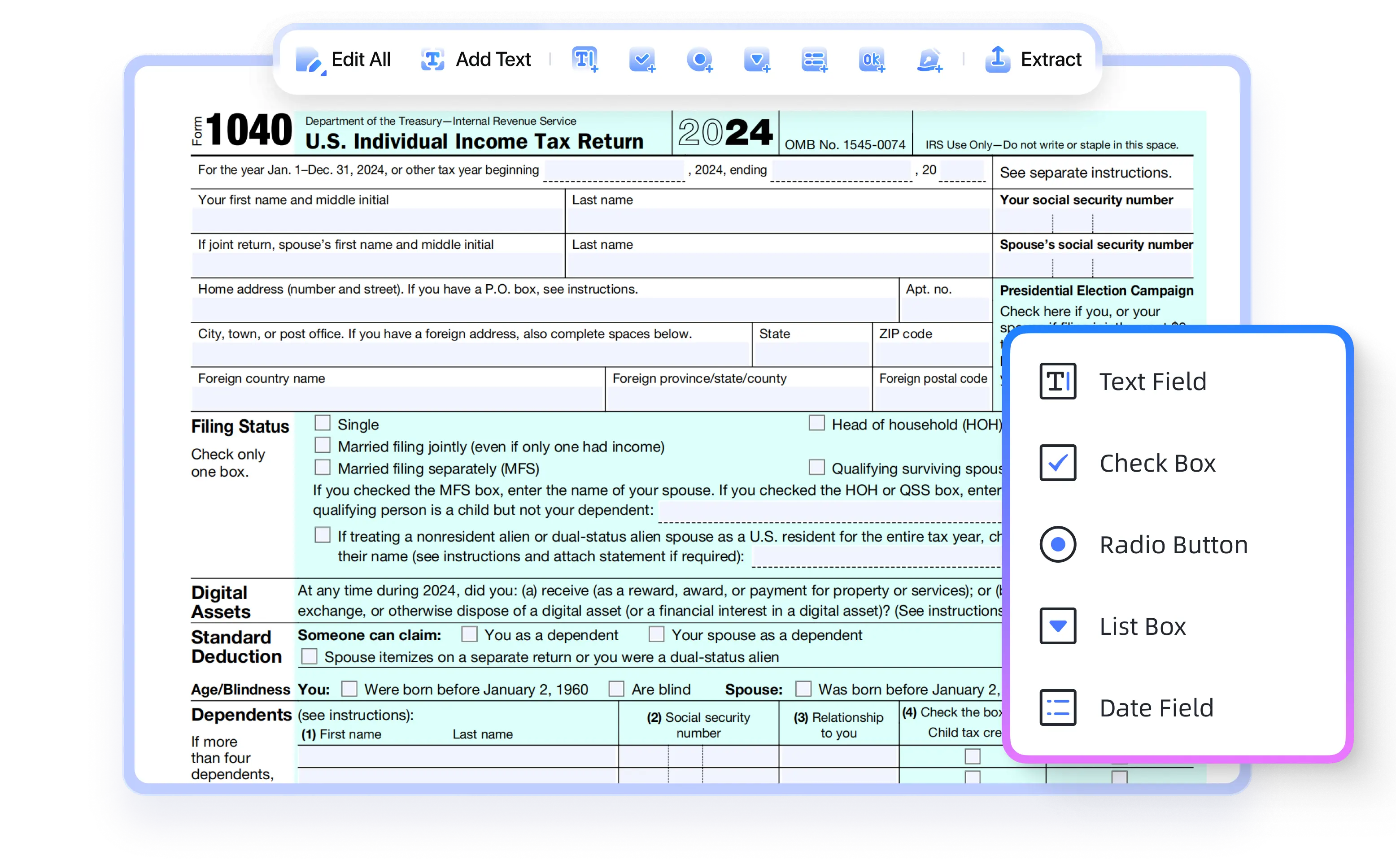
Edit PDF Forms

  • Create Fillable PDFs in Minutes: Easily add text fields, checkboxes, dropdowns and signature fields.
  • Sign and Submit with Ease: Create professional, ready-to-sign forms by adding a dedicated signature field to any PDF.
  • For Official Use: Perfectly for legal agreements, tax returns, job applications, and school enrollment forms.
pdnob pdf editor organize pdf

Smooth, Comfortable PDF Reading

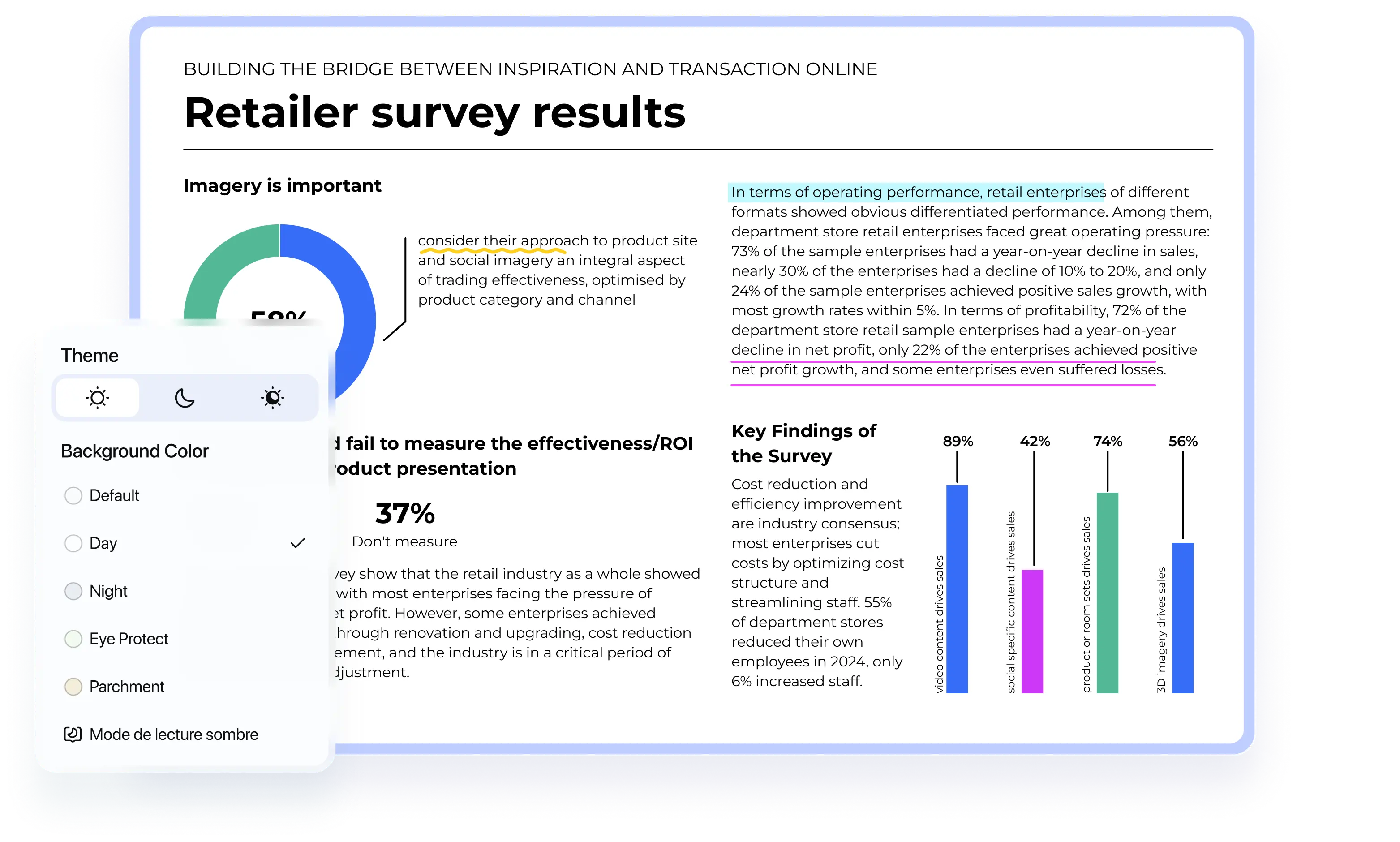
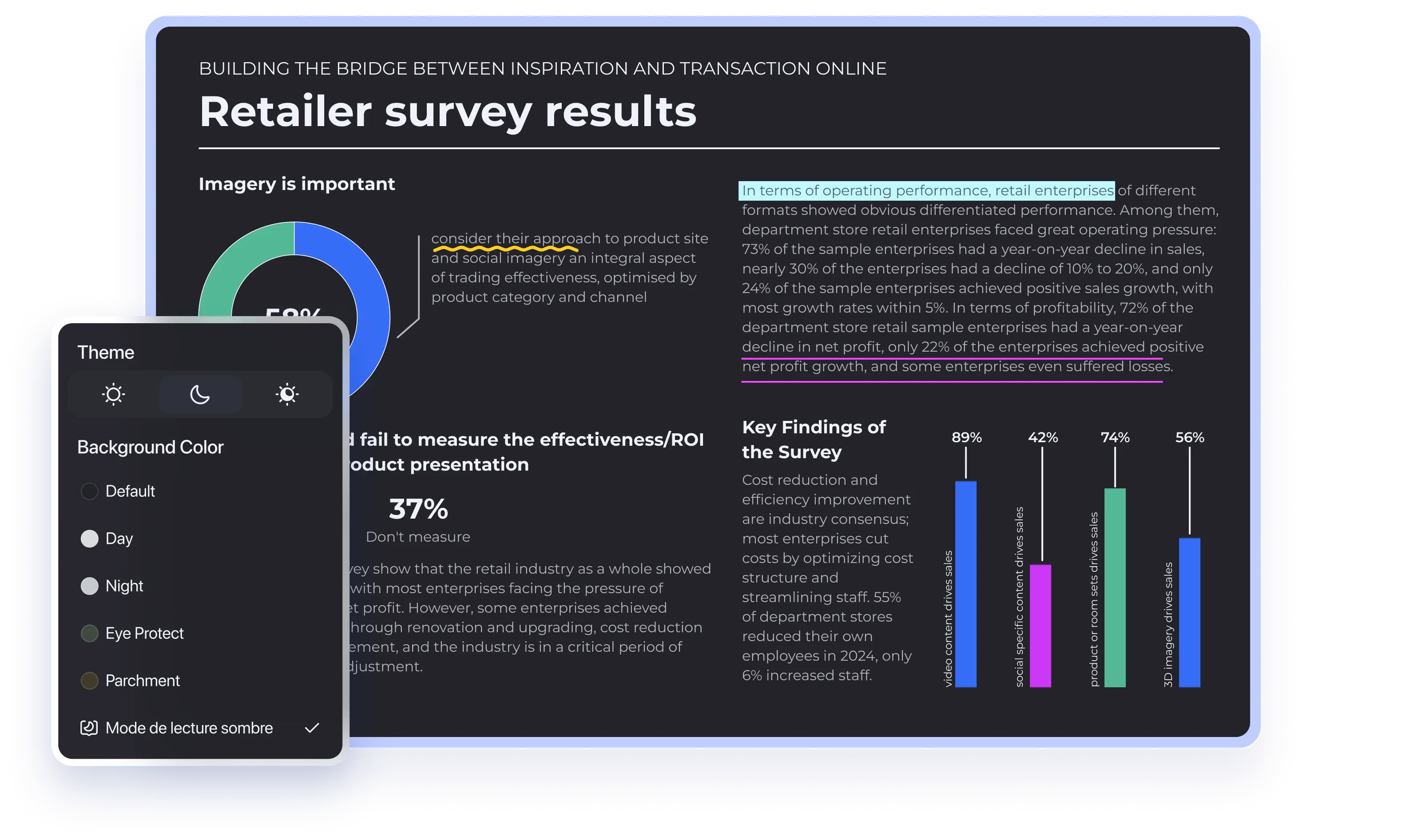
  • Eye-Friendly Reading: Dark, light, and eye-protection modes for comfortable reading anytime.
  • Flexible Viewing Modes: Switch between single, double-page, scroll, or cover view.
  • Interactive PDF Images: Zoom, copy, and export images as usable content.
  • Precise Search: Search PDFs precisely with highlighted results for easy spotting.
pdnob pdf editor convert pdf
Dark Light

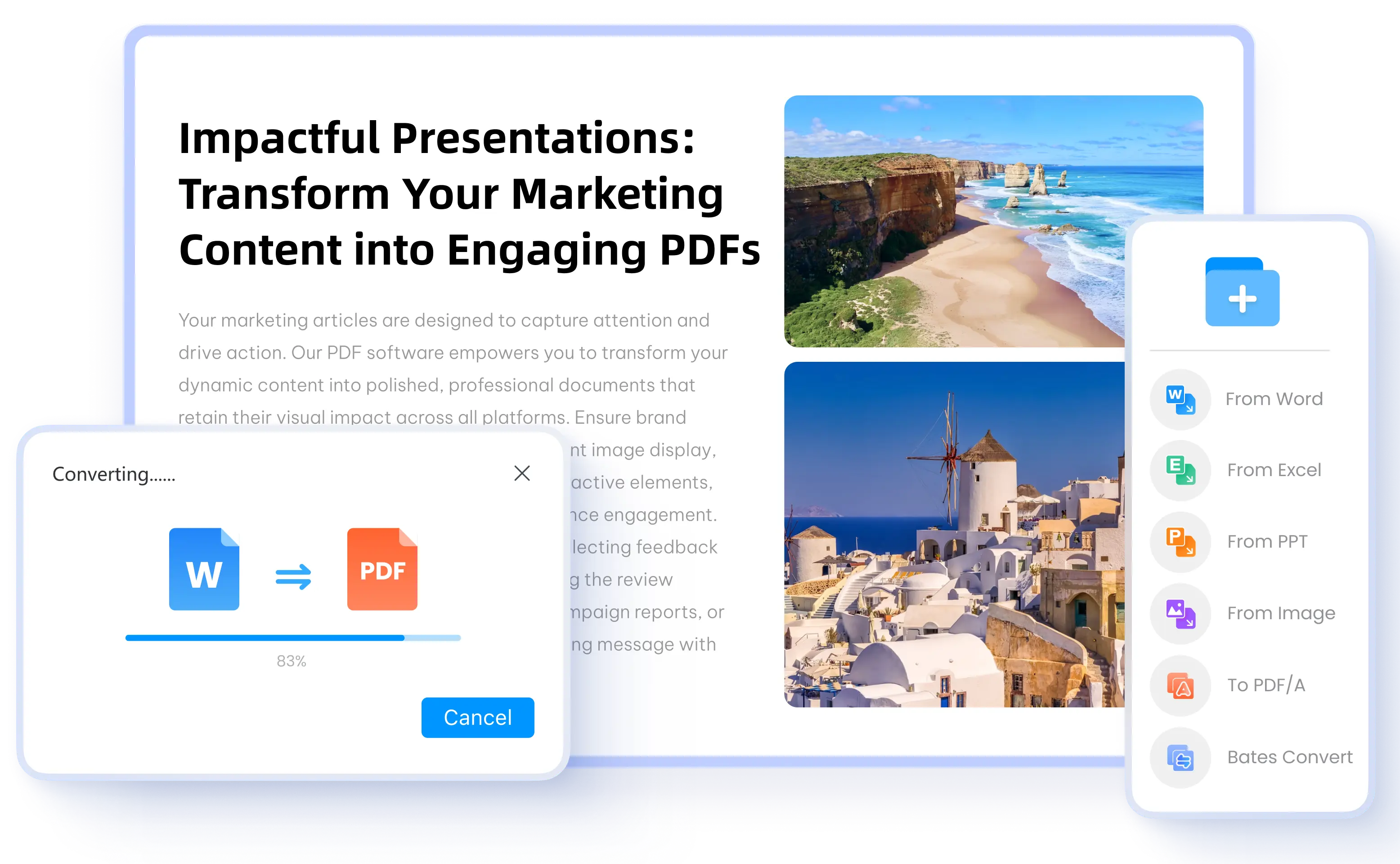
Convert Any File to PDF

  • Create PDFs from Any Format: Convert Word, Excel, PowerPoint, images, and other files into high-quality PDFs.
  • Preserve Formatting: Maintain fonts, layouts, and graphics to ensure professional-quality PDFs.
  • Batch PDF Creation: Save hours by converting multiple files into PDFs at once - no more manual, one-by-one conversion.
pdnob pdf editor create pdf

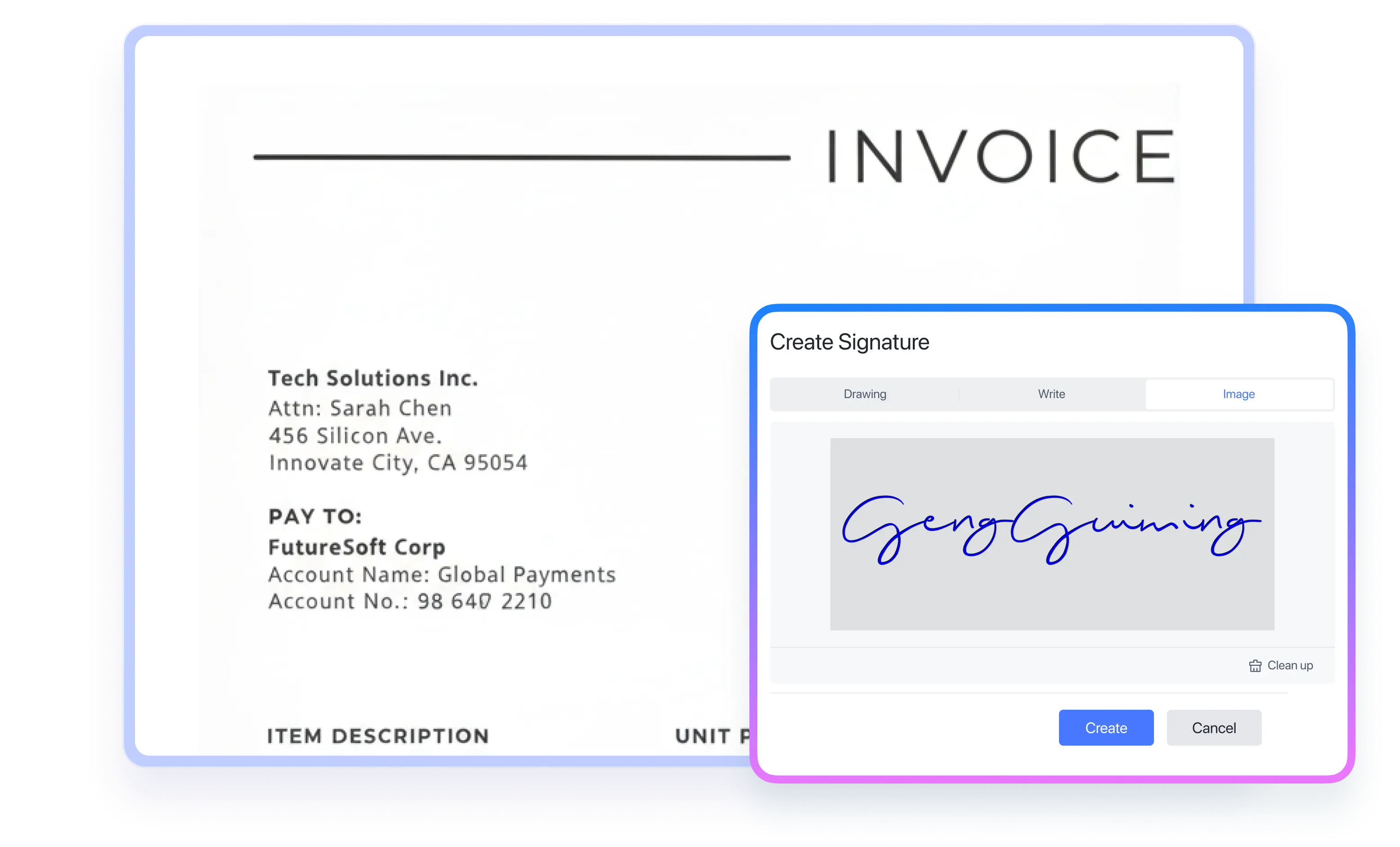
Instant e-Signing

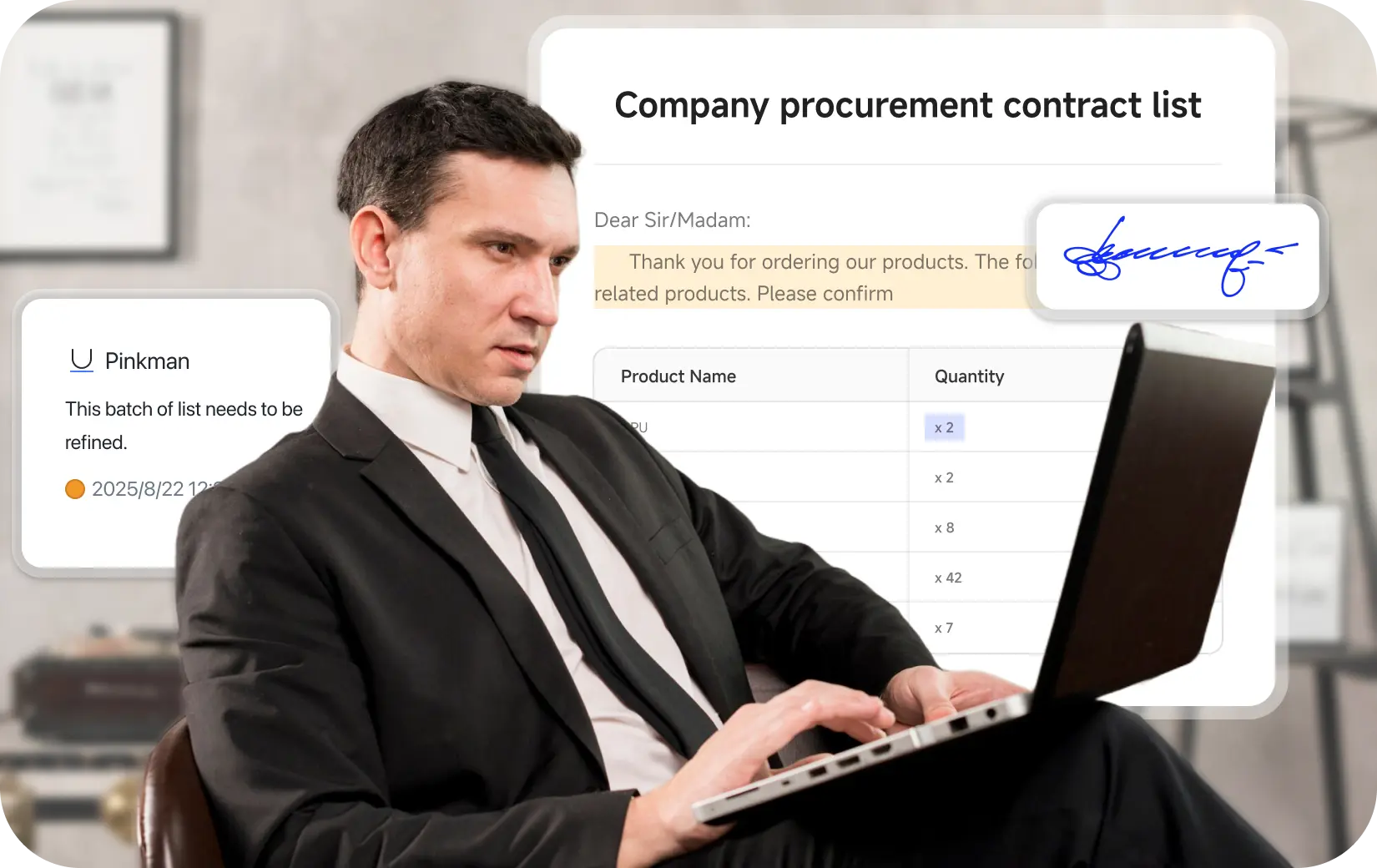
  • One-Click Signature Creation: Create and apply your signature to any PDF in seconds.
  • Perfect for Quick Signing: Effortlessly finalize contracts, applications, and forms.
  • Note: This is a static signature feature. Multi-party signing with status track is in development.
pdnob pdf editor proetect pdf

PDF Protection

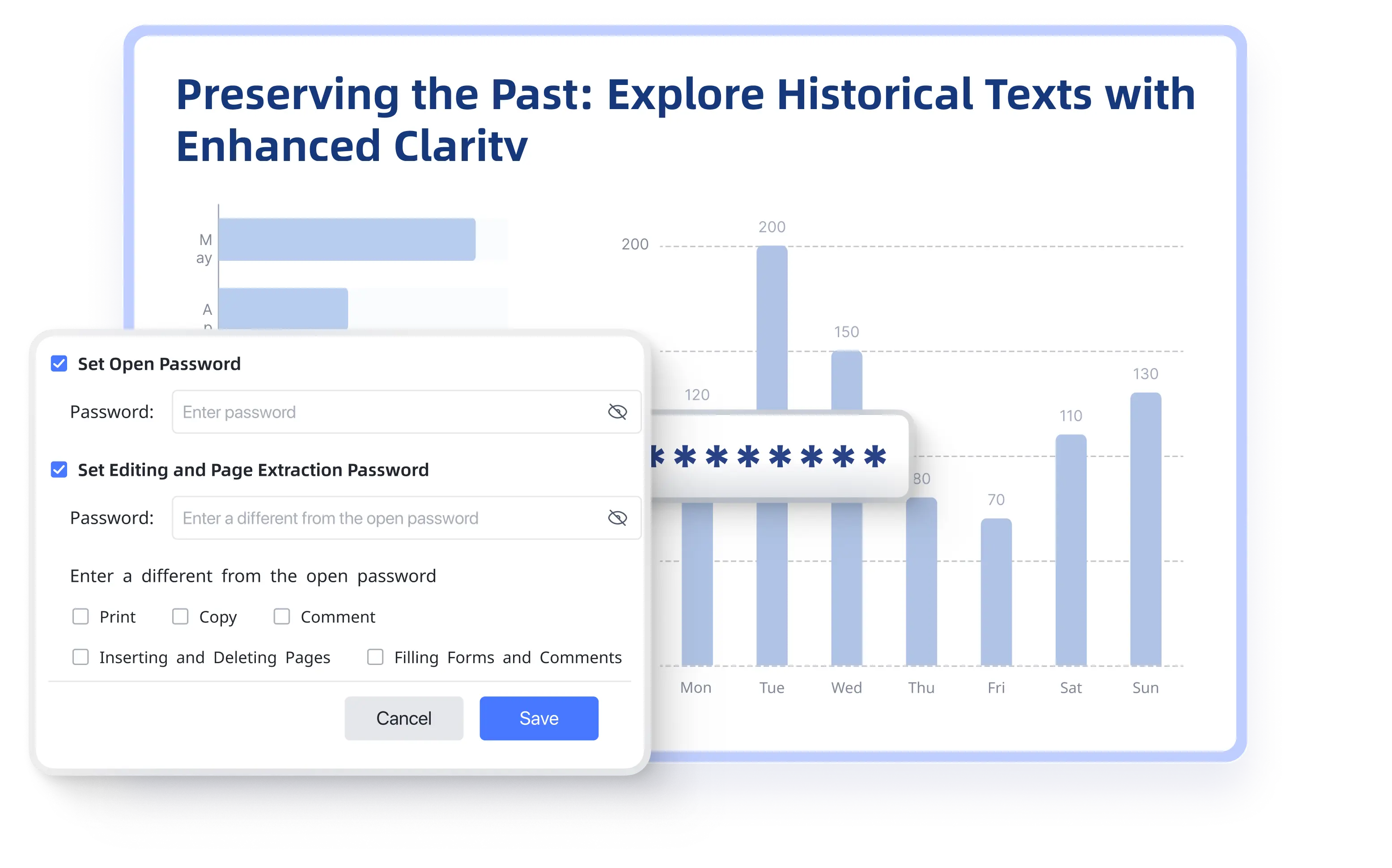
  • Password Protection: Restrict viewing, printing, editing, copying, annotations, page deleting and inserting.
  • Redaction: Remove or hide sensitive information to prevent data leaks.
  • Watermarking: Add watermarks to protect copyright.
  • Encryption Standards: Supports GDPR and AES 256-bit encryption to safeguard data.
pdnob pdf editor proetect pdf
wave

High-Performance PDF Compression

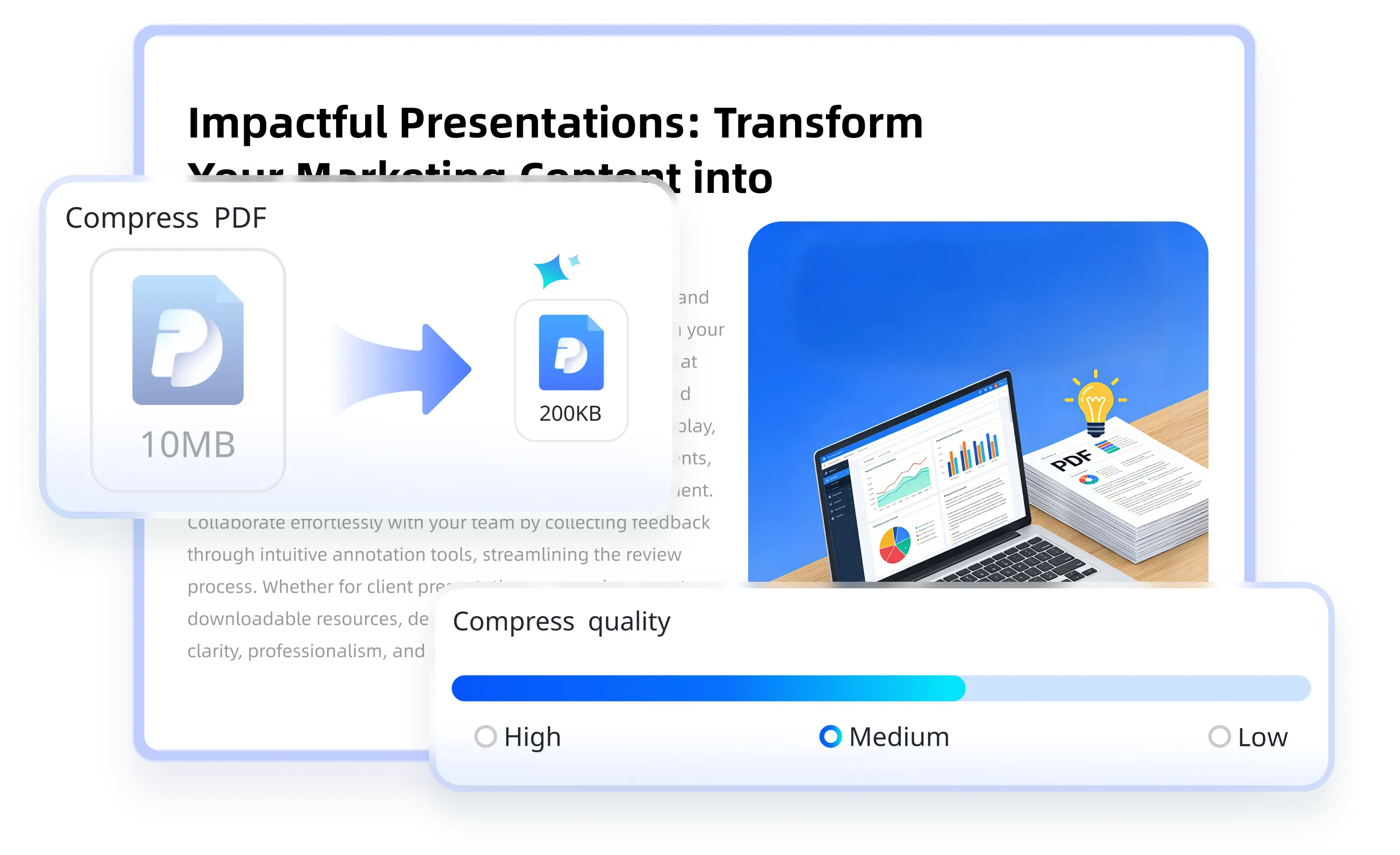
  • Smart Size, Perfect Quality: Significantly reduce file size while preserving text and image quality.
  • Multiple Compression Levels: Low, Medium, or High. Choose the perfect balance between file size and quality for your needs.
  • Batch Compression: Compress multiple PDFs in a batch to save time.
pdnob pdf editor compress pdf

Screen Recording & Screenshot

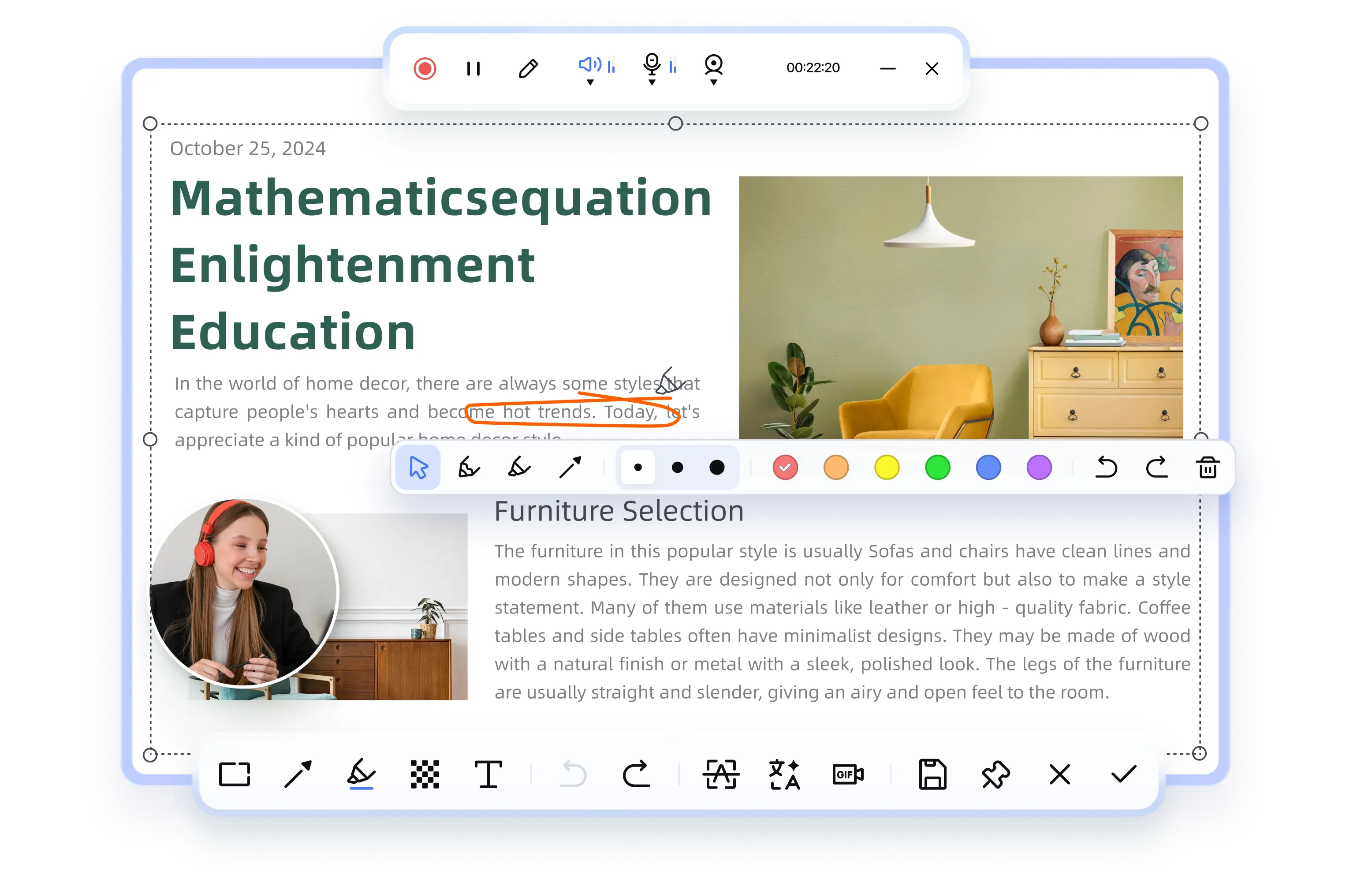
  • Create Tutorials: Record screen with voiceover to create step-by-step PDF guides.
  • Review Feedback: Capture screen to explain edits or comments clearly.
  • Record Meetings: Record meetings or PDF presentations to share with remote teams.
  • Screenshot PDF: Capture and share any PDF page.
pdnob pdf editor record pdf
four-and-a-half-stars 4.9
four-and-a-half-stars 4.5
four-and-a-half-stars 5.0
Discover PDNob All Features

Smarter AI PDF Starts Here

Summarize PDF
Chat PDF new icon
Translate PDF
Rewrite PDF
Explain PDF new icon
summarize pdf

Summarize PDF

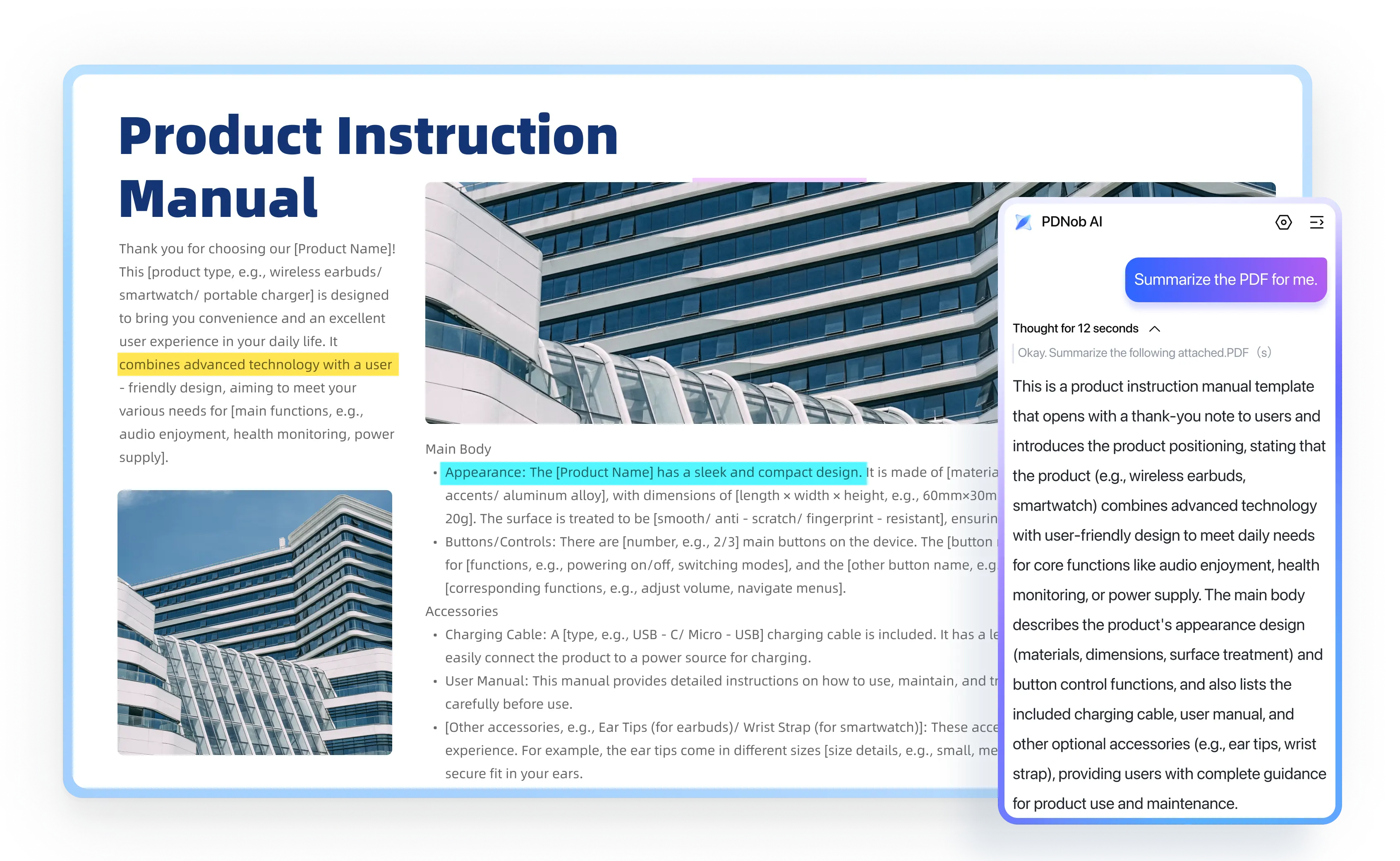
  • AI Summary: Quickly generate summaries of entire PDFs or specific sections to enhance reading efficiency.
  • Custom Length: Choose short, medium, or detailed summaries based on your reading needs.
chat pdf

Chat with PDFs

  • Source-Backed AI Answers: Every response is linked to the original text with clickable page references—so you can verify instantly and read with confidence.
  • Context-Aware: Get accurate responses with full document understanding.
translate pdf

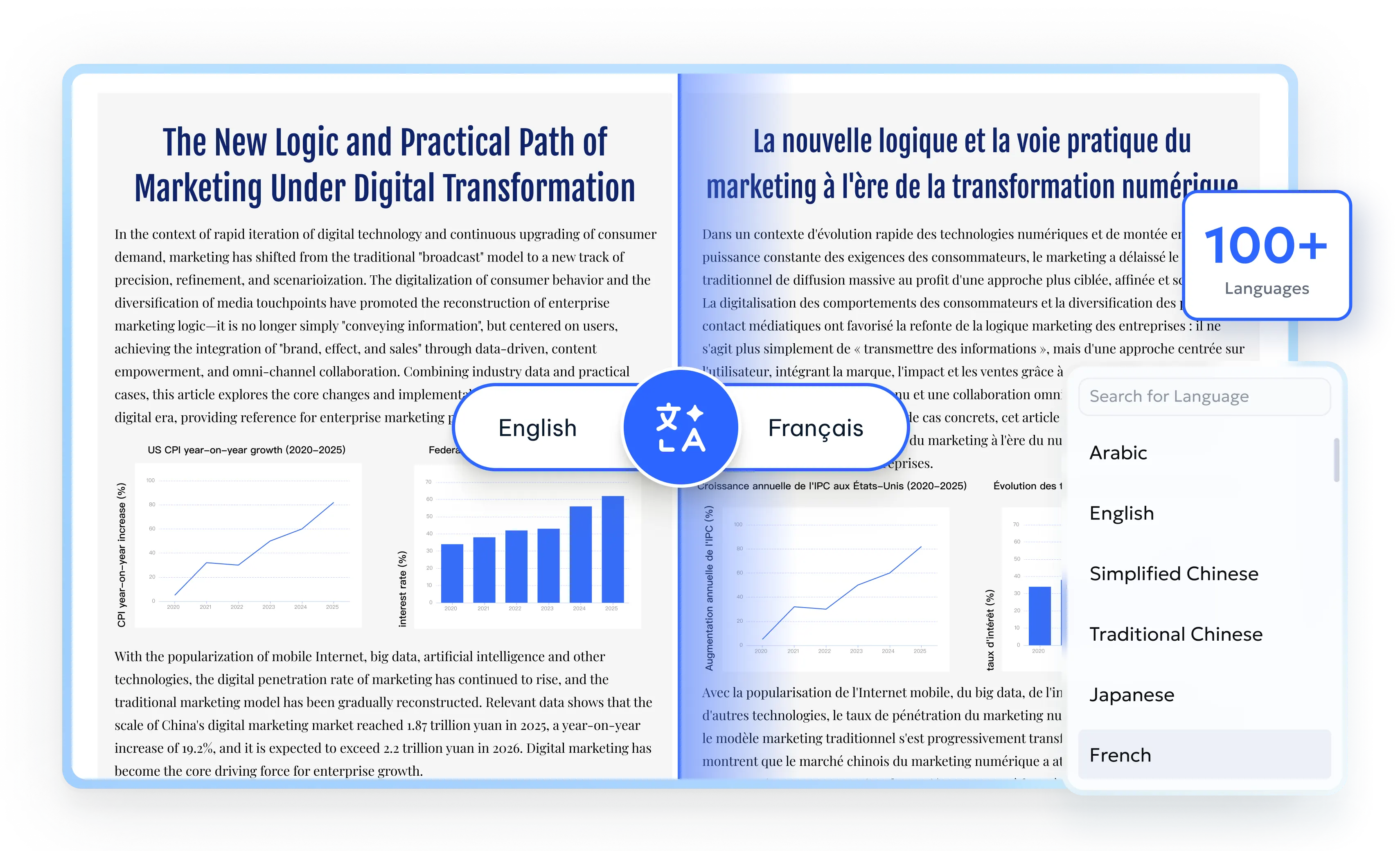
Translate PDF

  • Multilingual Support: Translate PDFs into 100+ languages like English, French, Chinese, Spanish, Arabic, Japanese, etc.
  • Preserve Layout: Keep formatting intact after translation (coming soon).
rewrite pdf

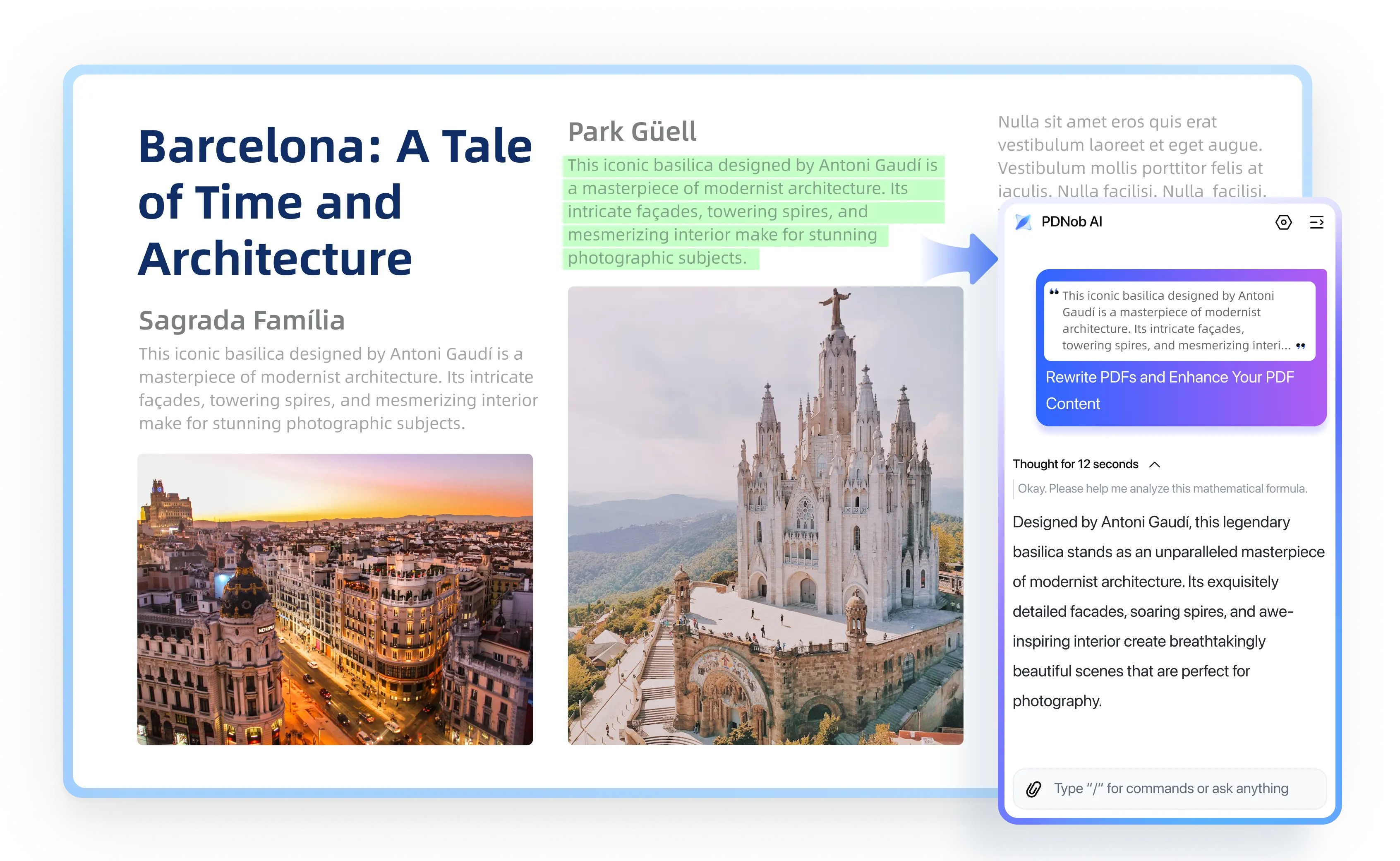
Rewrite PDF

  • Smart Rewriting: Rewrite selected sentences or entire paragraphs for improved tone, grammar, or and clarity.
  • Localized Style: Adjust text for different audiences or regions.
explain pdf

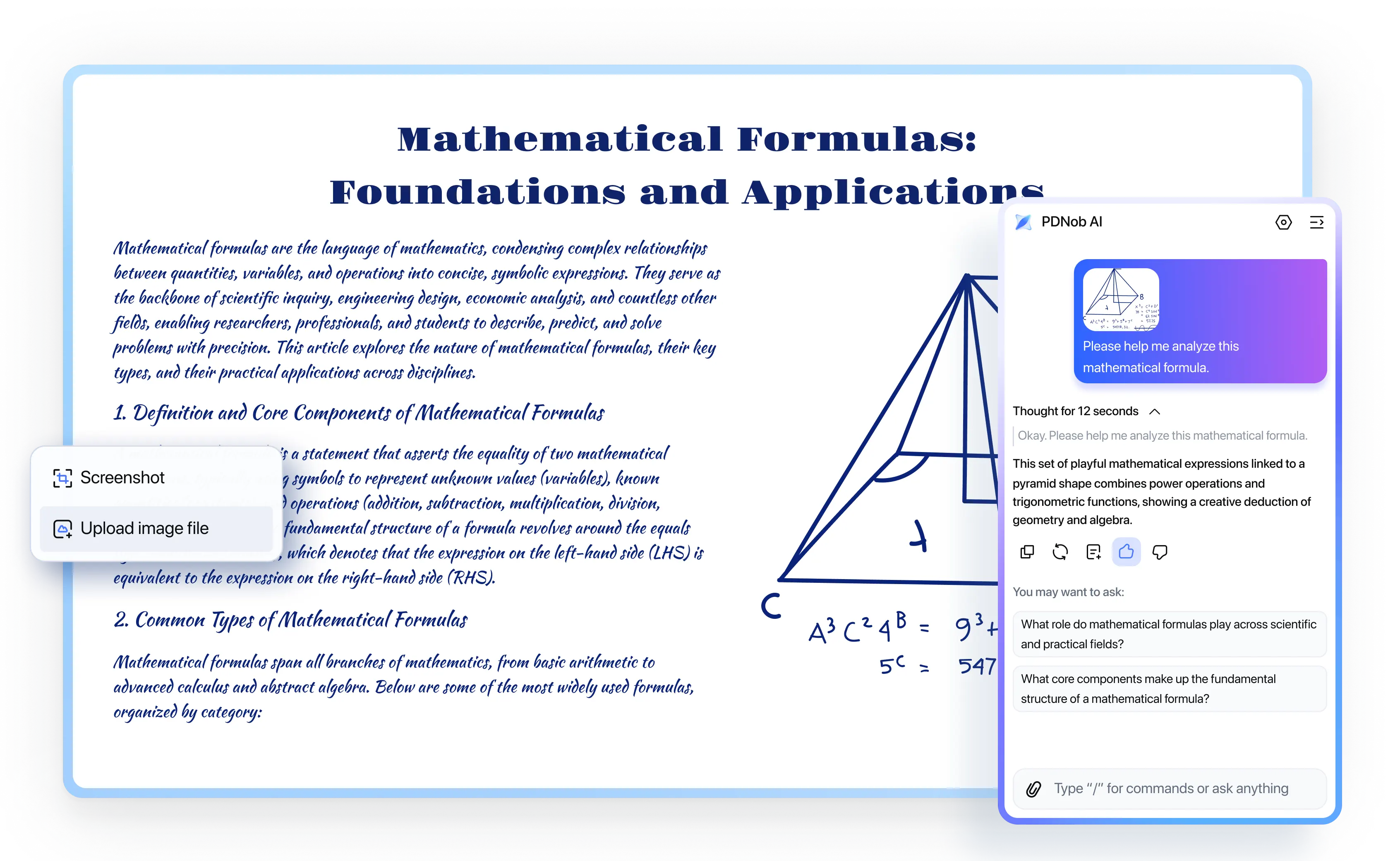
Explain PDF

  • Simplify Complex Content: Turn legal, academic, and technical text into clear, easy-to-understand explanations.
  • Explain Images & Formulas, Not Just Text: Go beyond text—analyze selected text, screenshots, formulas, and visuals to extract clear insights from PDFs and images.
Buy Now
82% OFF
Buy Now
82% OFF

Recommended by Global Media & Users

7M+ Rave Reviews
45M+ Satisfied Users
150+ Industries Served

Tenorshare PDnob AI PDF Editor is an excellent replacement for Adobe Acrobat to edit PDF files as well as annotate convert, read, and organize them.

When it comes to its actual functionality, PDNob PDF Editor offers a decent set of tools that help users manipulate PDF file content.

I find PDNob incredibly straightforward. It's powerful enough for my needs without being overwhelming, and the price point makes it a fantastic value compared to other editors.

It's ideal for students, educators, small business owners, and individual professionals who need powerful PDF capabilities without the steep learning curve or high subscription fees of tools like Adobe Acrobat.

This software is an ideal solution for professionals across diverse industries such as IT services, education, manufacturing, finance, real estate, and healthcare.

This application offers home, school, and business users access to a versatile platform for the management of a large number of PDF documents of all types and complexities.

A powerful and user-friendly PDF editing software designed specifically for macOS users.

Users can edit text, images, or layouts, perform OCR on scanned documents, annotate PDFs, or extract insights using AI summarization.

solution icon 1

Adding comments, highlighting specs, and merging large blueprint PDFs is incredibly fast. The pen tools feels natural for sketching quick notes.

avatar

James Carter

Lead Architect and co-founder

four-and-a-half-stars
solution icon 1

BEST PDF Editor to Edit PDFs without Losing Formatting and Quality.

avatar

Nick Russell

1,240 Subscribers

four-and-a-half-stars
solution icon 1

Whether you're a student, professional, or researcher, PDNob is a cost-effective alternative to paid software like Adobe Acrobat.

avatar

Seen Through a Lens

26,800 Subscribers

four-and-a-half-stars
solution icon 1

It is designed for use by professionals and individuals across various industries such as education, healthcare, and finance.

avatar

Emily Johnson

Editor

four-and-a-half-stars
solution icon 1

As a desktop application, it ensures your documents are processed locally, maintaining confidentiality and security.

avatar

David Mbugua

43,400 Subscribers

four-and-a-half-stars
solution icon 1

I've really enjoyed using PDNob PDF Editor. It’s simple to navigate, powerful enough for all my editing and conversion needs.

avatar

Piotr

Finance manger

four-and-a-half-stars
solution icon 1

I've been using PDNob PDF Editor on my Surface Pro, and it feels really smooth with touch and pen. Inking and highlighting just work naturally, even on big technical PDFs.

avatar

Bob M.

Accounting Assistant

four-and-a-half-stars
solution icon 1

PDNob PDF Editor goes beyond traditional PDF tools by integrating AI-driven features.

avatar

Tech Based

80,800 Subscribers

four-and-a-half-stars

Certified Security, Enterprise-Ready

Independently verified to meet the highest standards of global data protection and compliance.

logo-cmmi CMMI Level 5 Certified

Unshakable Reliability. The proof that our development process is world-class.

logo-PCI PCI DSS Certified

Your Transactions, Guarded. We protect every payment with the highest security standard.

logo-ISO ISO Certified

Our systems meet international benchmarks, for uncompromising quality and security.

logo-GDPR GDPR Compliance

Built-in GDPR compliance ensures your documents and data are protected under EU law.

logo-CPRA CPRA Compliance

Your data is protected under California's privacy laws, ensuring your information is safe with us.

logo-cmmi CMMI Level 5 Certified

Unshakable Reliability. The proof that our development process is world-class.

logo-cmmi PCI DSS Certified

Your Transactions, Guarded. We protect every payment with the highest security standard.

logo-cmmi ISO Certified

Our systems meet international benchmarks for uncompromising quality and security.

logo-cmmi GDPR Compliance

Built-in GDPR compliance ensures your documents and data are protected under EU law.

logo-cmmi CPRA Compliance

Your data is protected under California's privacy laws, ensuring your information is safe with us.

Explore trust center

The PDF Editor Built for Every Industry

Education
IT Services
Legal
Healthcare
Finance
Government
Publishing Industry
Freelancers

Teachers, Students & Academic Researchers

  • AI Summarization: Extract key points from textbooks and research papers.
  • Assignment Review: Add comments, highlight errors, and sign to grade papers.
  • OCR Conversion: Turn scanned books and academic documents into searchable PDFs.
  • Merge Course Materials: Combine slides, handouts, and tests into one.
education

IT Services & Tech Teams

  • Redact Sensitive Data: Remove confidential info before sharing documents.
  • Batch Process Files: Compress, convert, or OCR hundreds of PDFs at once.
  • Secure with Permissions: Control access with passwords and role-based restrictions.
  • Automate Workflows: Integrate PDF tools into IT operations for efficiency.
it services

Lawyers

  • Highlight Evidence: Mark key points and add reference numbers.
  • Merge Files: Combine testimonies into one structured PDF.
  • AI Review: Summarize legal docs for faster insights.
  • Organize Contracts: Merge multiple agreement versions and archive case-related documents.
legal

Doctors & Nurses

  • Merge reports: Combine CT scans, lab tests, and clinical notes into one.
  • Digitize prescriptions: Convert paper medical documents into searchable PDF archives.
  • Organize patient records: Categorize and structure medical reports for easy access.
  • Extract medical data: Convert notes into digital text.
healthcare

Accountants & Auditors

  • Edit financial reports: Modify numbers and tables while preserving formatting.
  • Process invoices: Extract amounts and dates and export to Excel.
  • Audit reports: Add comments to highlight discrepancies.
  • Optimize workflows: Organize, archive, and standardize financial documentation.
finance

Administrative Staff & Officers

  • Edit official documents: Format letters, add electronic stamps.
  • Digitize archives: Scan and categorize physical documents into databases.
  • Protect Sensitive Data: Redact before releasing documents publicly.
  • Control Permissions: Manage multi-department access.
government agencies

Editors, Authors & Designers

  • Edit & Comment: Annotate manuscripts easily.
  • Create e-books: Export to eBook or print-ready PDF.
  • Enhance visual elements: Adjust images, illustrations, and formatting for digital publishing.
  • Export in multiple formats: Retain layouts when converting PDFs to EPUB, Word, etc.
publishing industry

Writers, Designers & Consultants

  • Edit proposals and quotes: Insert logos, adjust pricing, and refine content.
  • Manage feedback: Edit and revise clauses in PDF contracts.
  • Protect intellectual property: Add watermarks to creative works before sharing.
  • Format manuscripts and presentations: Adjust layouts and typography within PDFs.
freelancers

Join the PDNob Community

Explore tips, workflows, and smarter ways to handle your PDFs more efficiently.

FAQs by PDNob PDF Editor

PDNob 2.0 introduces a faster PDF engine, smarter AI-powered OCR, improved compression, and a redesigned interface—helping you work with PDFs faster, easier, and more efficiently.

Thanks to the upgraded PDF engine, PDNob 2.0 can open 100+ pages in under 1 second with no lag.

Yes, all existing PDNob users can upgrade to version 2.0 for free at no extra cost.

If you already have PDNob installed, simply check for updates within software and follow the prompts. New users can download PDNob 2.0 directly from our official website.

Yes, PDNob 2.0 PDF Editor offers a free trial with no time limit, allowing you to explore all features before making a purchase or subscription decision.

Yes, you can log in to PDNob on two computers (Windows or Mac) using the same account. You may use it simultaneously on 2 Windows PCs, 2 Macs, or 1 Windows PC and 1 Mac. If you sign in on a third device, the first logged-in device will be signed out automatically.

PDNob 2.0 PDF Editor is compatible with Windows 10/11 (64-bit) and macOS 10.15 or later.

After purchasing, simply log in or sign up with the email address used for the purchase. Your account will be automatically activated, unlocking all features without any limitations.
If you encounter any issues or have questions during activation, feel free to contact our support team via email. We offer free 24/7 technical support, ensuring you a smooth experience with our product.

Yes. All editing is done locally on your device. We do not collect or store your files or data.

PDNob uses advanced OCR to extract text from NotebookLM slide PDFs and separates background images, titles, and main text boxes. After OCR, NotebookLM slide PDFs are fully editable and can be exported to PowerPoint, Word, etc.
Conversion is fast and much easier than manual recreation, though minor adjustments (5–10%) like font or text box alignment may be needed due to complex visuals. For best results, plan slide style and layout in NotebookLM before exporting.

Convert PDF
Edit PDF
AI Tips
PDF Knowledge
pdf knowledge 1
OCR PDF

How to Convert Scanned PDF into Word

Learn how to convert scanned PDFs into Word with the best tools and step-by-step instructions.

Learn More
pdf knowledge 1
OCR PDF

How to OCR Arabic PDF for Free

Learn how to OCR Arabic PDF files with the best tools and step-by-step tutorials in 2025.

Learn More
pdf knowledge 3
OCR PDF

How to Convert Scanned PDF to Editable PDF

Follow this step-by-step guide to convert scanned PDF to editable PDF for free with top tools!

Learn More
pdf knowledge 4
OCR PDF

How to OCR a PDF Document? Online & Offline

Learn here How to OCR a PDF document to make it editable and searchable without missing a single detail.

Learn More
convert pdf
Edit PDF

13 Best PDF Editors for Windows 11/10

Looking for the best PDF editor for Windows 11/10? We tested 40+ free and paid tools to help you edit, sign, and manage PDFs with ease in 2025.

Learn More
convert pdf 2
Edit PDF

Best Free PDF Editor for Mac in 2025 – Tested and Reviewed

Find the best PDF editor for Mac. We tested 20 tools and picked the top 10 free and online options for easy editing.

Learn More
convert pdf 3
Sign PDF

How to Add a Signature Block to PDF

Learn how to add a signature block in a PDF without Acrobat using free and easy tools.

Learn More
convert pdf 4
Read PDF

7 Best PDF Reader for Mac in 2025

Looking for the best PDF reader for Mac in 2025? This guide compares top PDF tools by speed, features, and price to help you choose the right one.

Learn More
edit pdf 1
AI PDF

Top 10 AI PDF Readers in 2025

Explore the best AI PDF readers for text extraction, conversion, and efficient document management.

Learn More
edit pdf 2
AI PDF

DeepSeek PPT: Free AI PPT Maker in Minutes!

Discover how DeepSeek PPT can transform your presentation process with AI-powered tools.

Learn More
edit pdf 3
AI PDF

10 Best ChatGPT Alternative Free Online

Find the free and paid ChatGPT alternatives tested and reviewed for a variety of use scenarios.

Learn More
edit pdf 4
AI PDF

Otter AI Review 2025: Pricing, Pros & Security Tested

Read our Otter AI review to explore its features, pricing, and security. See if this AI transcription tool meets your needs.

Learn More
ai tips 1
PDF Tips

No Nitro PDF Pro 12/13/14 Full Crack? Safer Alternative

Looking for Nitro PDF Pro full crack? Using cracked software is risky. Find safer alternatives to Nitro PDF Pro 12/13/14 for secure PDF editing.

Learn More
ai tips 2
PDF Tips

How to Get Adobe Acrobat Pro Free Trial & Cancel Anytime

Step-by-step guide to start Adobe Acrobat Pro free trial, use full features, and cancel before being charged.

Learn More
ai tips 3
PDF Tips

5 Best StuDocu Downloaders Free 2026 - Get It Now!

Discover the 5 best StuDocu downloaders free online for 2026. Download StuDocu docs for free safely and instantly.

Learn More
ai tips 4
PDF Tips

Why Is Adobe Acrobat So Slow? Causes & 10 Fixes

Learn why Adobe Acrobat is so slow and discover the most common causes of lag, freezing, and slow performance, plus effective fixes for Windows and Mac.

Learn More