Rebuit & Faster & Smarter
Now Officially Released!

Rebuit & Faster & Smarter
Now Officially Released!
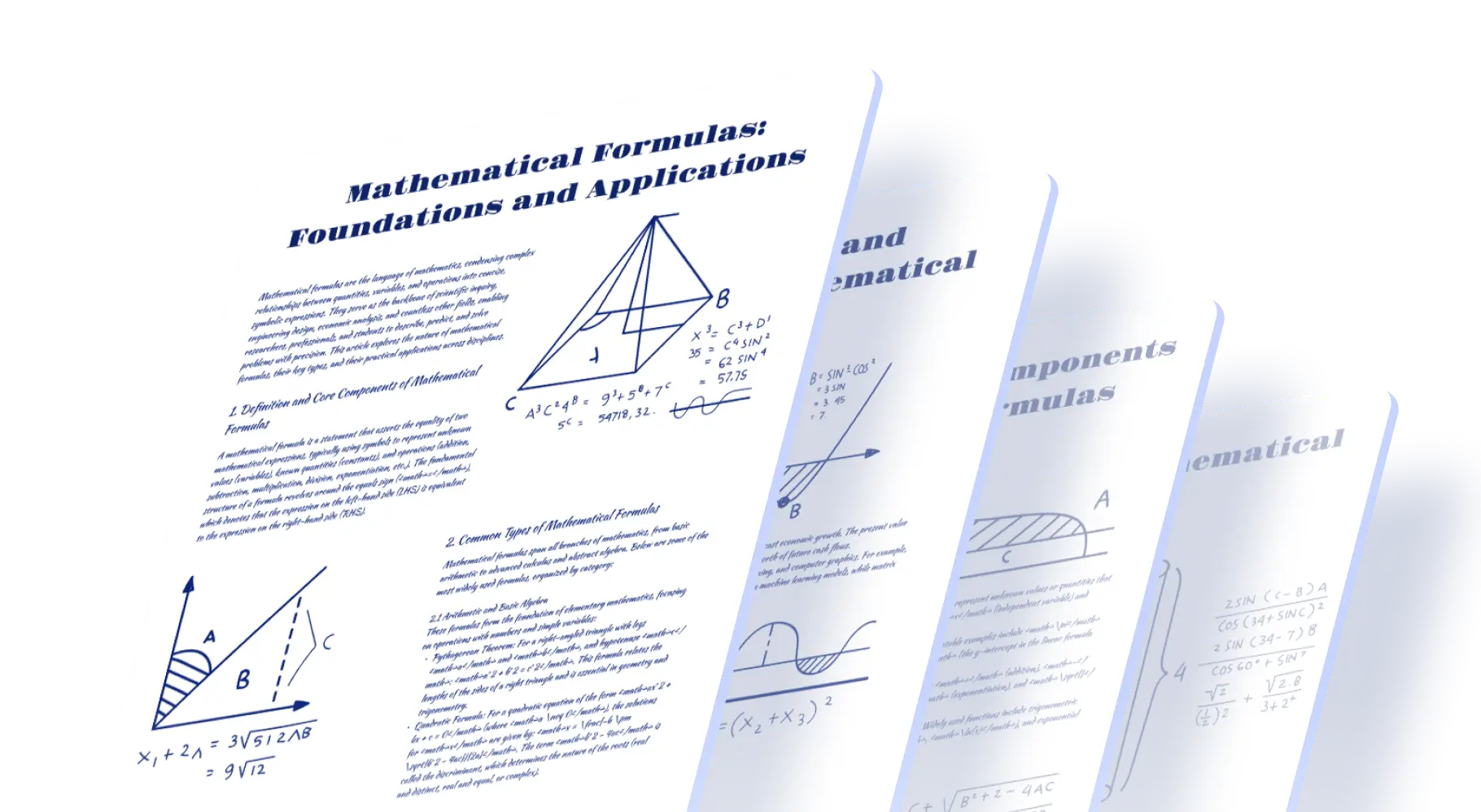
PDNob 2.0's all-new, self-developed PDFium engine redefines speed—open 100+ page PDFs in seconds and edit large files with seamless flow.


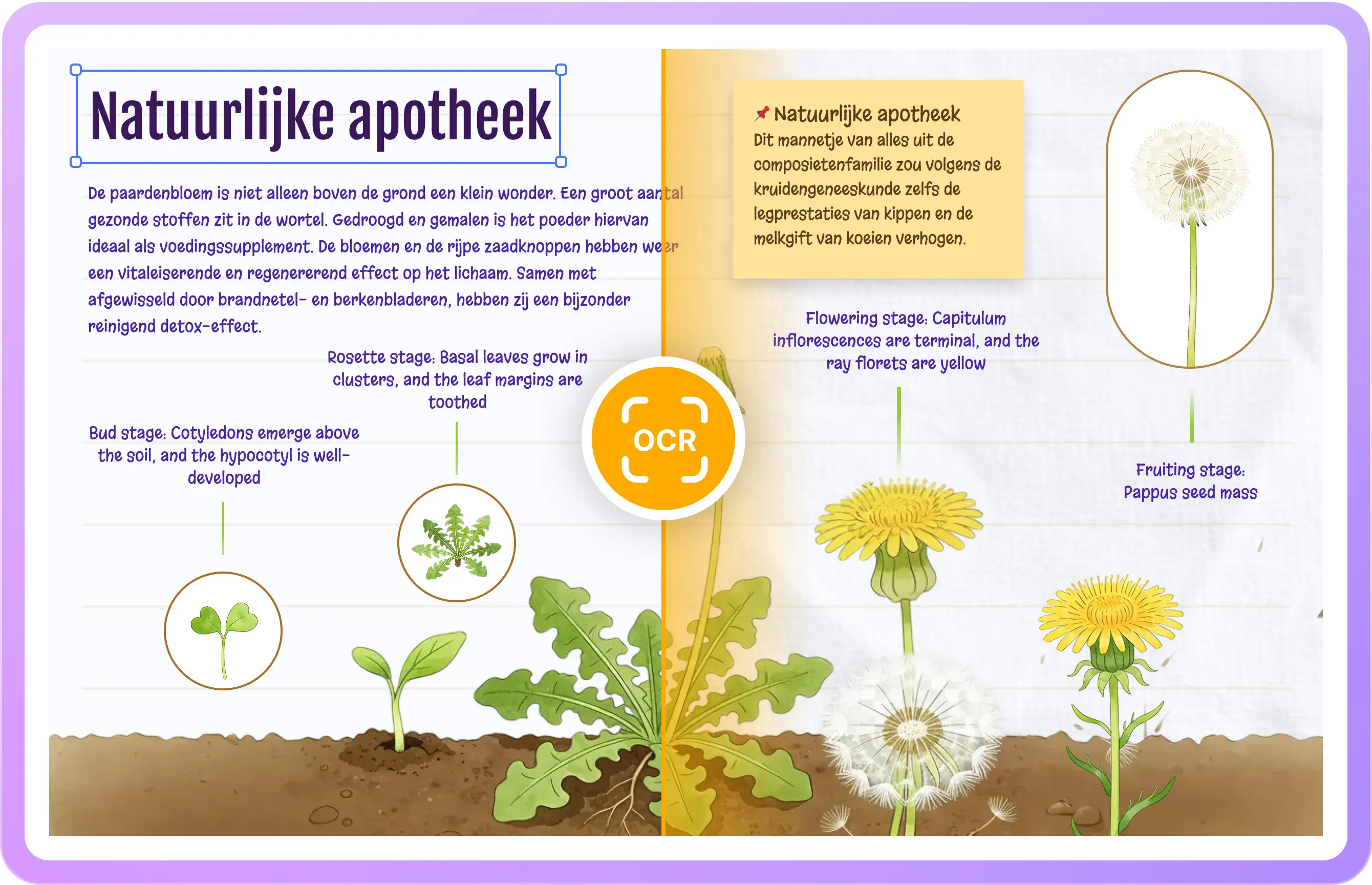
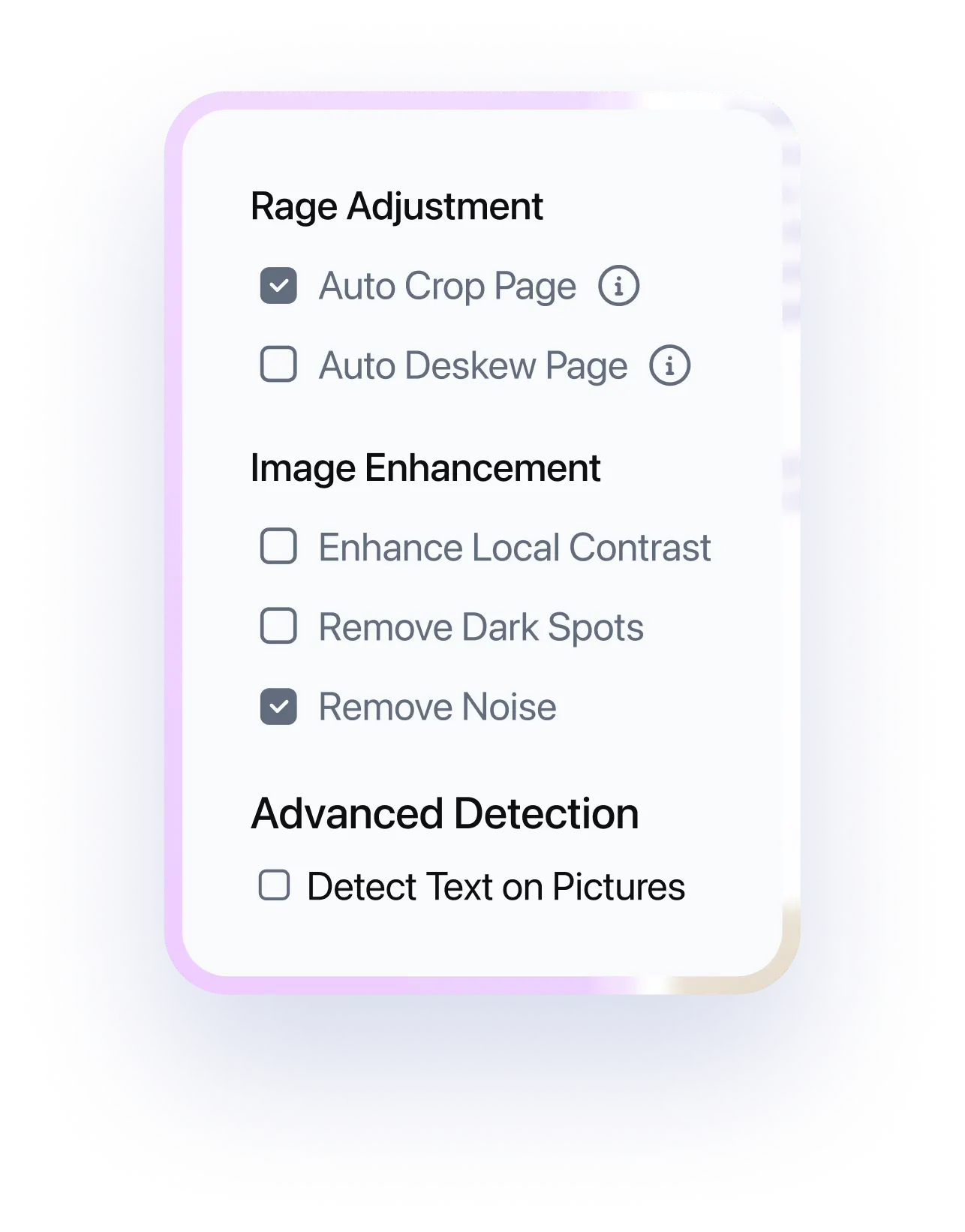
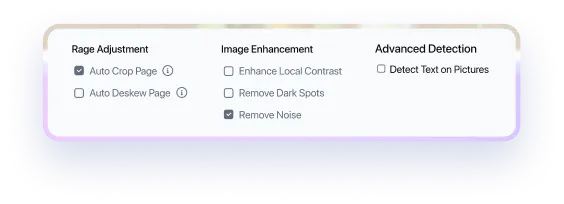
No more blurry scans. PDNob OCR Advanced Settings provides one-stop preprocessing, from auto deskew, noise reduction to image enhancement, ensuring every recognition outputs clear, structured text that’s ready to use.
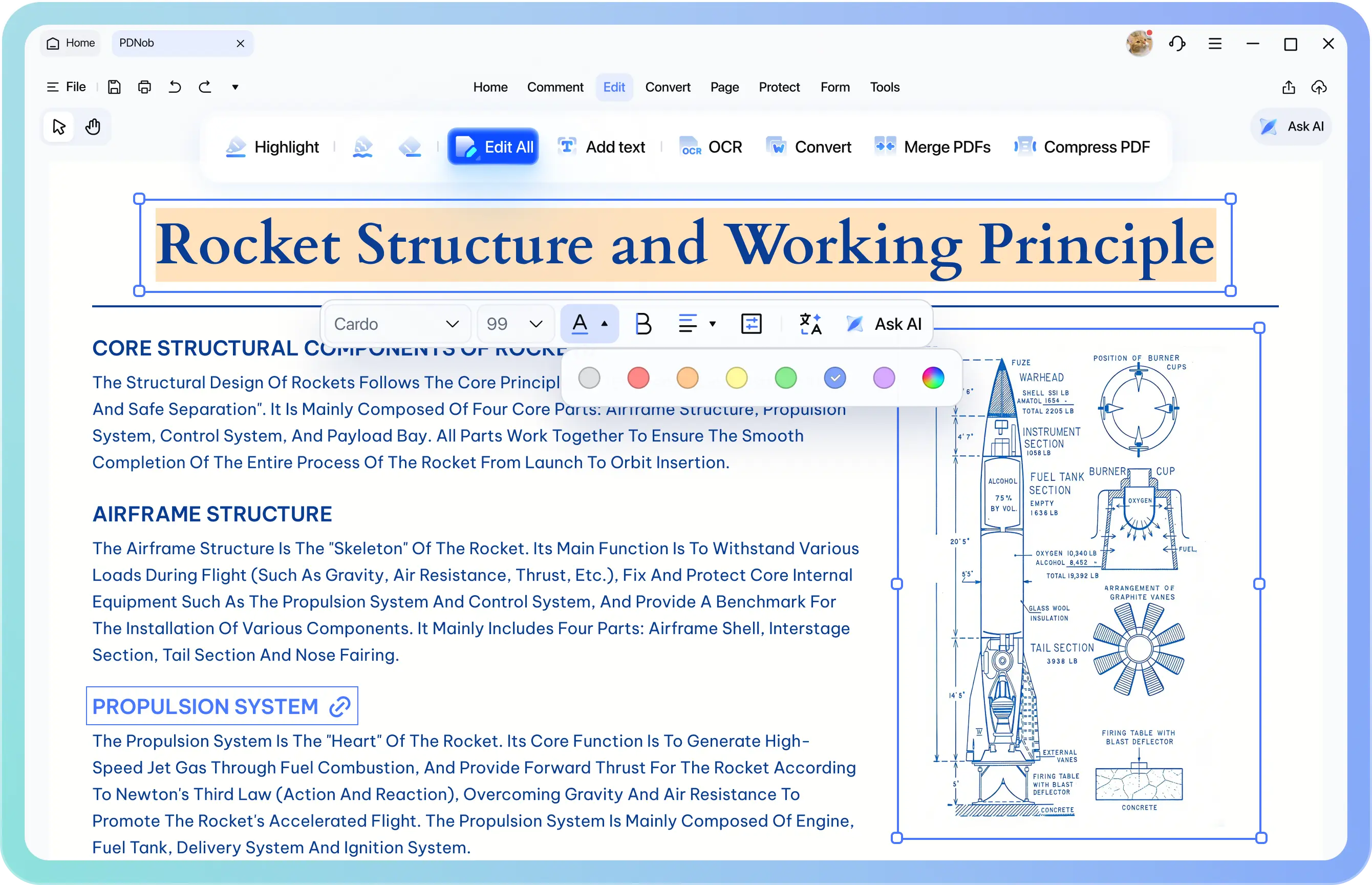
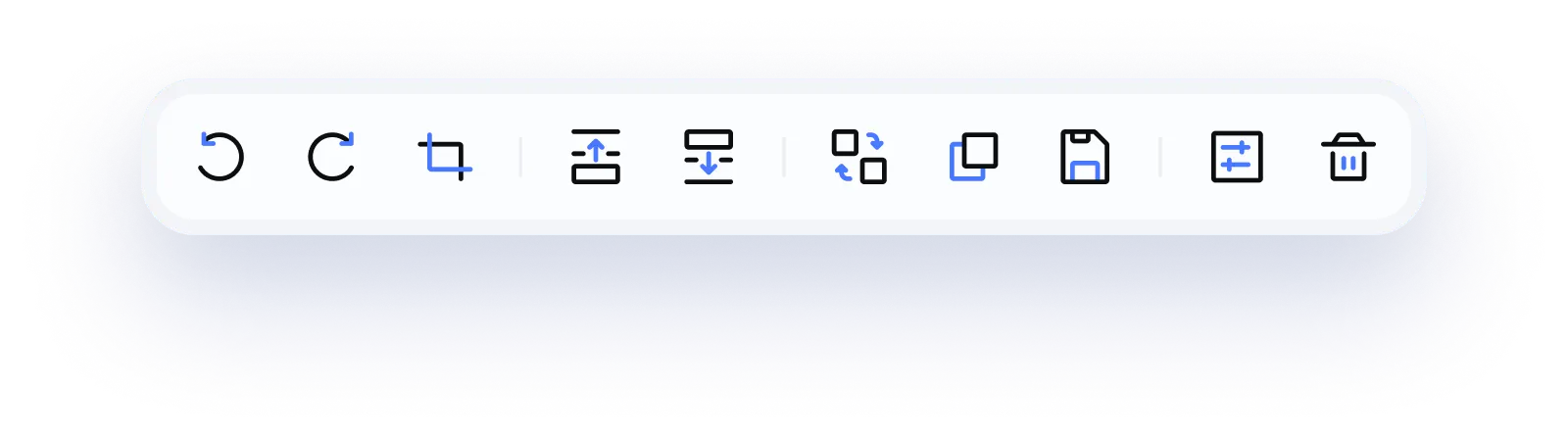
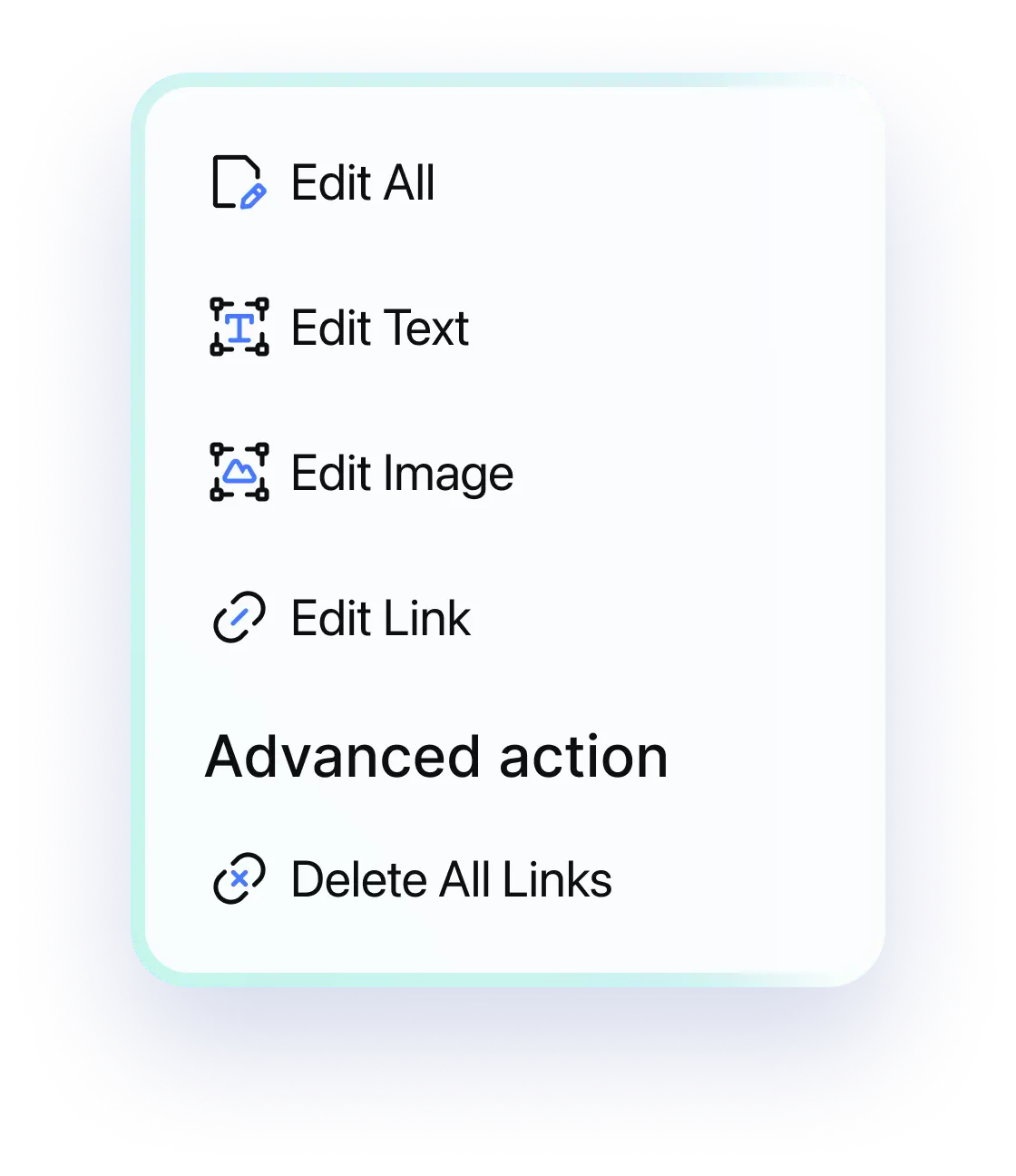
PDNob 2.0 equips you with professional editing and formatting capabilities: precisely adjust kerning, line spacing, and font styles, freely crop, replace, and optimize images—ensuring every PDF achieves a professional-grade finish.
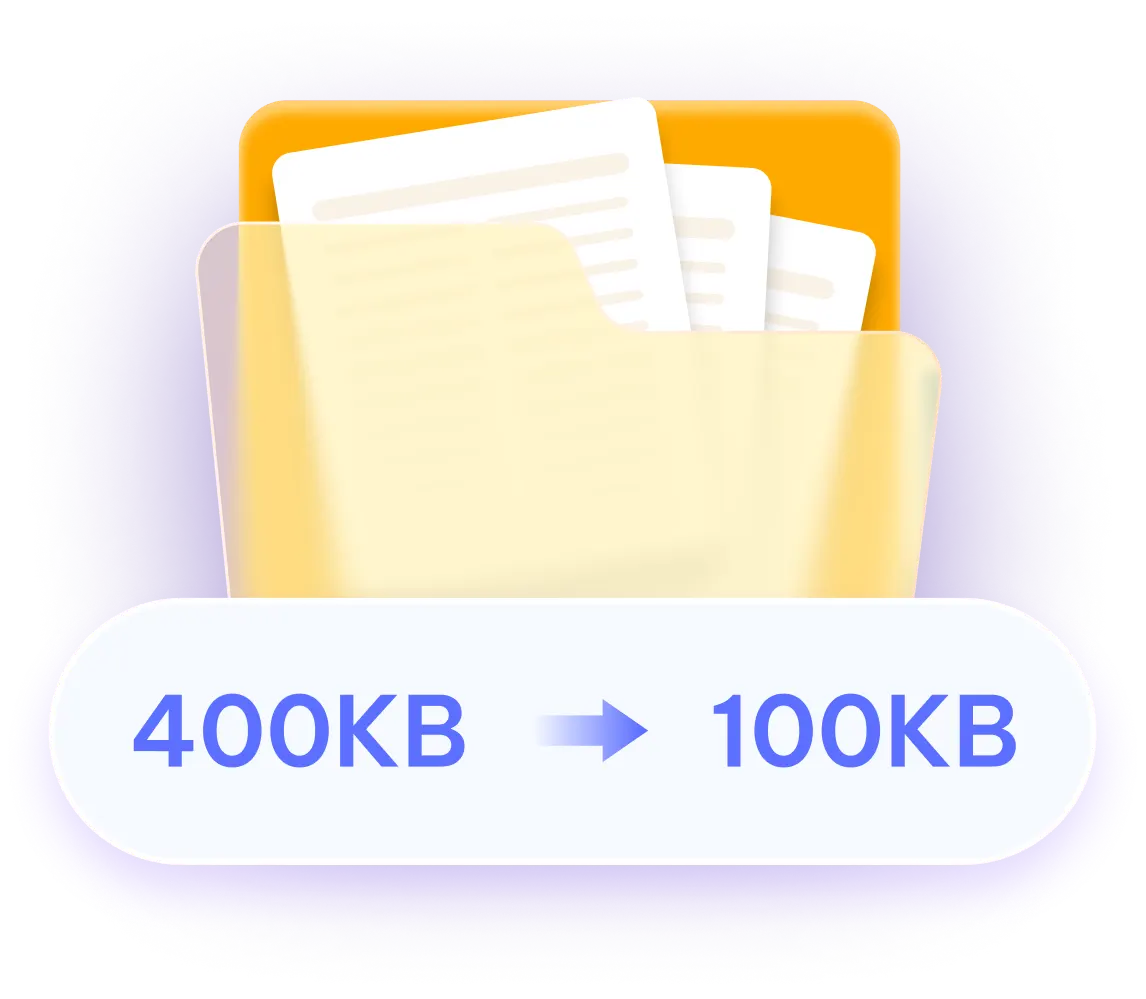
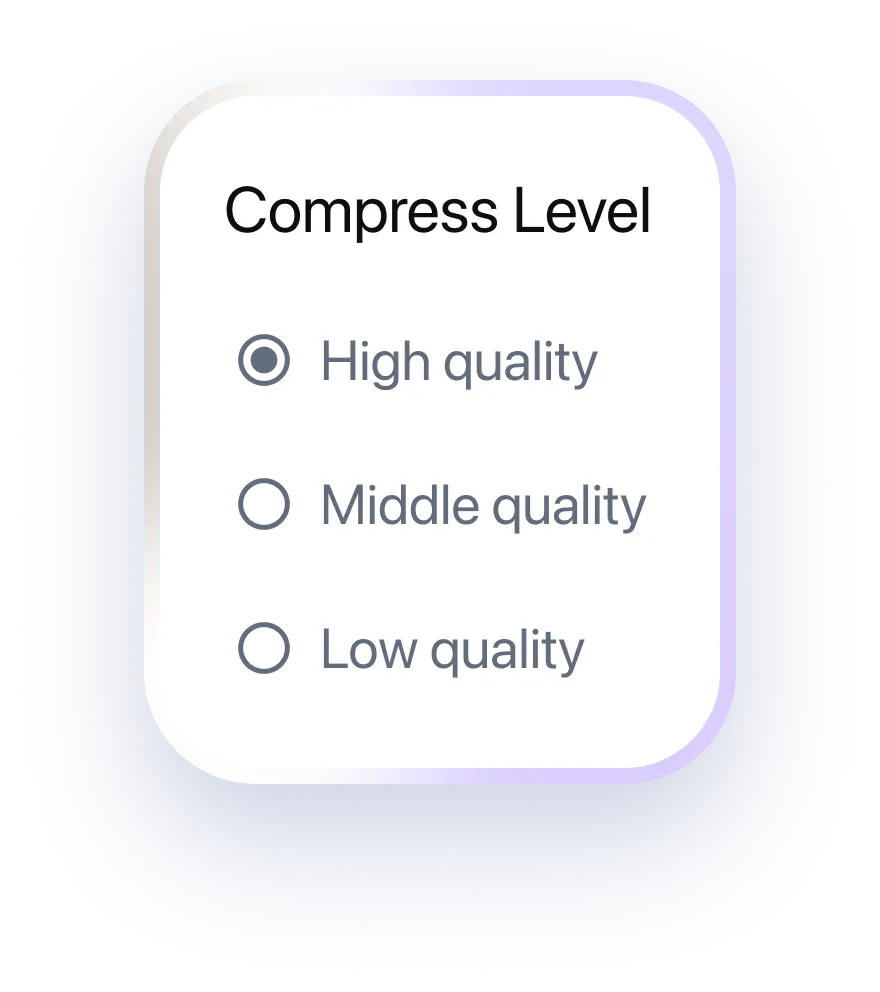
Powered by an intelligent algorithm, PDNob 2.0 compresses large PDFs with no quality loss—hitting your exact size target, whether 10MB, 5MB, 400KB, or even 100KB. Say goodbye to file‑size limits for email.

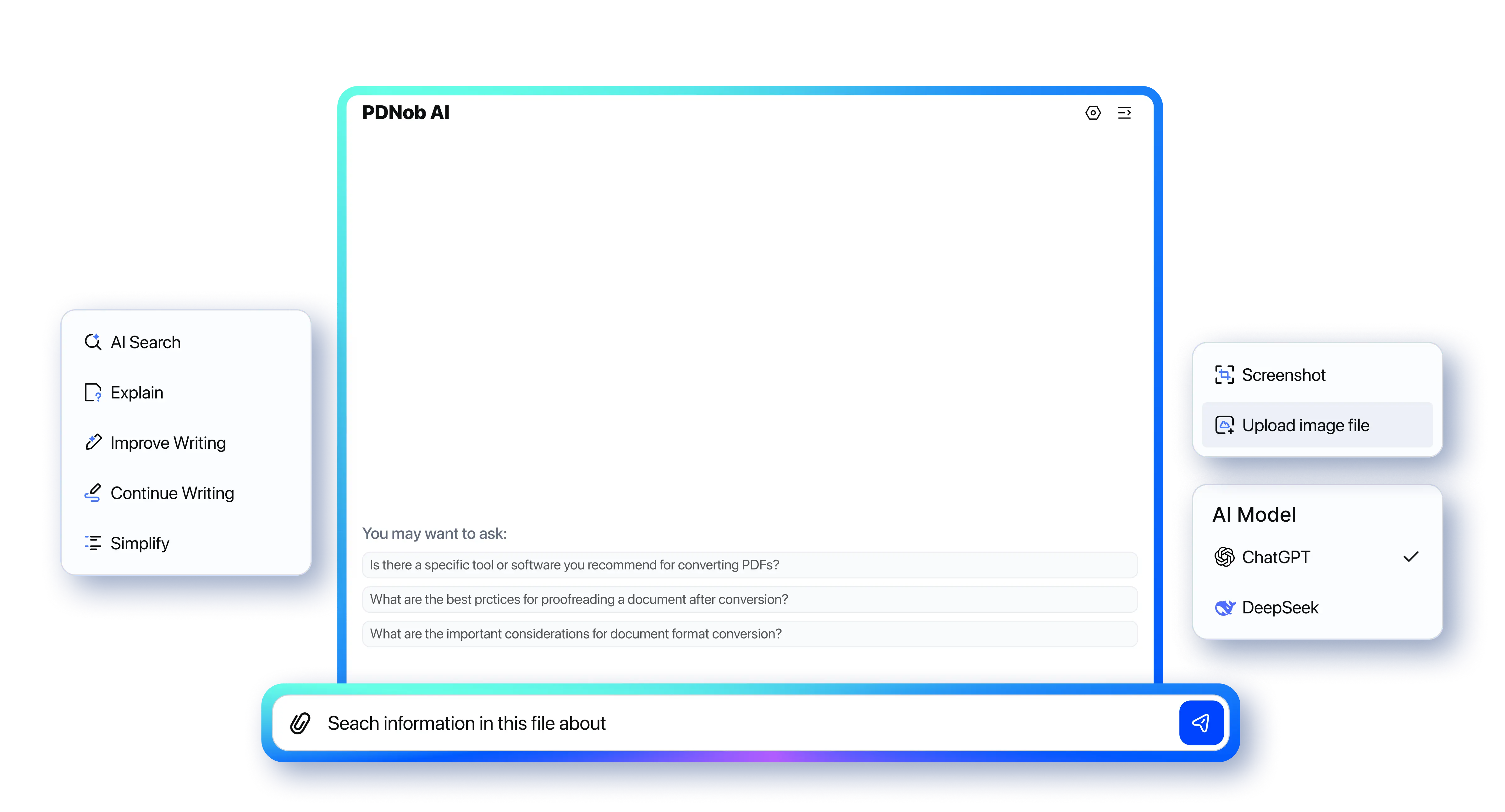
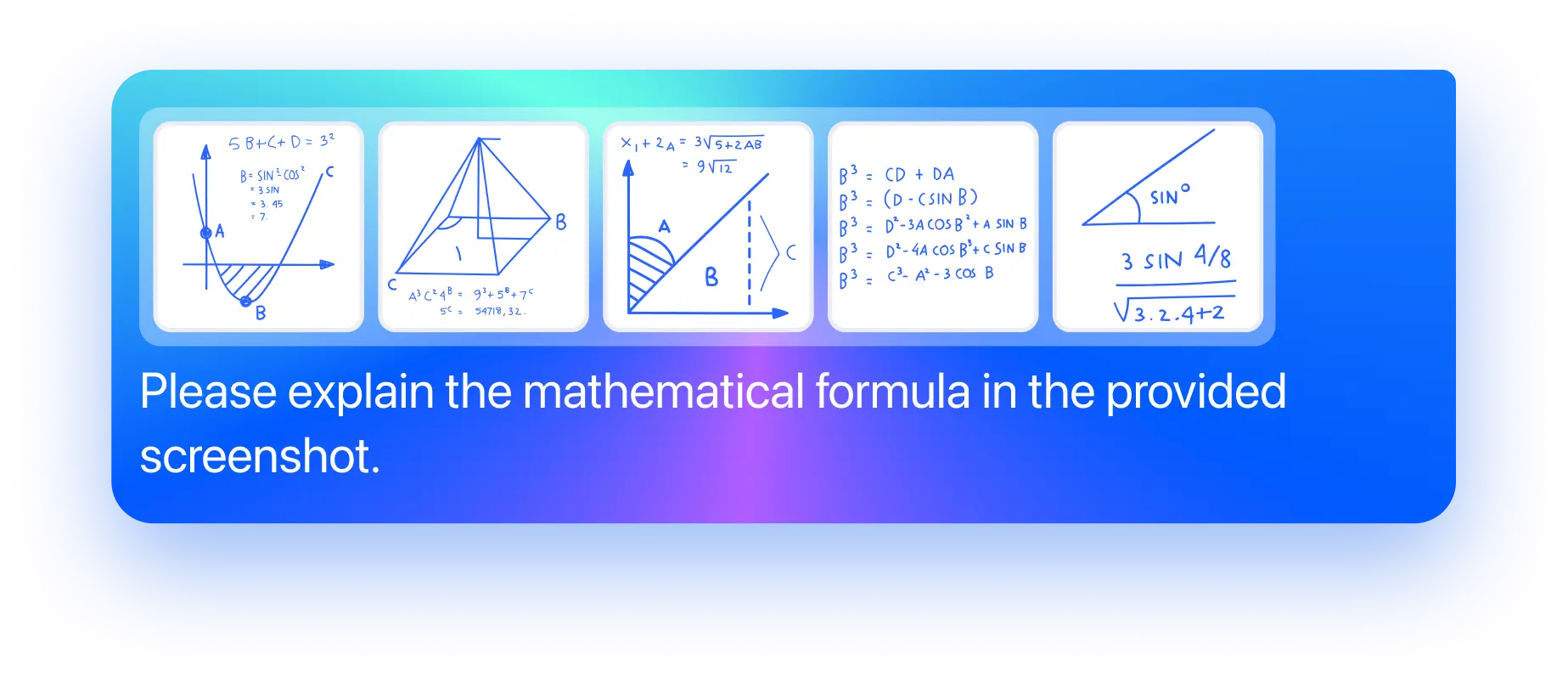
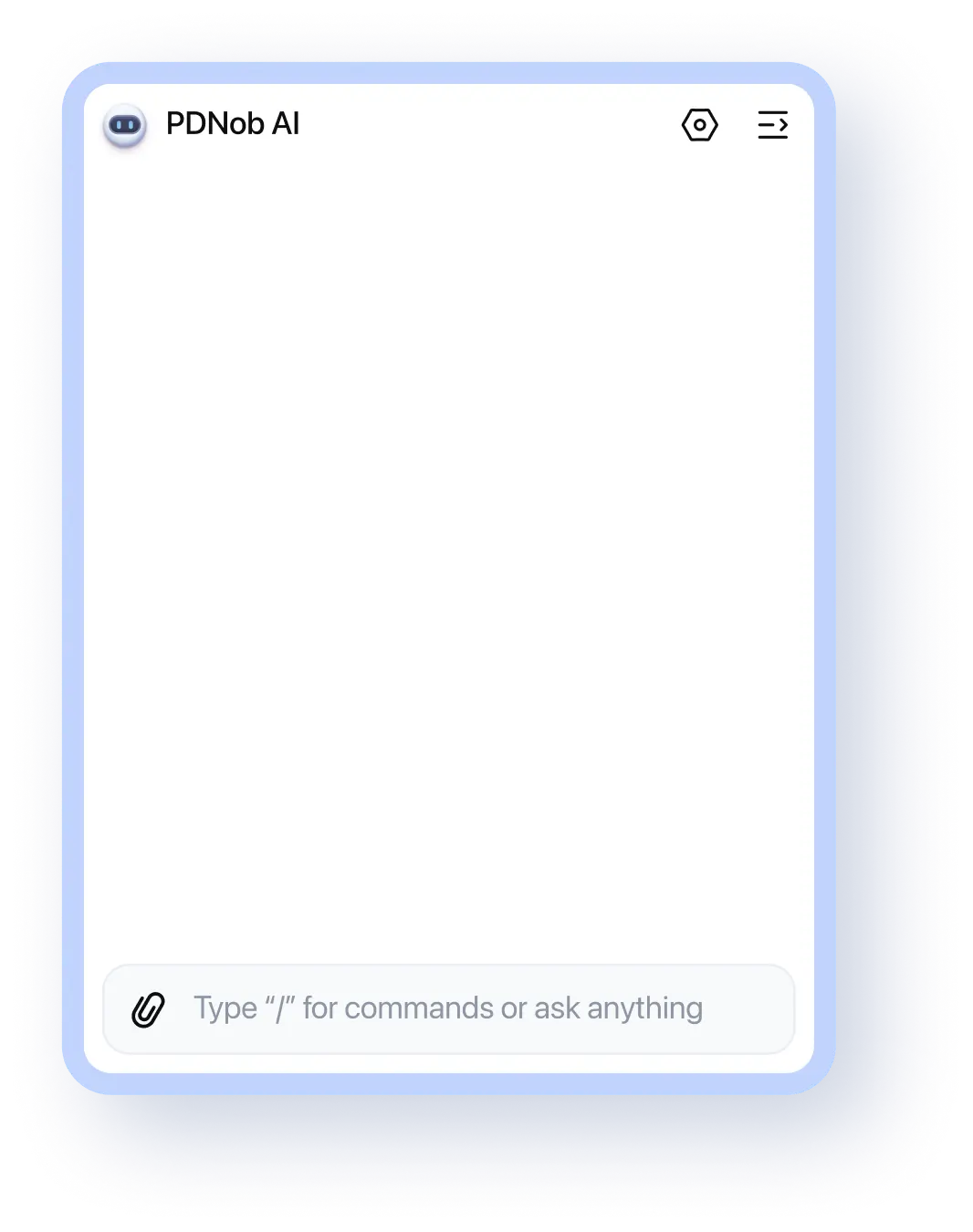
Upload any image or screenshot to PDNob AI for instant explanations or text extraction, enabling you understand complex images faster and work more efficiently.

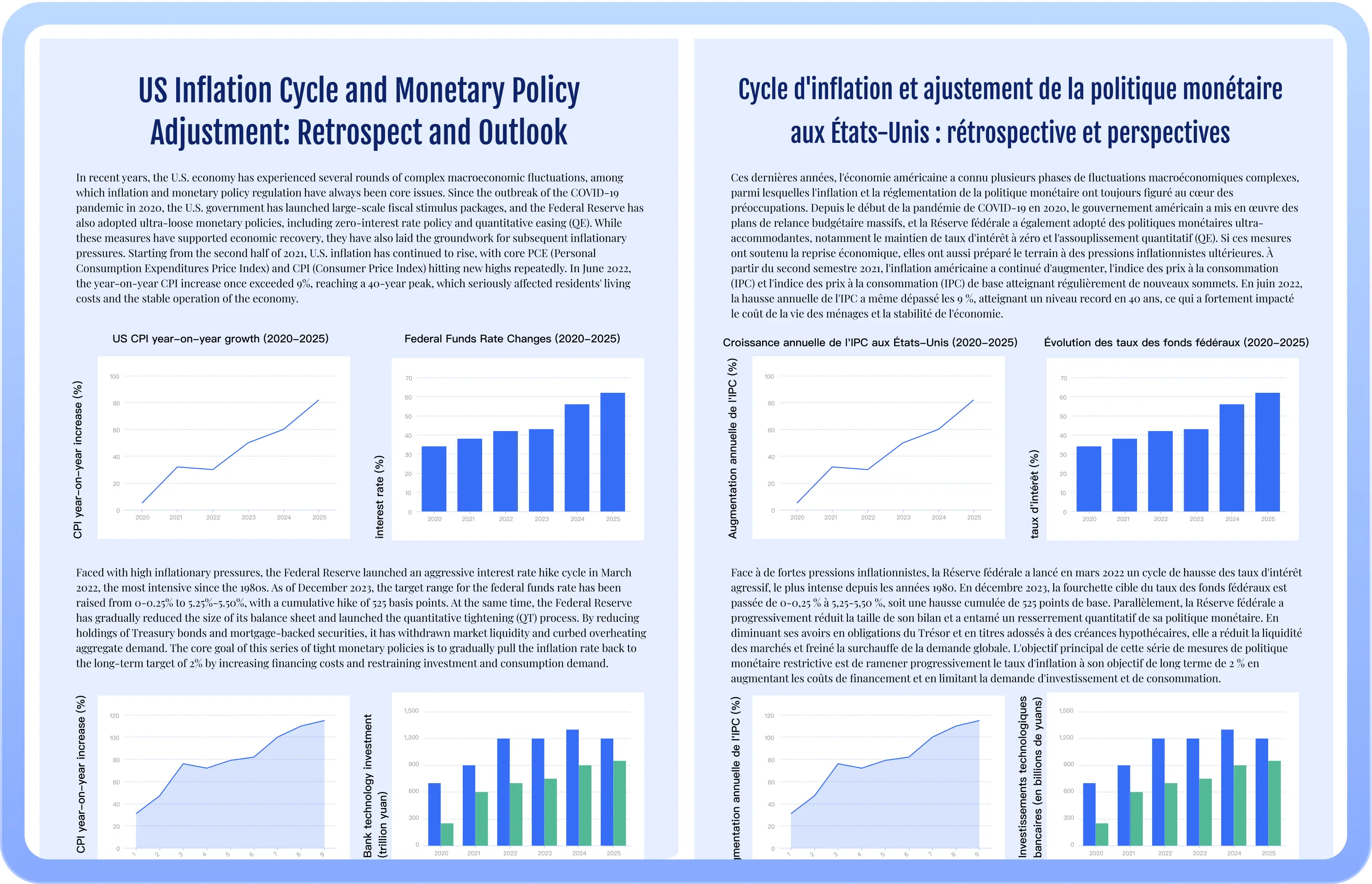
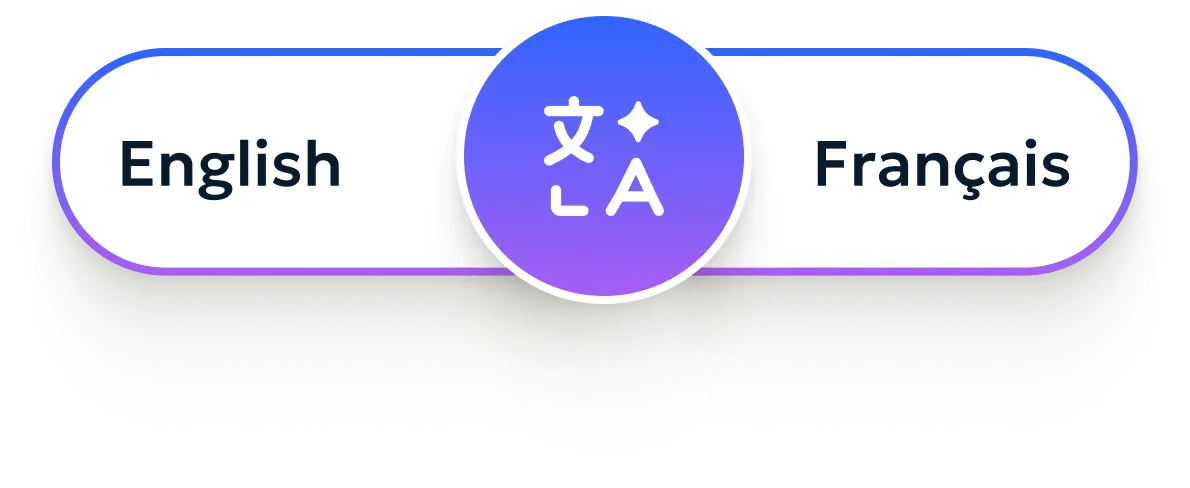
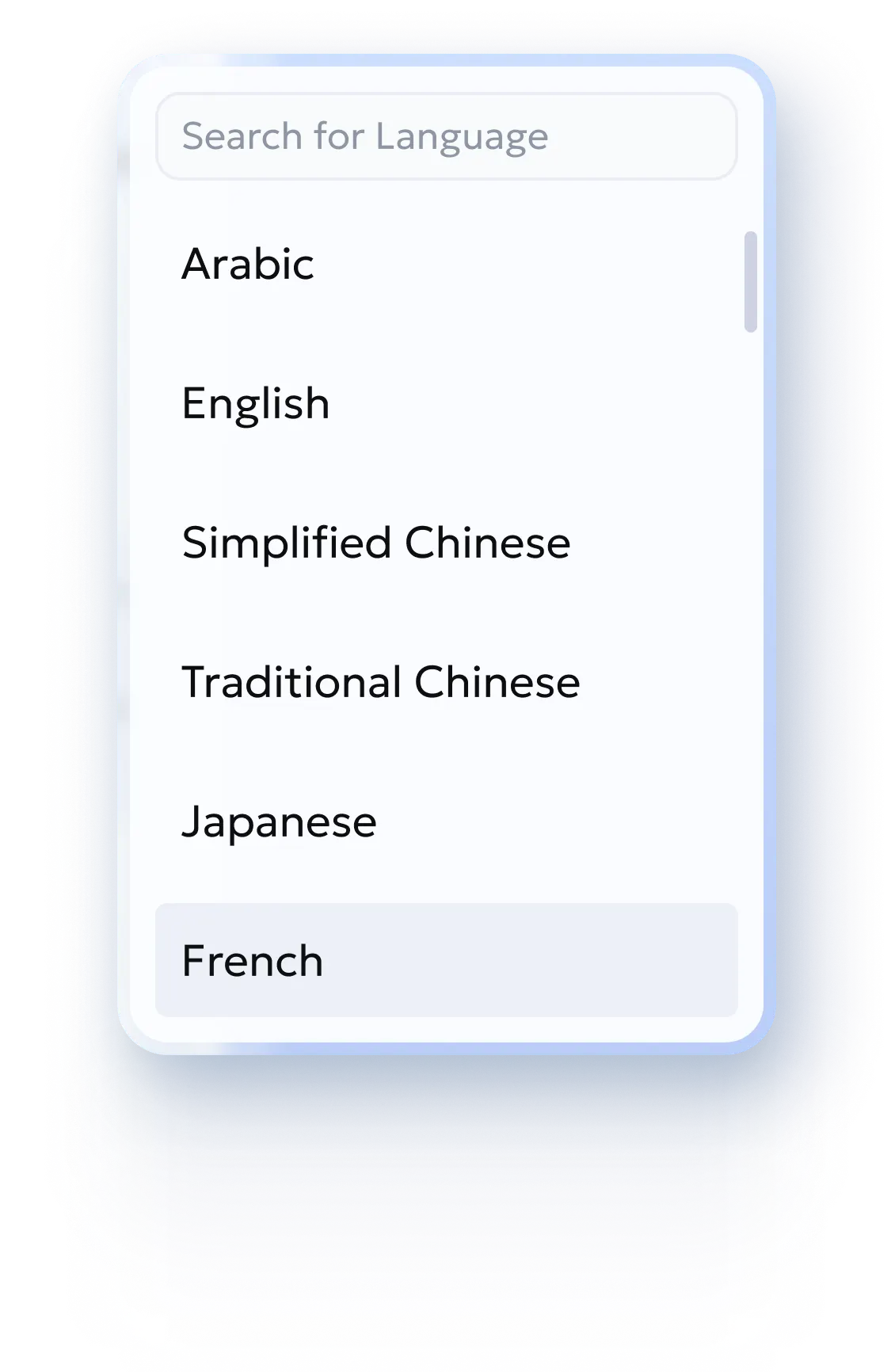
Translate PDFs into 100+ languages—format stays, layout preserved. Compare texts side-by-side for fast, seamless understanding.
Every AI response cites the original text with clickable page links. Jump straight to the source to verify instantly - so you can research and read with full confidence.




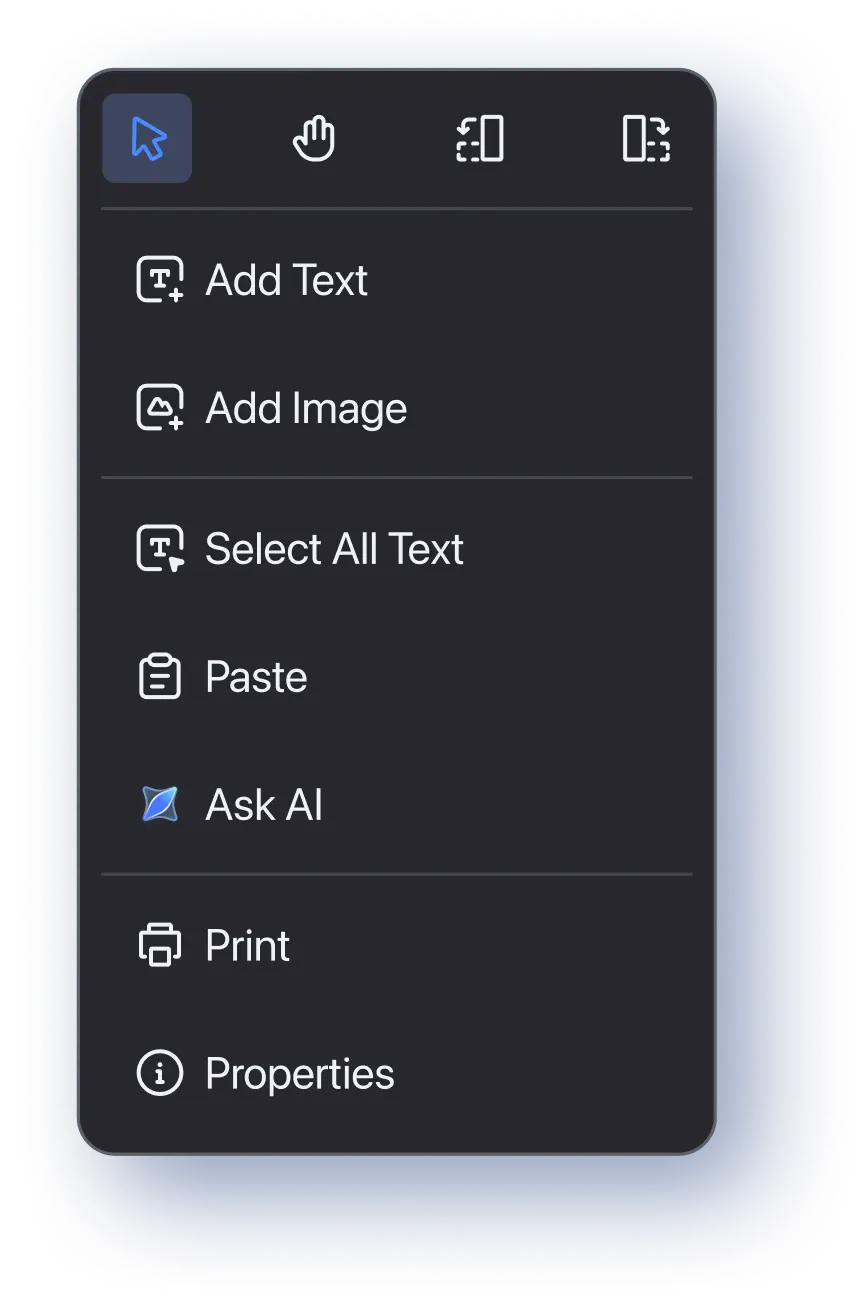
PDNob new Dark Mode reduces eye strain with a low‑contrast design, letting you read comfortably and stay focused late into the night.


When you edit text, existing annotations intelligently stay attached and move with your edits—keeping your PDF organized and perfectly aligned. This Acrobat‑level capability is now in PDNob 2.0.


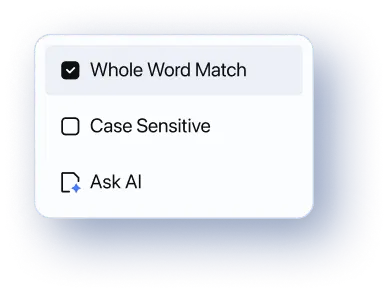
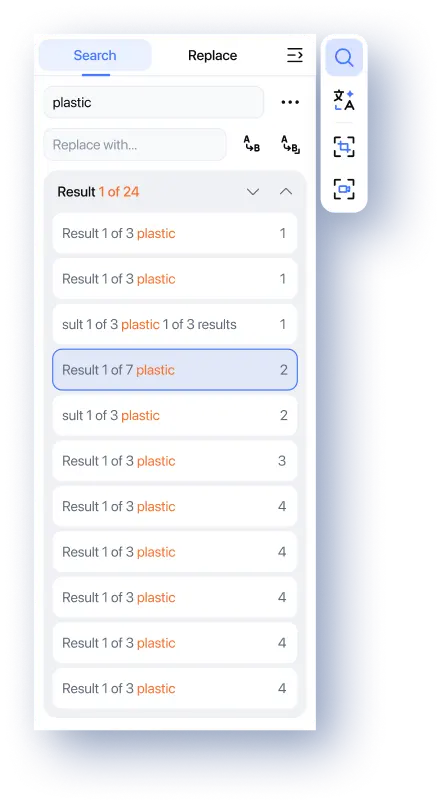
Instantly locate content in lengthy PDFs and replace it with new text or remove it—all in one step. Handle single edits or batch updates with total accuracy and control.


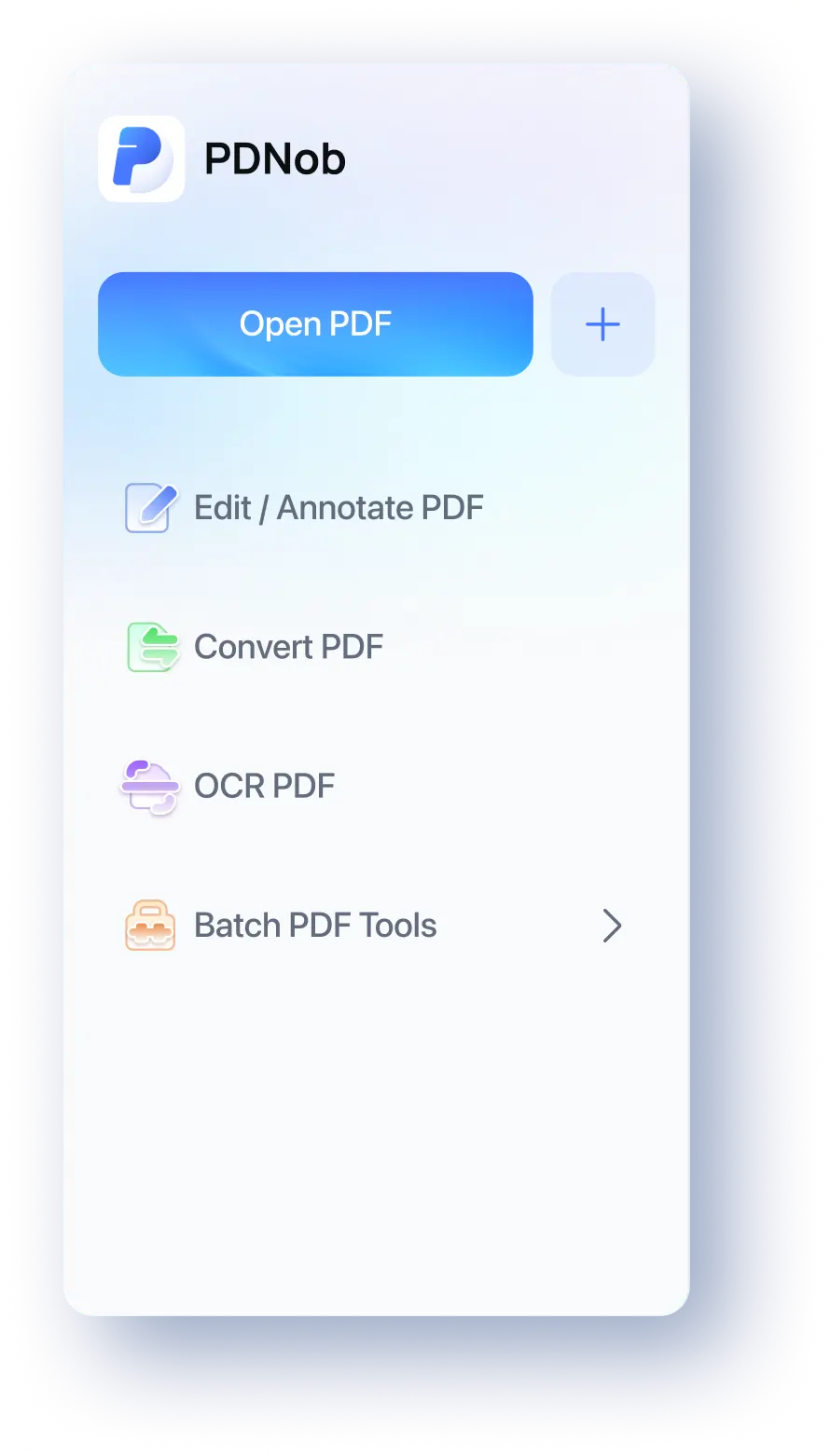
PDNob 2.0 rebuilds the homepage and interface for clearer navigation and easier access to core tools. Every interaction is now more intuitive, helping you get into your workflow faster.



STROKEIS OCCURRING AT A YOUNGER AGE.



Lock in today’s best price and unlock all PDNob 2.0 features
Event ends in:
PDNob 2.0 delivers four major upgrades: lightning‑fast rendering powered by the new self-developed PDFium engine, smarter AI‑enhanced OCR and content understanding, precise PDF compression with quality preserved, and a fully redesigned UI with Dark Mode—all to make your PDF workflow faster, more intelligent, lighter, and more comfortable.
Yes. All current PDNob users can upgrade to PDNob 2.0 at no additional cost. Your existing license remains valid, and you’ll gain access to all new features automatically after updating.
PDNob 2.0 is available for Windows. The update will roll out gradually across all platforms starting from the release date.
If you already have PDNob installed, simply check for updates within software and follow the prompts. New users can download PDNob 2.0 directly from our official website.
Absolutely. With the upgraded AI OCR engine and advanced preprocessing options—like auto deskew, noise reduction, and image enhancement—you can now transform scanned documents into editable, searchable text with high accuracy while preserving original layout.
In internal tests, PDNob 2.0 opens large PDFs (100+ pages) in about 1 second-up to 450% faster and reduces editing lag significantly. Actual speed may vary based on file complexity and system specs.