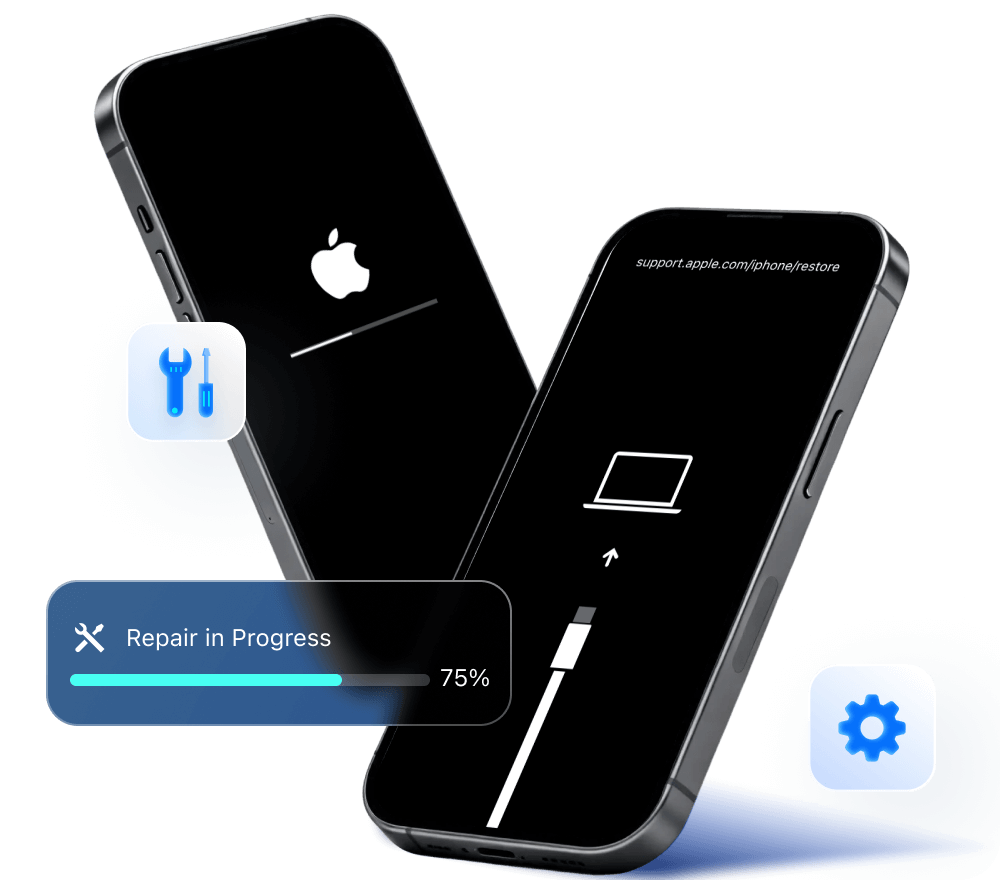
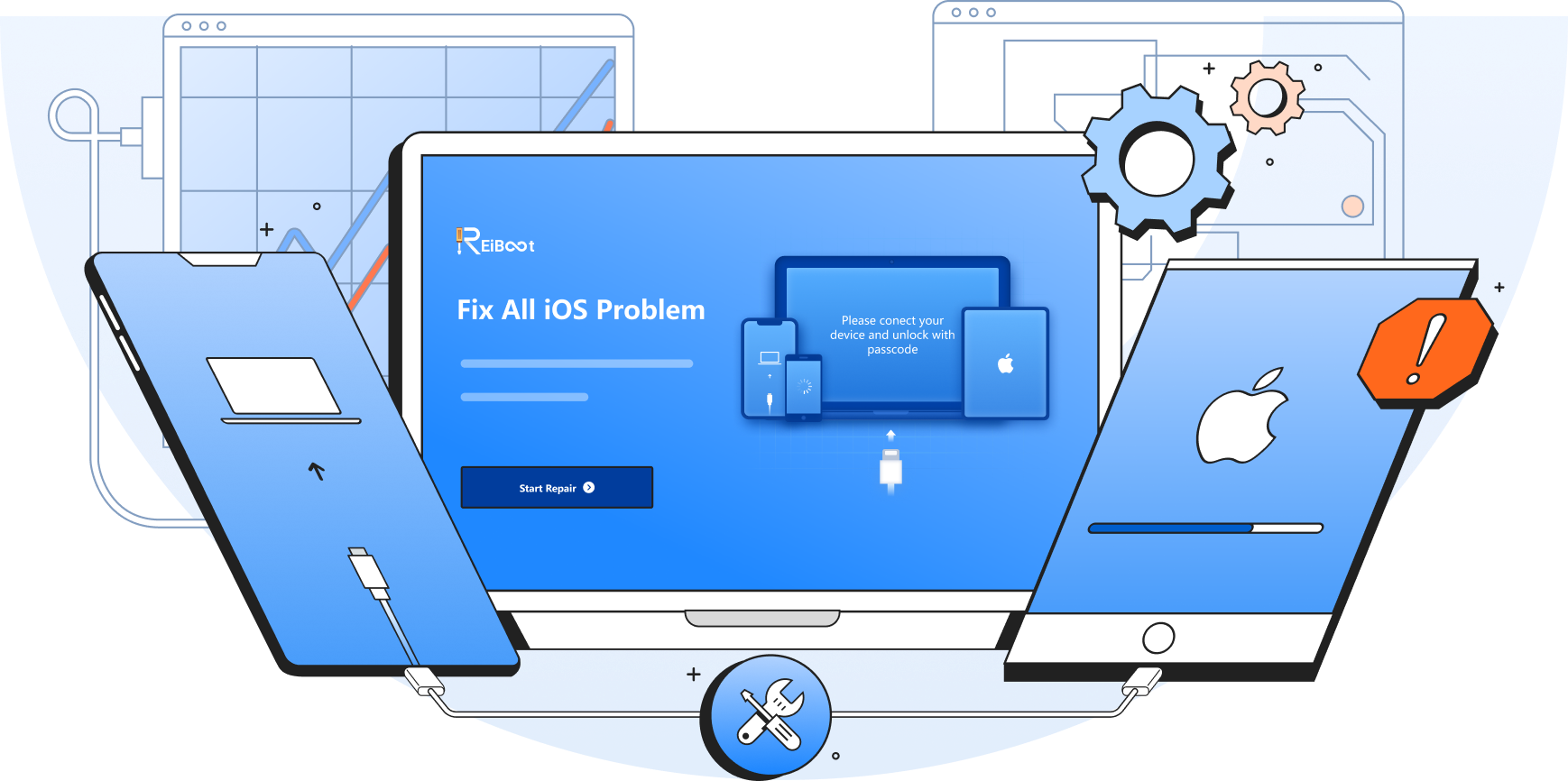






















ReiBoot helps any iPhone/iPad/Mac devices free to enter recovery mode with one click. Besides, users can fix many macOS issues and downgrade macOS versions for free! As for iOS System Repair and Factory Reset etc., you can upgrade to ReiBoot to enjoy all functions. Note: The recovery mode feature for Mac devices only supports exiting recovery mode now.
No. As an iOS system repair & recovery tool, ReiBoot mainly repair the most iOS/iPadOS/macOS/tvOS system-related issues like stuck on Apple logo, boot loop, black screen etc. However, if your device has a hardware problem caused by jailbreak, the computer environment or other reasons, then it can't be fixed by any thrid-party software.
No. Tenorshare ReiBoot only fixes iPhone not activating issues caused by network or system issues instead of iCloud activation removal for now. You can use Tenorshare 4MeKey to remove iCloud Activation lock without password or Apple ID.
YES! ReiBoot is 100% safe to download as this iOS system recovery tool is virus-free and ad-free. The first priority of ReiBoot is to repair your device with no harm. Our website has been tested in McAfee WebAdvisor and is totally safe and secure with no risks.
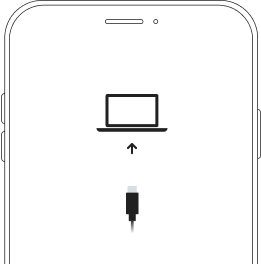
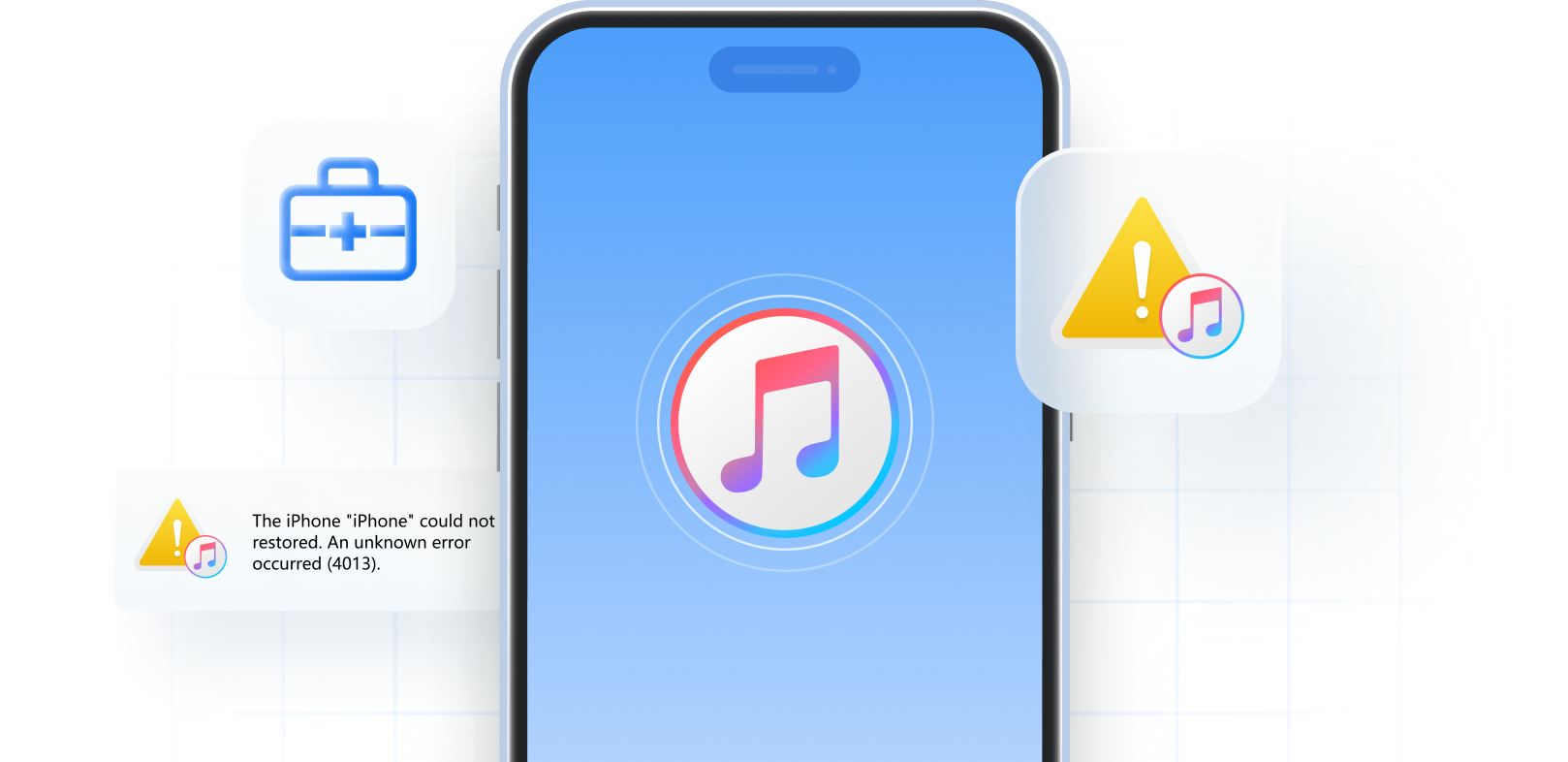
Restore mode means recovery mode. You can quickly and simply put your iPhone in recovery mode without buttons using Tenorshare ReiBoot for free.
1. Download and run ReiBoot on your Windows or Mac.
2. Connect your iPhone to computer with an original cable and unlock with passcode on iPhone.
3. Click Feature "Enter" on the main interface.
4. You will soon get into iPhone Recovery Mode successfully within 15 seconds.
If you don't want to use iTunes to restore iPhone, you can restore iPhone without iTunes using Tenorshare ReiBoot. Here is how:
1. Download and run ReiBoot on your Windows or Mac. Connect your iPhone to computer.
2. Click "Reset Device" to go on. Then choose "General Reset" to proceed.
3. Click "Download" to install corresponding firmware package.
4. Click "Start Reset" to begin restoring iPhone.
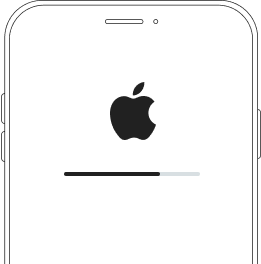
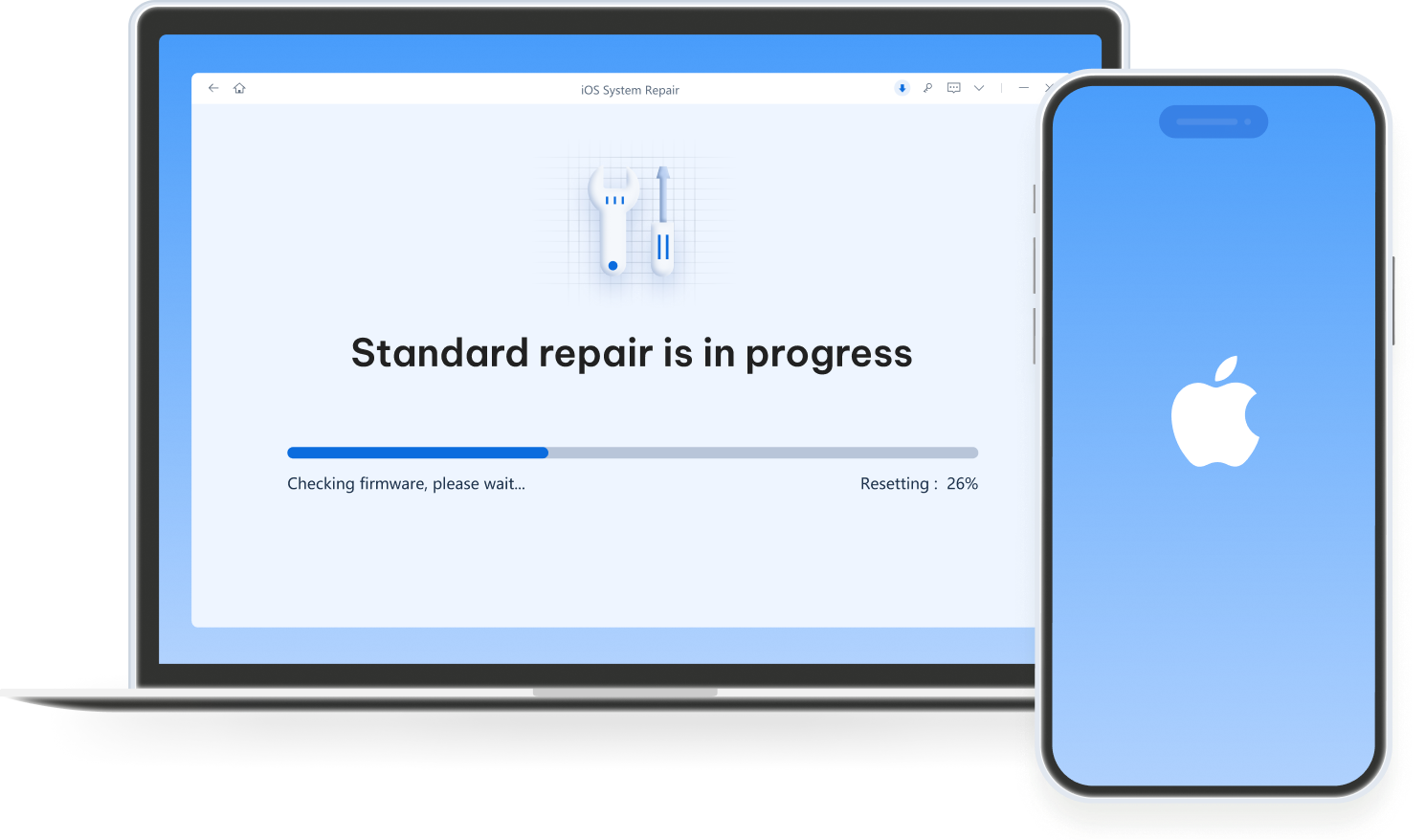
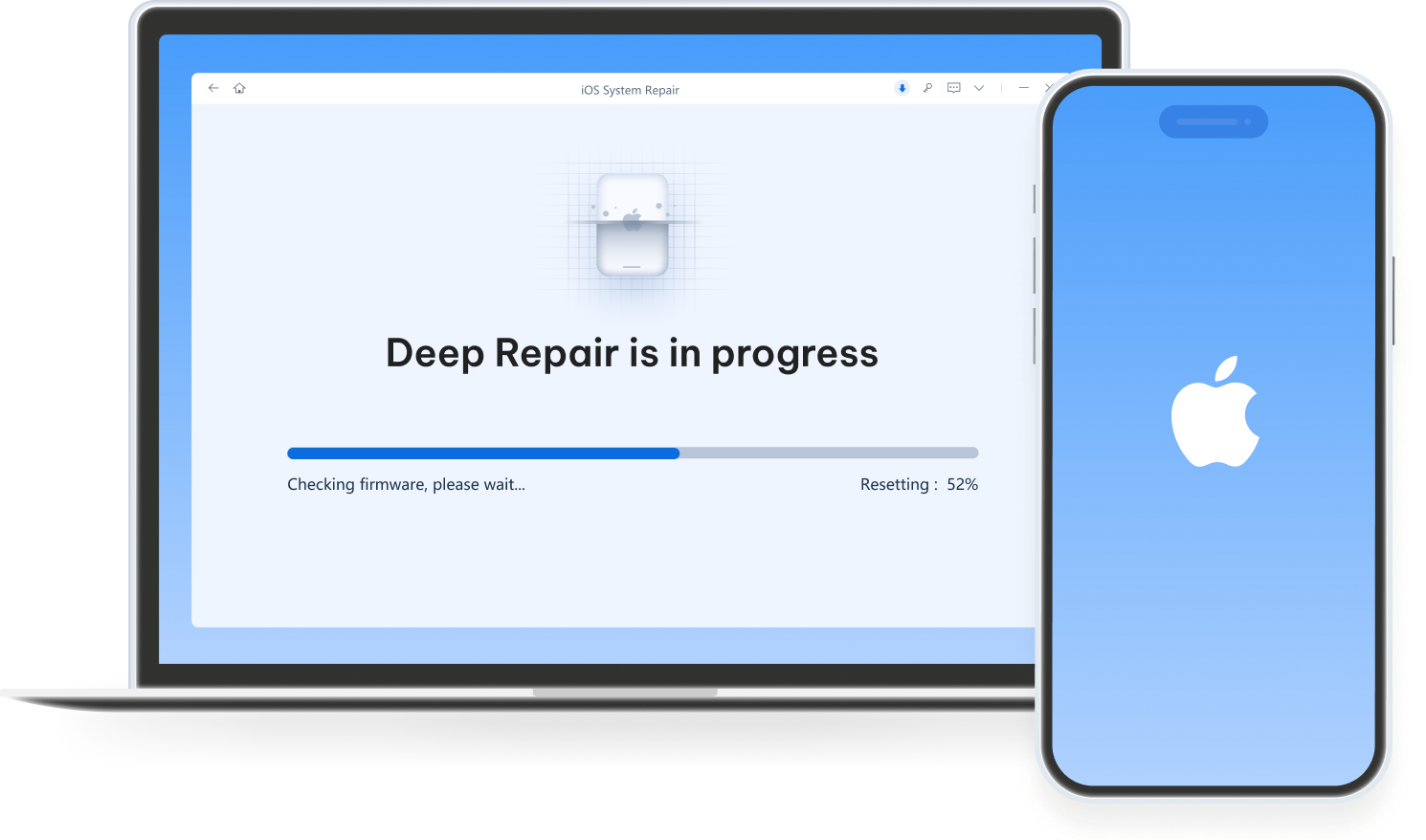
ReiBoot's Standard Mode can fix almost all iOS stuck issues, such as stuck on Apple logo, stuck on frozen screen/black screen and more. When the iOS bugs cannot be repaired by Standard Mode, the program will guide you to use Deep Repair which will easily repair all your iOS bugs and system-related issues. Please note that when you use Deep Repair, all your data will be erased.
iTunes Restore is to restore the iPhone/iPad/iPod to factory settings.
It also can be used to
iOS system repair but comes with a high failure rate, data loss, and
more issues.
ReiBoot Repair, however, mainly focuses on fixing all iOS system
glitches and errors. It has three repair modes with a
higher success rate and fully compatible with any iOS device. What sets
ReiBoot apart is its exceptional speed, reliability, and an extensive
feature set that surpasses iTunes. When you
use Standard Mode on ReiBoot to repair iPhone won't turn on and stuck on
black screen or other issues, it won't cause any
data loss.
To use ReiBoot for iOS system repair, follow the detailed steps:
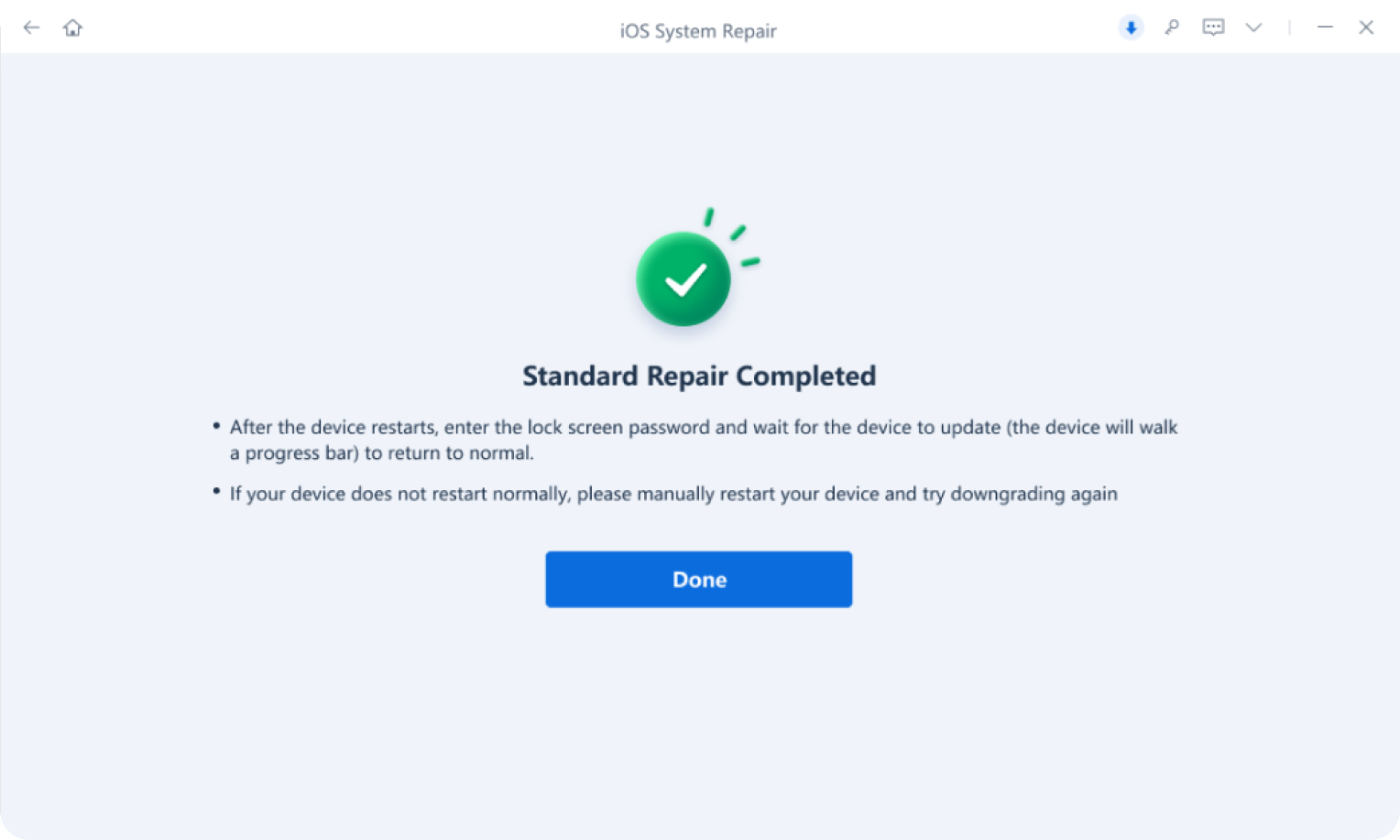
1. Download and run ReiBoot on your Windows or Mac, then connect your iPhone. Click 'Start Repair' option.
2. Then click Standard or Deep Repair.
3. Download the firmware on your computer, then you can start repair soon.
To use ReiBoot macOS system repair, follow the detailed steps:
1. Download and install ReiBoot on your Windows or Mac. From the main interface, click 'More Features' option.
2. Connect your bugged Mac to a normal computer with ReiBoot. Then choose Repair macOS System Issues.
3. Click Standard or Deep Repair > Download Firmware > Start Repair> Done.
When ReiBoot failed to obtain the firmware download address, you can try the following steps:
1. Click 'Copy' on the bottom right of the ReiBoot UI.
2. Then it will download a firmware on your browser at the download bar.
3. After firmware downloaded, go to ReiBoot UI > use 'Select' to import the firmware.
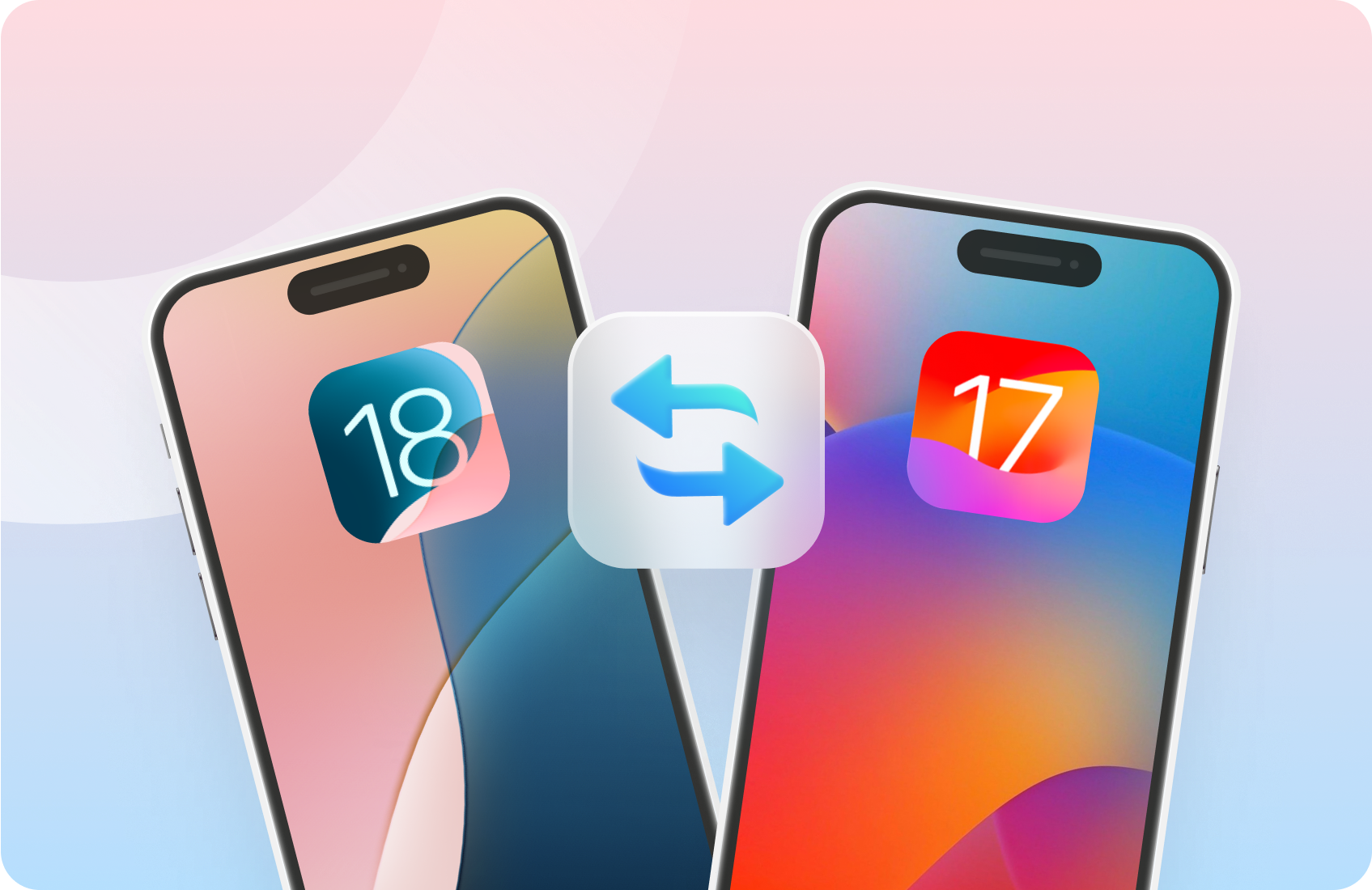
Tenorshare ReiBoot can downgrade any version of iOS/iPadOS/macOS to previous version without jailbreak as long as Apple is still signing it. You can visit IPSW website to check which firmware Apple is signing.
If ReiBoot stuck at 14.85% or 99.99% during the repairing process, you can try out the following steps:
Method 1: Wait patiently, check your network connection.
Method 2: Download the firmware from the browser. You just have to click on the blue address on the interface of ReiBoot.
Method 3: Import local firmware if you have downloaded it before, just hit the “Import Local Firmware” option at the bottom of the screen.
Method 4: Reopen the program or reinstall ReiBoot.
Tenorshare ReiBoot is free in entering iPhone recovery mode, besides, macOS system repair, macOS downgrade and upgrade are also free features. If ReiBoot free trial not working, you can upgrade your plan to ReiBoot Pro.