









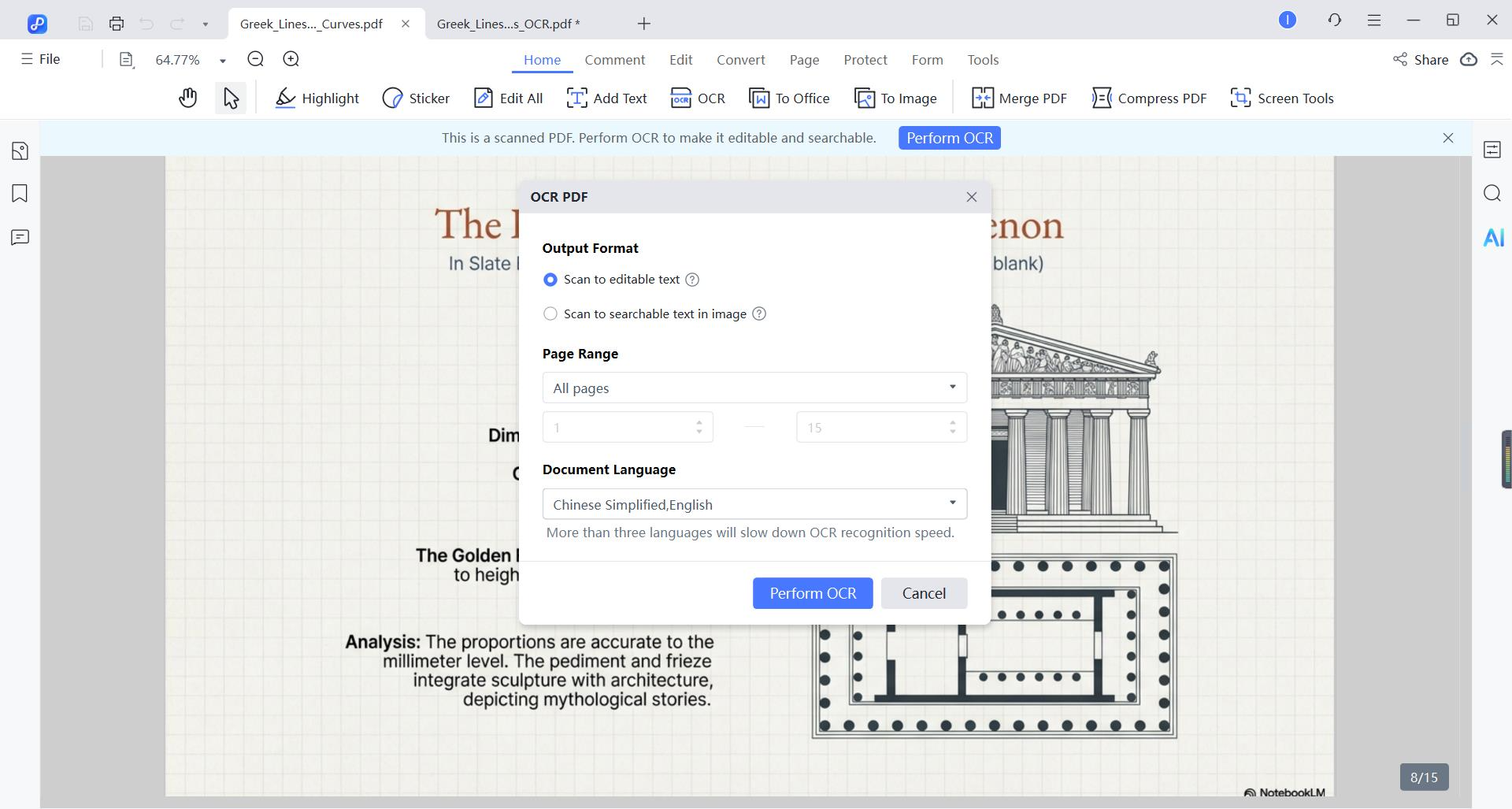
PDNob accurately recognizes text in English, Chinese, Japanese, Korean, Spanish, French, German, Portuguese, Italian, Russian, Arabic, Turkish, Dutch, Indonesian, and Thai. It also fully supports mixed-language slides (e.g., English + German) and preserves numbers, symbols, and formatting during conversion.
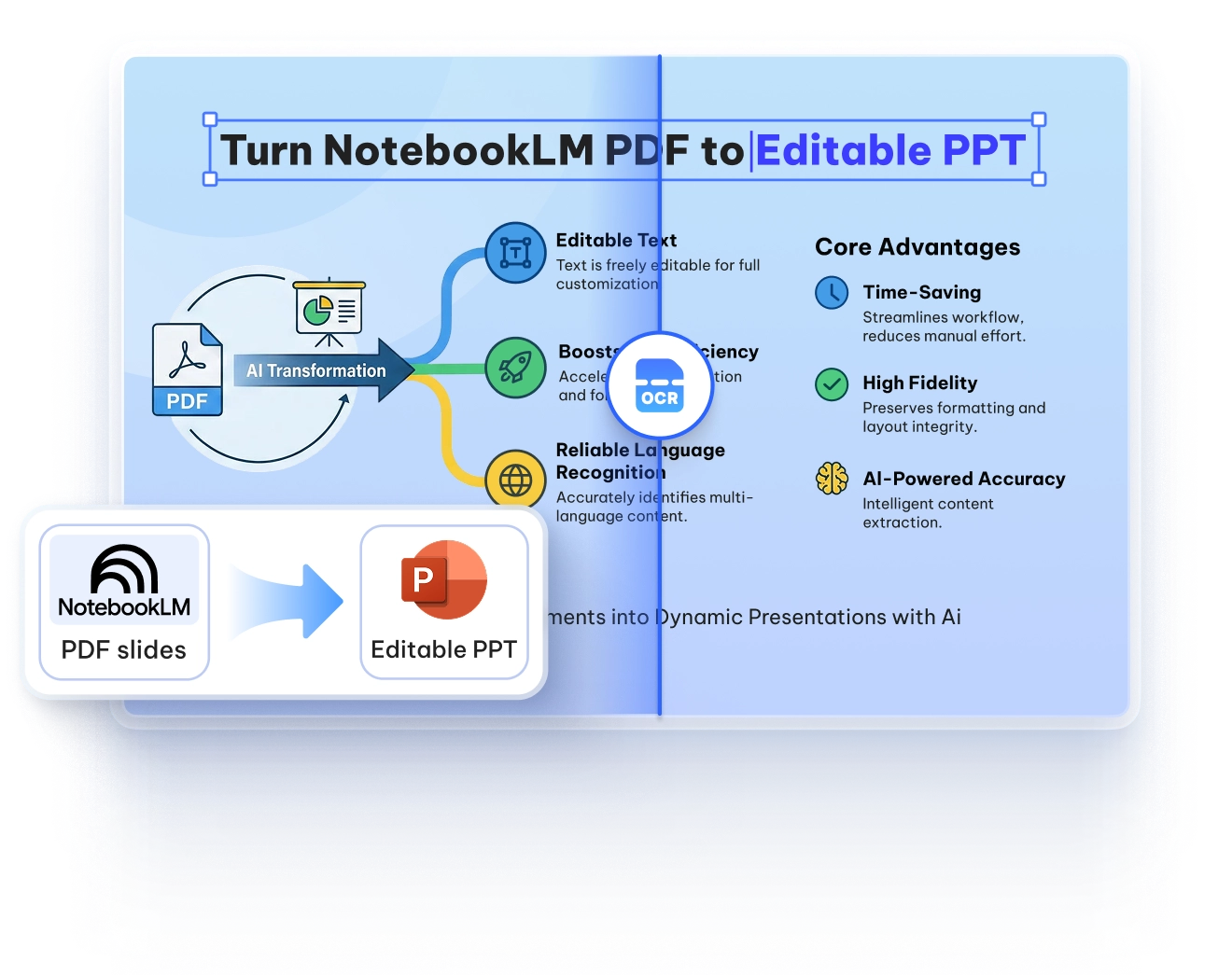
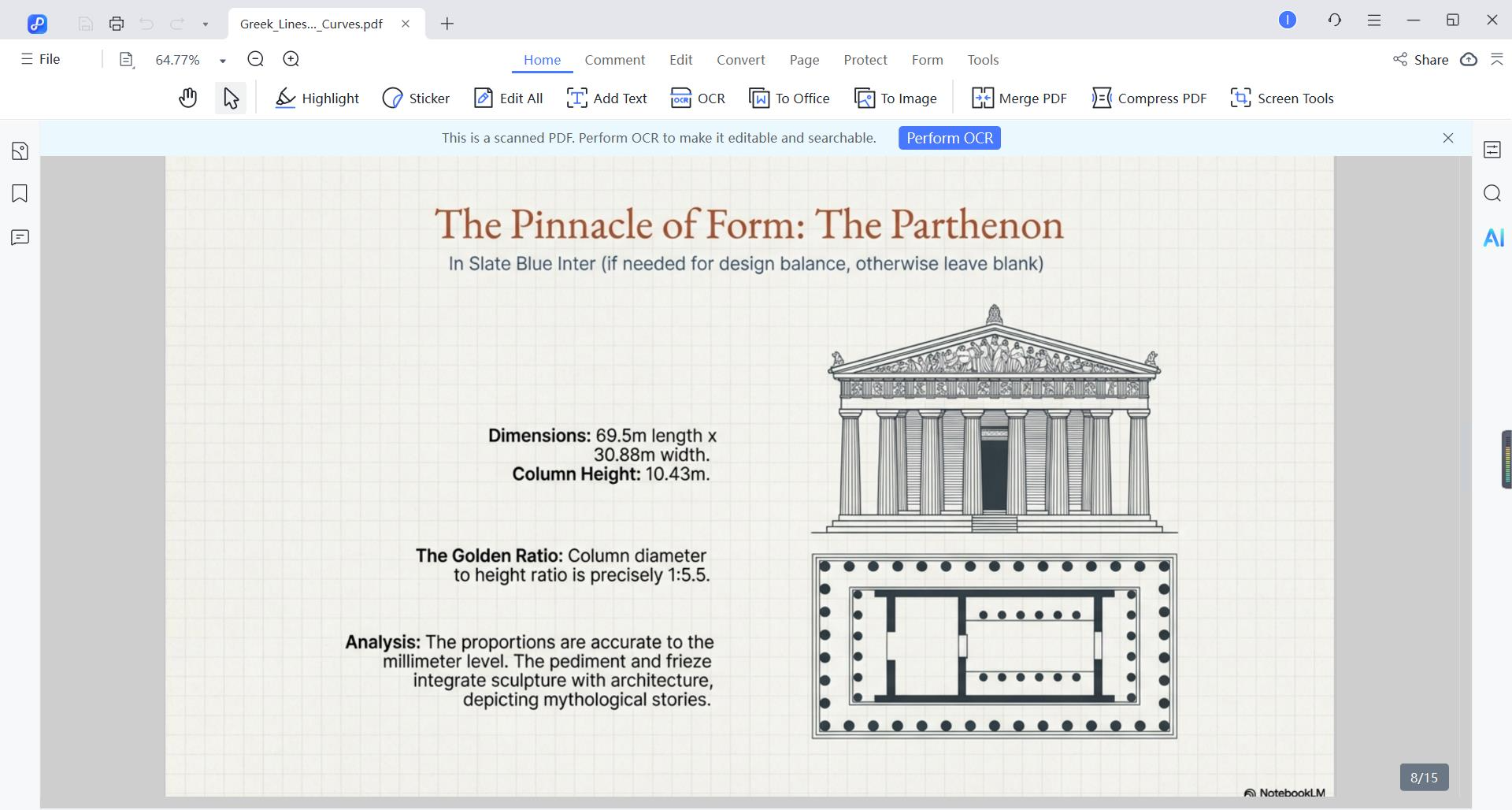
Yes. PDNob intelligently detects slide structure—titles, bullet groups, text blocks, tables, and spacing—and rebuilds them into fully editable PowerPoint layouts with fonts and formatting kept intact.
Absolutely. PDNob automatically cleans, sharpens, aligns, and normalizes each slide, solving common NotebookLM issues like image blur, scaling errors, and background artifacts.
PDNob is specially tuned to recognize system fonts, embedded icons, special characters, and bilingual text (e.g., Chinese + English), ensuring symbols and multilingual content are extracted accurately.
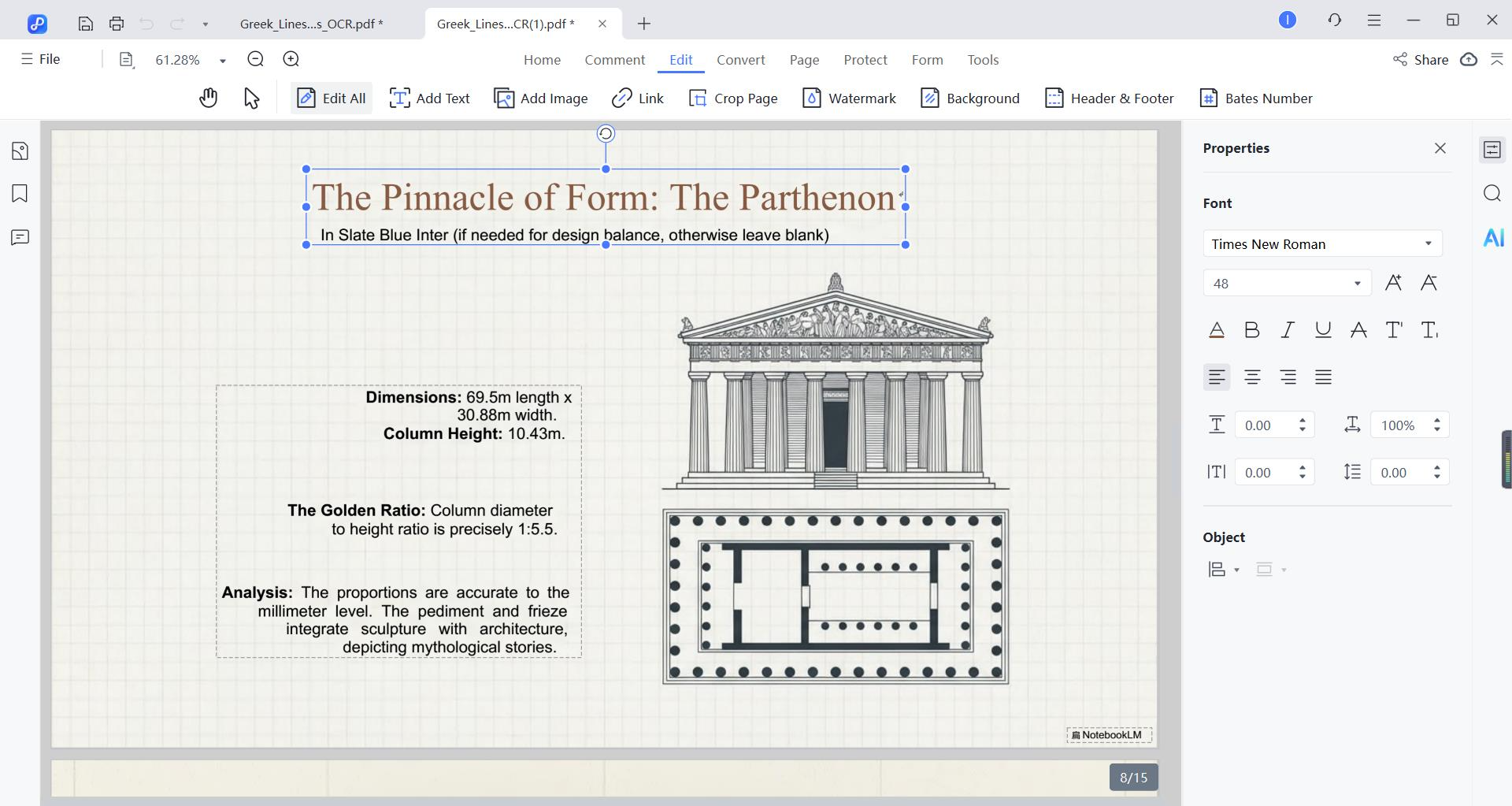
The output is 100% editable—every text box, table, shape, and layout element can be modified in PowerPoint. No locked layers or image-based text.
Thanks to pre-processing and optimized OCR models, PDNob achieves high accuracy (near 98-99%) for clear slides, and remains reliable even with complex layouts and mixed languages.
Conversion is fast and local - most NotebookLM PDFs process in under a minute on a standard computer. No data is uploaded to the cloud, ensuring privacy and offline usability.