

 iOS Tips & Latest Updates
 Bug Fixes, Unlock Guides
 Giveaways & Freebies


UltData - Best iPhone Data Recovery Tool
Recover Deleted & Lost Data from iOS Devices Easily, No Backup Needed!
UltData: Best iPhone Recovery Tool
Recover Lost iPhone Data without Backup
People use Claude AI to organize their data and store files in one place. What happens if you accidentally delete projects on Claude? The disappearance of the project will delete the uploaded files, chat, and everything.
You'd be asking: Is it possible to recover deleted projects on Claude AI? This article explains what causes deletions and how to recover deleted Claude AI projects.

Deleting a Claude project is not like moving a file to the trash. It sets off a chain of losses across several connected areas. Understanding this upfront helps you figure out what can still be saved.

Every conversation inside a project is tied to that container. Once deleted, those chats vanish as there is no separate transcript section where they continue to live. Users on Team Plans or Enterprise Plans who depended on those chats for shared workflows will feel this loss most.
Documents and files added to the project's knowledge base are also wiped. Claude applies what is effectively a hard delete to file references, unlike a soft delete that would allow a short recovery window. Without a local copy, those files are permanently gone from the platform.
Custom instructions and context that shaped the AI's behavior are stored at the project level. Claude has no data retention policy that retains this information after deletion, so you will need to rebuild those settings from scratch.
If organization-wide sharing or project visibility was enabled, all collaborators would lose access instantly. Org Admin users managing administrator controls should note this as a reason to set proper permissions before a project becomes critical. Users wondering how to make Claude project public should configure sharing permissions before deletion occurs, as deleted projects cannot retain their previous visibility settings.
So, is it possible to recover deleted projects on Claude AI? The answer depends on the current scenario. Many users search for ways to get back deleted projects on Claude AI, but recovery depends on whether any copies of the project data still exist elsewhere.
It might happen that the project files you've lost were on your mobile device, but you don't remember where they're saved. Check these places before giving up.
A still-open tab on another browser may hold browser cache content, a basic form of device-level recovery.
An Org Admin may have access to audit logs or an audit trail. Enterprise setups with a compliance API or data governance tools may surface useful records.
Any local exports you or a teammate previously saved are your best shot at restoring data.
Claude does not offer a recycle bin. Once removed, the platform treats it as a permanent loss. The endpoint schema for general access does not include a restore function, and even account-level options provide no rollback. That said, if the related files still exist on your local machine, a recovery tool can often retrieve them before they are overwritten.
When no backup is available, you can use this general recovery workflow to give you the best chance of rebuilding lost Claude projects step by step.
List everything that was in the project documents, custom instructions, and key chats. Check any available audit logs in your account to confirm what files existed.
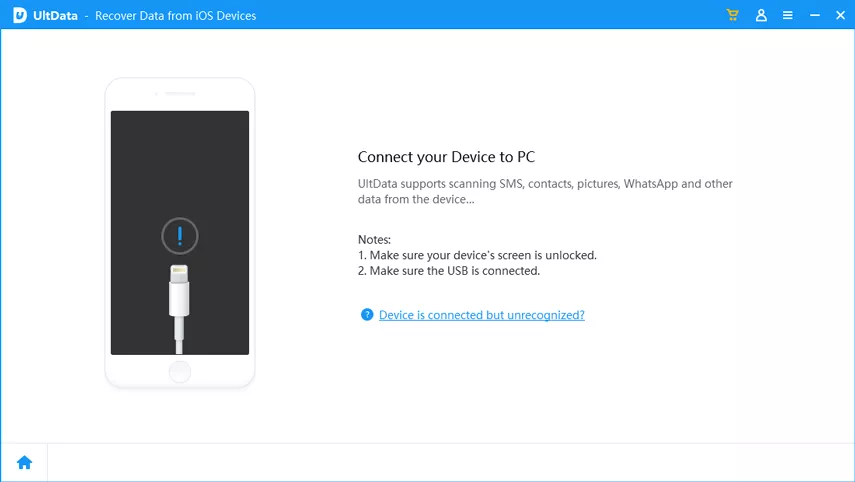
Look for the external drives, computer, and cloud folders for files linked to the deleted Claude project. If they were also deleted locally, stop using that drive immediately. The data recovery tool covered next can retrieve files before permanent loss sets in.
Collect any recovered documents, screenshots, and datasets that were originally uploaded to Claude. Even partial recovery of source files can significantly speed up the rebuild.
For workflow instructions or prompts you may save or share elsewhere, check your message history, notes apps, and emails.
Once core assets are recovered, open Claude and start a fresh Claude Projects workspace. Upload the restored files, re-enter your instructions, and configure project visibility and organization-wide sharing settings from the start.
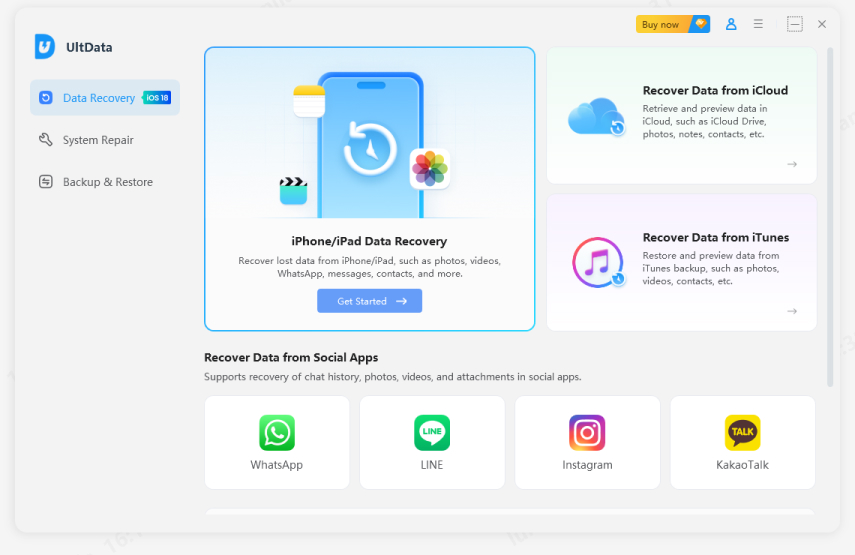
When files are gone from your device, too, Tenorshare UltData is the tool to turn to. It scans your device and retrieves deleted files with up to a 98% success rate, even after they have been cleared from the Recently Deleted.




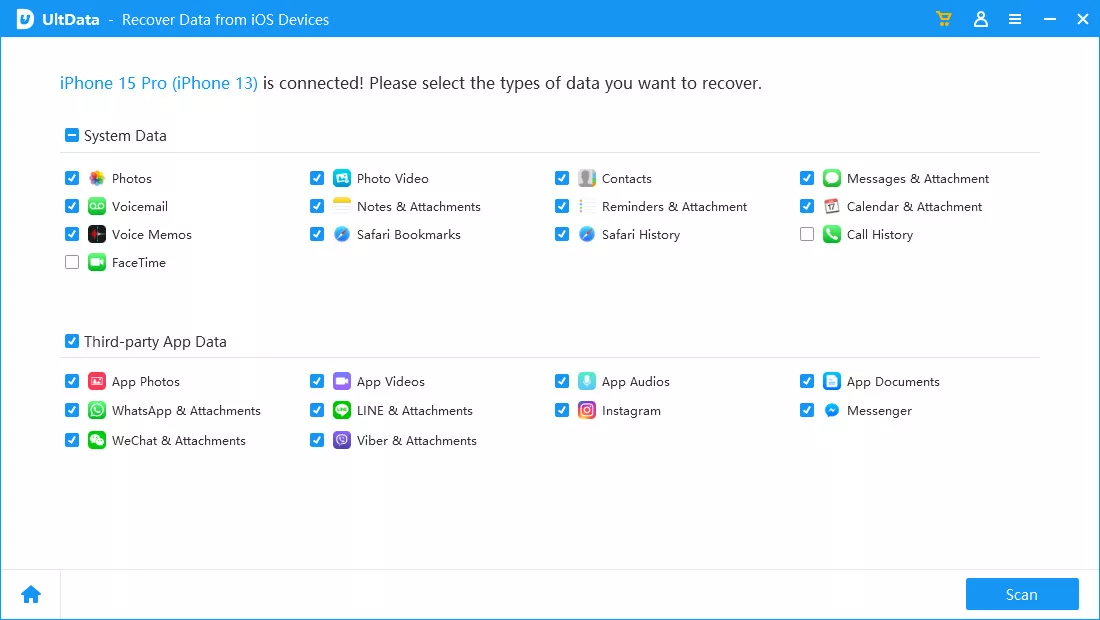
Tenorshare UltData is a versatile third-party tool to recover data. It allows you to retrieve the following data types and files.
PDFs, Word files, and spreadsheets are used as knowledge base content.
Files saved from Claude or stored as cache data on your device.
Anything removed by accidental deletion and emptied from the Recently Deleted folder.
Remember, UltData works for you in two ways. First, if you previously exported your AI chat records but have lost the exported file, this data recovery software can help you retrieve it.
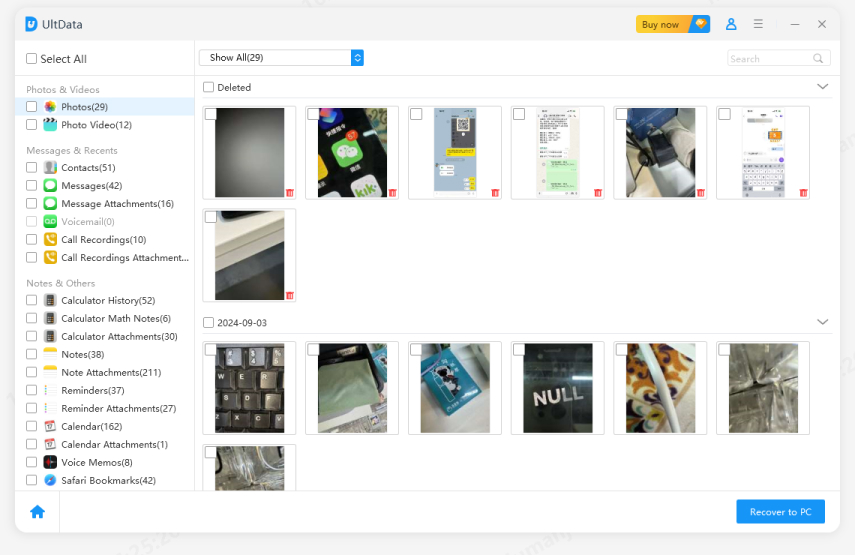
Second, if you haven't exported any chat, some users may save files like images or PDFs before the original files are deleted afterward. UltData will help you recover those original files, so you'll be able to upload them to AI again.
Is it possible to recover deleted projects on Claude AI? Not through a built-in restore feature, but your options are wider than you might think. You can recover data through shared workspaces, local exports or checking other devices. Following the rebuild steps mentioned above is also a good way to retrieve lost data.
Tenorshare UltData remains the most powerful way to recover deleted Claude AI files. It offers 98% recovery rate and provides an effortless user interface. This tool doesn't take any extra time scanning for lost data, and you can also preview the data before exporting it. Going forward, try to export your Claude project's content regularly to avoid this issue.


UltData - Best iPhone Data Recovery Software






then write your review
Leave a Comment
Create your review for Tenorshare articles

Share this post


UltData - Best iPhone Data Recovery Tool
Recover Deleted & Lost Data from iOS Devices Easily, No Backup Needed!
UltData: Best iPhone Recovery Tool
Recover Lost iPhone Data without Backup
By Jenefey Aaron
2026-09-28 / AI Recovery