


UltData - Best iPhone Data Recovery Tool
Recover Deleted & Lost Data from iOS Devices Easily, No Backup Needed!
UltData: Best iPhone Recovery Tool
Recover Lost iPhone Data without Backup
Finding your Gemini chat history gone can be frustrating, especially when important work is involved. If you're wondering why your Gemini chats disappeared, don't panic—most cases are caused by temporary sync issues, loading errors, or account-related glitches rather than permanent data loss.
This guide explains the most common causes and shows you how to restore missing chats and protect your conversation history from future loss.

Several different issues can make your conversations seem unavailable. Understanding the cause helps you choose the right solution.
One common issue occurs when Gemini loads normally, but the conversation sidebar appears empty.
In this situation, your chats may still exist on Google's servers. The interface simply fails to retrieve and display them correctly. Users often report seeing a blank sidebar after browser updates, extension conflicts, or temporary account synchronization problems. Symptoms include:
Symptoms include:
This problem can make it look like your Gemini chats gone permanently, even though the records still exist.
Another frequent cause of Gemini missing chat history is a server timeout.
When Gemini attempts to load a conversation, the request may fail before the full data is delivered. Instead of displaying the chat, Gemini shows a "Loading chat failed" message.This usually happens when:
This usually happens when:
The conversation itself may remain intact, but access becomes temporarily unavailable.
Google periodically performs maintenance and infrastructure upgrades.During these maintenance windows, some users may experience:
During these maintenance windows, some users may experience:
When this occurs, chat records typically return once maintenance is complete.
Before considering advanced recovery methods, try these basic troubleshooting steps.
Start with the simplest solution:

Many temporary loading issues resolve immediately after a fresh session is established.
Authentication problems can prevent Gemini from retrieving conversation history.Try the following:
This forces a new synchronization session between your account and Google's servers.
Corrupted browser cache files frequently contribute to why did my Gemini chat history disappear situations.To eliminate cache-related issues:

Be aware that clearing cookies may sign you out of websites.
Before spending time on recovery efforts, verify whether Google is experiencing a broader outage.
If Gemini services are temporarily disrupted, your conversations may become visible again once the issue is resolved.Waiting a few hours can sometimes save significant troubleshooting time.
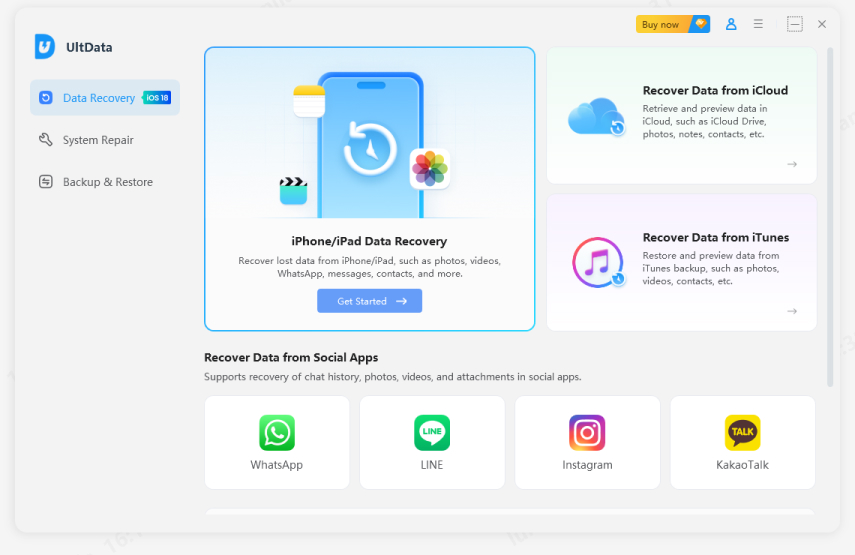
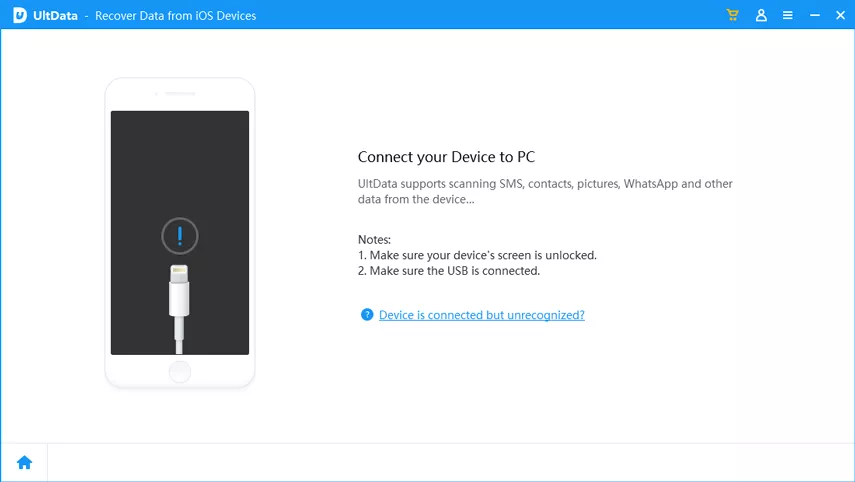
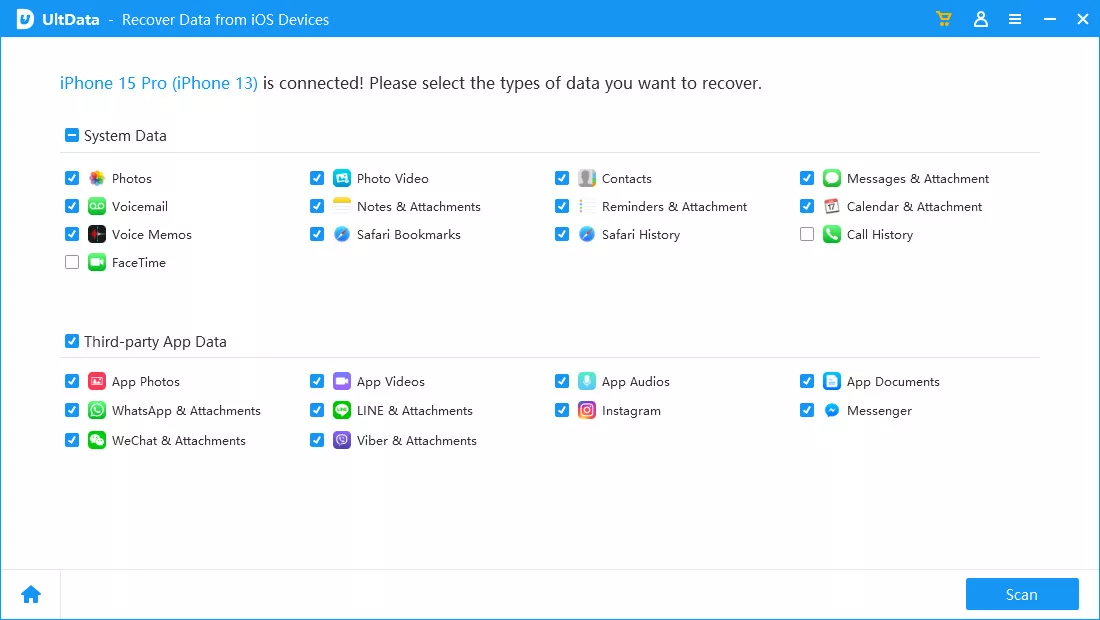
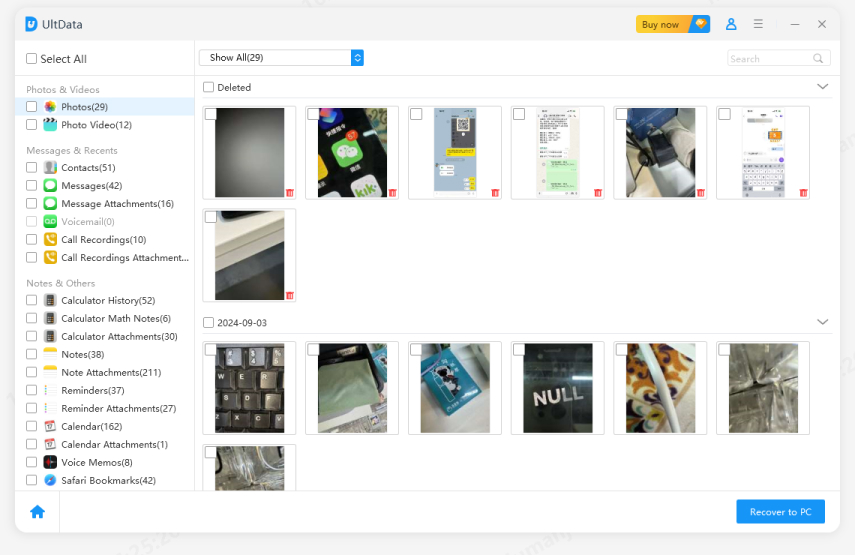
If common troubleshooting methods fail to restore lost Gemini data, opt for local recovery. AI usage may leave leftover data on your device within browser cache, temp files and downloaded folders, making it possible to recover missing exported files, corrupted archives and accidentally deleted uploaded docs with dedicated data recovery software.
Tenorshare UltData can help by deeply scanning hidden storage areas on your device to recover lost exports, damaged archives, and original uploaded files, even for unexported chats
Four easy steps: scan storage, find lost AI files, preview contents and restore safely. No tool ensures full recovery, yet quick action prevents data overwriting and raises recovery odds.




A common question is: Does Gemini delete chats automatically?
The answer depends on your account settings and Google's retention policies.In general, Gemini conversations are not immediately removed after creation. However, users should understand that retention policies can change over time, and account-level settings may affect how long activity data remains available.
Factors that can influence retention include:
If a conversation was intentionally deleted, recovery options become significantly more limited.For this reason, relying solely on cloud storage is not an ideal long-term strategy for valuable AI research.
Preventing future losses is easier than recovering missing data.
Before closing an important conversation, copy key outputs into a local document.This simple habit creates an immediate backup and reduces dependence on cloud availability.
Don't rely entirely on cloud storage.Schedule regular exports through Google Takeout and store copies locally. Weekly backups provide an additional layer of protection if synchronization issues occur later.

Many professionals maintain prompt libraries using local folders, knowledge management systems, or version-control platforms. Benefits include:
Review your account settings regularly.Auto-delete options may remove activity records sooner than expected. Verifying these settings helps ensure important information remains available for as long as necessary.
If your Gemini chat history gone, don't panic. Most Gemini chats missing issues are caused by temporary glitches, sync errors, or cache problems. Try the basic fixes first. If important files were deleted, lost, or corrupted, tools like UltData may help recover them. To avoid future issues, keep regular backups and save important chats locally.
then write your review
Leave a Comment
Create your review for Tenorshare articles

Share this post


UltData - Best iPhone Data Recovery Tool
Recover Deleted & Lost Data from iOS Devices Easily, No Backup Needed!
UltData: Best iPhone Recovery Tool
Recover Lost iPhone Data without Backup
By Jenefey Aaron
2026-09-10 / AI Recovery