

 iOS Tips & Latest Updates
 Bug Fixes, Unlock Guides
 Giveaways & Freebies


UltData - Best iPhone Data Recovery Tool
Recover Deleted & Lost Data from iOS Devices Easily, No Backup Needed!
UltData: Best iPhone Recovery Tool
Recover Lost iPhone Data without Backup
Many people use Claude every day for writing, coding, research, and personal projects. Losing an important conversation can be frustrating, especially if it contains valuable information or work that took hours to create.
If you want to recover deleted Claude chat, you may still have several options depending on how the chat was removed and whether any copies exist elsewhere. This guide explains what happens when chats are deleted, where Claude data may be stored, and the best methods to recover lost conversations.

Before trying any recovery method, it is important to understand what happens when a Claude conversation is deleted. Many users ask, can you recover deleted Claude chats after accidentally removing an important conversation.
The answer depends on whether the chat still exists in another location or whether it has been permanently removed from Claude's servers. In some cases, recovery is possible. In other cases, the deleted conversation cannot be restored directly through Claude.
There is a good chance you can recover deleted chat Claude data if copies still exist outside the deleted chat window.
For example:
When any of these sources are available, you may be able to recover deleted Claude conversation content without much difficulty.
If the conversation was permanently removed from your Claude account and no backups exist, recovery becomes much more difficult. Unlike some cloud services, Claude does not currently provide a dedicated recycle bin where users can restore deleted conversations.
Once the chat is removed and no copies exist elsewhere, the ability to recover deleted Claude chat data becomes limited. That is why checking alternative sources as quickly as possible is important after deletion.
If you are wondering how to recover deleted Claude chat conversations, start by checking locations where copies of your data may still exist. The following methods are the most effective ways to locate lost Claude conversations.

Before attempting file recovery, check whether the conversation still exists somewhere else.
The first place to check is your Claude account.
Sometimes users believe a conversation was deleted when it was simply archived, renamed, or difficult to locate among many chats.
Steps:

This simple step may help you recover deleted Claude chat content that was never actually deleted.
If you use Claude on multiple devices, another device may still display the conversation.
Check:
In some situations, the chat remains visible on a device that has not yet synced recent account changes. This can help users who want to recover deleted Claude conversation records.
Your browser history may contain direct links to previous Claude conversations.
Steps:
If the chat still exists on Claude's servers, the link may reopen the conversation.
This method is often overlooked when people ask can you recover deleted Claude chats.
Web browsers sometimes store temporary cached data.
Although complete conversations are rarely preserved, portions of chats may still be available.
You can check:
Results vary depending on your browser and cache settings.
Claude allows users to export account data.
If you previously exported your information, the deleted conversation may still exist in those files.
Check:
Many users successfully recover deleted chat Claude content through older exports.
If the conversation itself cannot be located, associated files may still exist. These files can provide valuable information from the deleted conversation.

Many users regularly export Claude data for backup purposes.
Look for:
If available, these exports may help you recover deleted Claude chat information.
Check files previously uploaded to Claude.
These may include:
Even if the conversation is gone, the attached files may still be available locally.
Claude Projects can contain supporting documents and resources.
Review:
These materials can often help reconstruct a deleted conversation.
Some users maintain collections of prompts used with Claude.
Check:
Prompt libraries can help recreate important conversations.
Many operating systems create automatic backups.
Check:
These backups may contain exported Claude data.
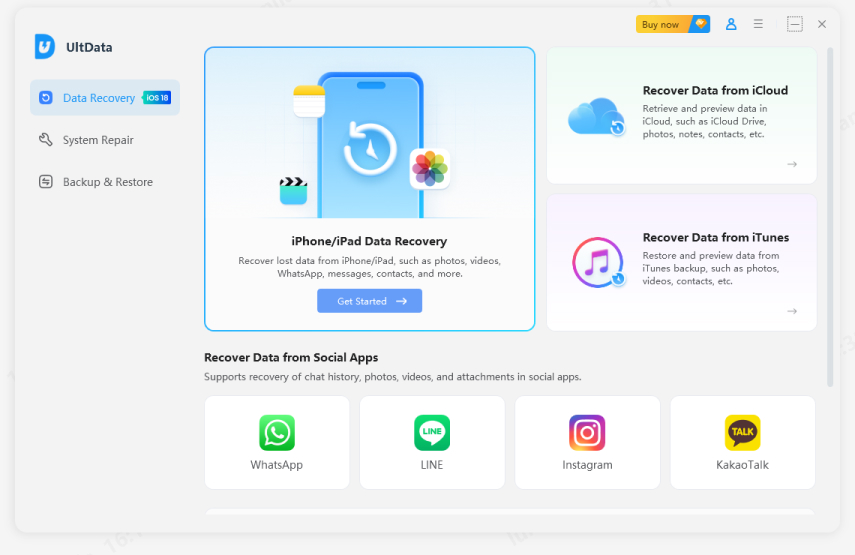
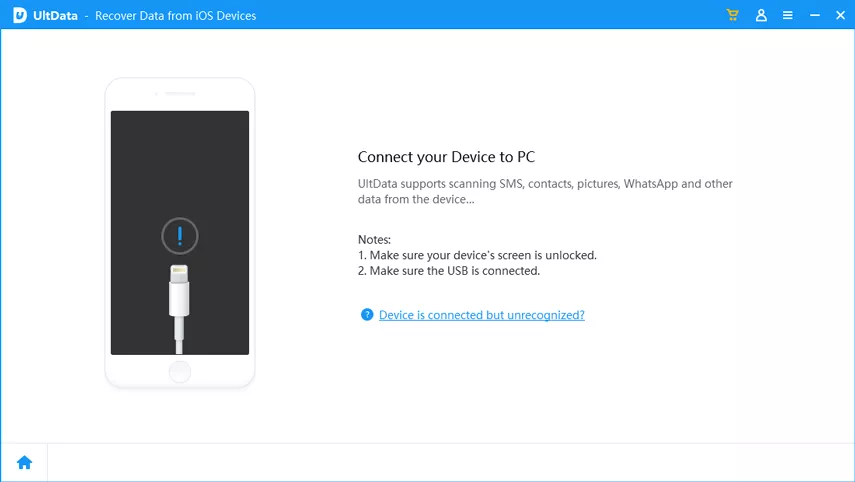
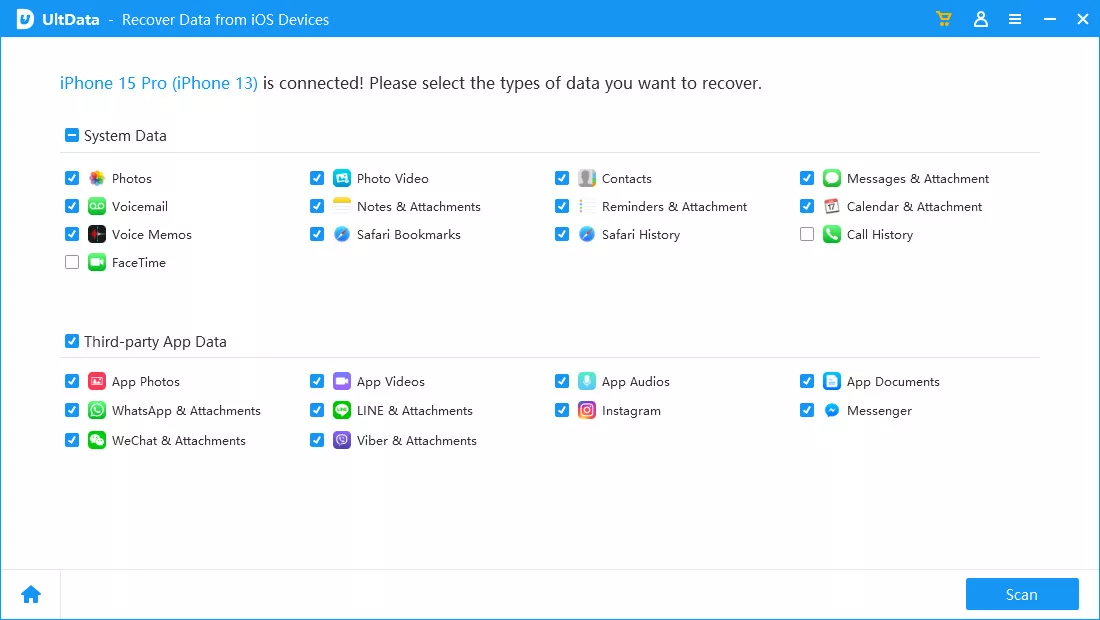
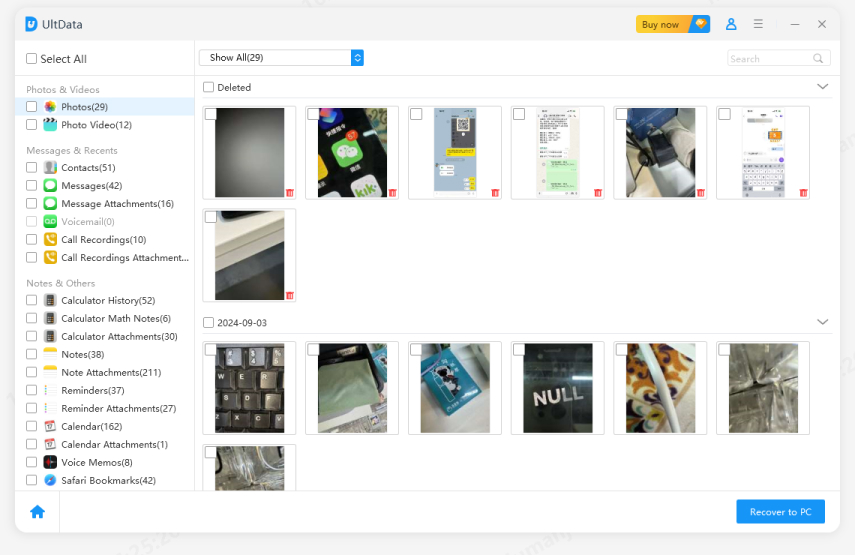
If you accessed Claude on your smartphone and stored chat-related files, screenshots, downloads, or exported documents on your mobile device, losing those files can make it harder to recover important conversation data. In such situations, Tenorshare UltData can help restore deleted files from supported iPhone and Android devices.
Tenorshare UltData is a mobile data recovery solution designed to recover lost photos, videos, documents, messages, and other files from smartphones and tablets. If Claude exports, screenshots, attachments, or notes connected to your conversations were accidentally deleted from your device, UltData may help retrieve them.
Key Features
Many users ask, does Claude delete chats automatically? In general, Claude does not automatically delete active conversations from your chat history simply because they are old.
However, account settings, policy updates, system maintenance, or data retention rules may affect how information is stored. If you manually delete a conversation, it is typically removed from your account.
Another common question is how long does Claude keep deleted chats? Anthropic has not publicly provided a universal retention period that applies to every deleted conversation visible to users. Internal retention periods may vary depending on operational, legal, security, and policy requirements.
For users, once a conversation is deleted from the account interface, there is generally no official restoration option available. Because of this, it is best to export important conversations regularly.
Claude conversations are generally stored within your Claude account infrastructure and associated systems managed by Anthropic.
Users may also have copies stored in:
Checking these locations can help users trying to recover deleted chat Claude records.
If no backup, export, cache, or local copy exists, recovery becomes very difficult. When users ask can you recover deleted Claude chats without backups, the answer is usually no. Recovery depends on whether another copy of the conversation still exists.
Currently, Claude does not provide a public feature that allows users to restore permanently deleted conversations through customer support. If the conversation has been fully removed and no backup exists, support teams may not be able to restore it.
The best prevention methods include:
These habits can reduce the risk of losing important Claude data.
Losing an important conversation can be stressful, but there are several ways to recover deleted Claude chat data before assuming it is gone forever.
Start by checking Claude chat history, other devices, browser history, cached pages, exports, attachments, and backups. If related files were deleted from your computer, data recovery software such as Tenorshare UltData Data Recovery may help restore them. Regular exports and backups remain the most reliable way to protect valuable Claude conversations in the future.


UltData - Best iPhone Data Recovery Software







then write your review
Leave a Comment
Create your review for Tenorshare articles

Share this post


UltData - Best iPhone Data Recovery Tool
Recover Deleted & Lost Data from iOS Devices Easily, No Backup Needed!
UltData: Best iPhone Recovery Tool
Recover Lost iPhone Data without Backup
By Jenefey Aaron
2026-09-28 / AI Recovery