



UltData - Best iPhone Data Recovery Tool
Recover Deleted & Lost Data from iOS Devices Easily, No Backup Needed!
UltData: Best iPhone Recovery Tool
Recover Lost iPhone Data without Backup
If you use Google Gemini, you might have noticed that it can now remember details about you.
It remembers your job, preferences, or communication style.
This is where the Gemini ’s saved info feature comes into play. With this feature, you can ask Gemini to modify the responses based on what you've shared. This makes every conversation feel more relevant and powerful.
This post explains what saved info is, how to turn it on, and what to do when it goes missing.

Gemini’s Saved info is a personal memory layer linked to your Google account. Google Gemini doesn't re-explain your background every session. Instead, it draws on stored details to give you context-aware answers automatically. This feature helps you take control and decide what is saved, deleted, or edited
Gemini can store the following common types of information.
“I prefer bullet-point answers.”
“I'm living in New York with two kids.”
“I work as a software engineer in Python.”
“Always respond in a formal tone.”
The more relevant the Gemini’s saved info, the smarter and more modified Gemini's replies become.
Saved Info remains indefinitely in your Google account until you manually edit or delete it. It is linked to your specific account, so switching accounts changes what Gemini might access. Saved Info is permanent, unlike temporary chat memory, but only for as long as you want it to be.
Gemini’s saved info character limit is generally designed to keep entries concise and manageable. Each saved info entry carries approximately 200-500 words. Keep entries factual and short. You must also break complex preferences into separate items instead of writing paragraph-length entries. Gemini won't save the too-long entry correctly.
If you're a new Gemini user or recently switched Google accounts, saved info isn't enabled on your account by default.
Turning Gemini’s saved info on doesn't take much time, and it also immediately empowers Gemini to start creating responses based on your stored derails.
Check out the guide below to turn on Saved Info on Gemini.


If your saved preferences have disappeared suddenly, you can try these fixes before assuming the data is gone for good.
Sign out of your Google account completely. Then, you can sign back in and reopen Gemini. Clean your browser cache to reload your account data cleanly.
Gemini’s Saved Information is account-specific. If you're logged into a different Google account than where you originally saved your data, the entries simply won't appear. Thus, you must check the profile icon in the top right to confirm you're using the correct account.
App updates might silently disable saved info. Go to Settings, Personalization, and Saved Info before turning off the Saved Info. Wait for about 10 seconds and then turn it back on. This simple reset solves most display glitches.
If the data you've lost was accidentally deleted, Tenorshare UltData helps you recover the data. UltData will scan your device's deleted sectors to get back the related files. After finding the data back, you can reference the data back to Google Gemini to show the modified and relevant responses.
Key Features




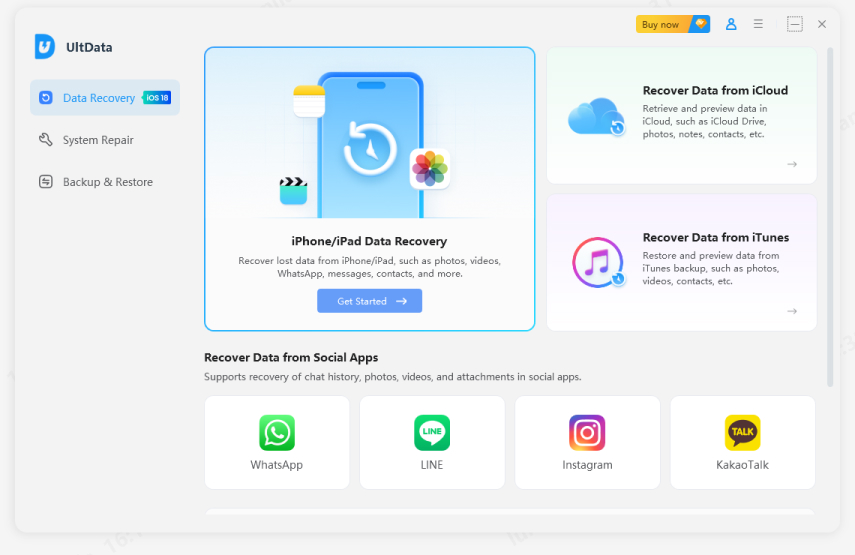
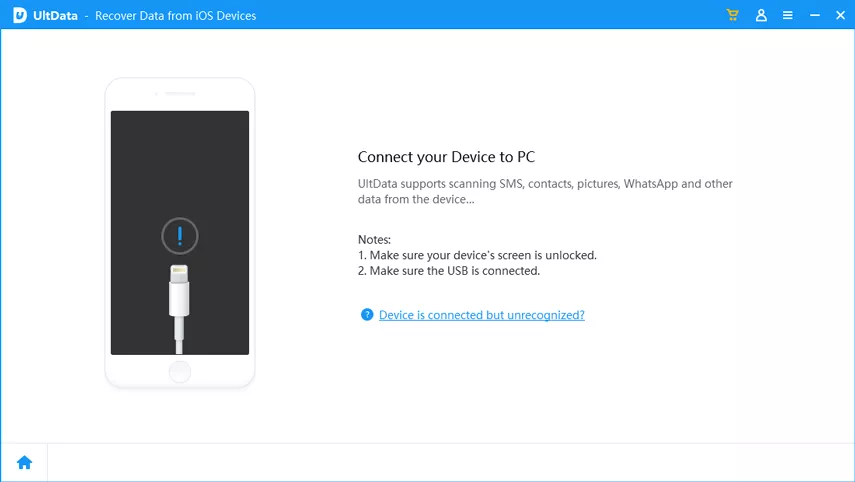
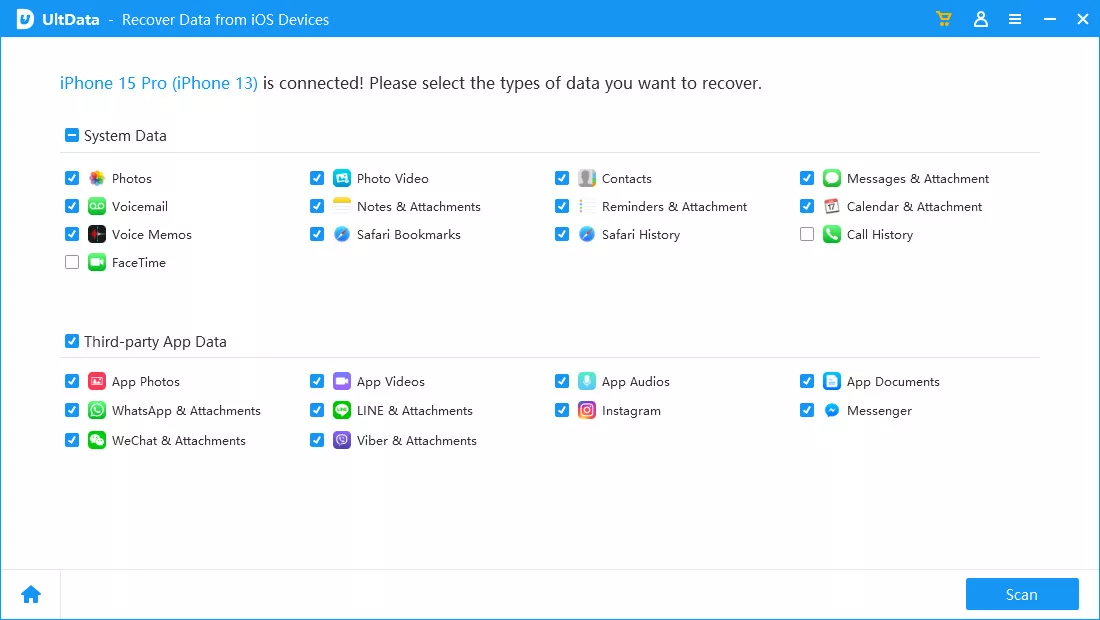
Though direct in-app restoration isn't available, full disk scanning helps UltData to recover data from past sessions. This way, this tool rebuilds your saved preferences and records.
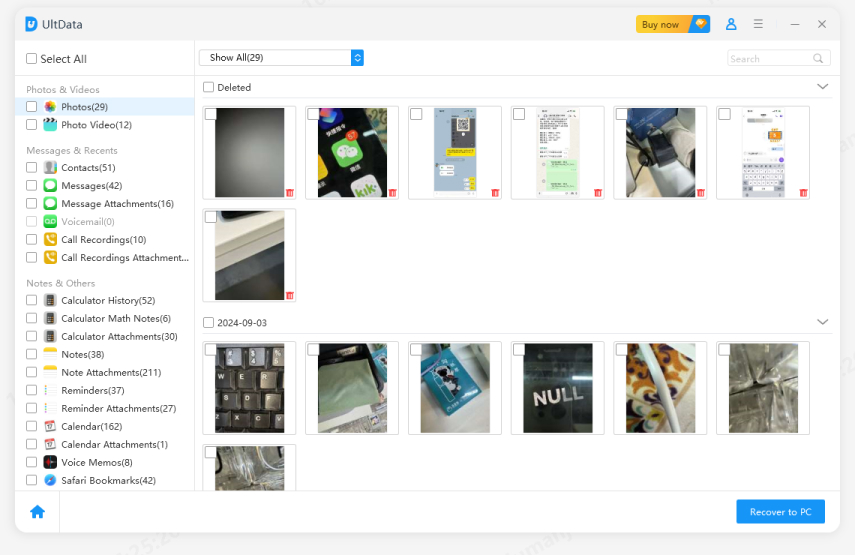
Many users ask, Where is Gemini personal intelligence data stored? It might happen that the feature was toggled off after an update, or you're likely signed into the wrong Google account.
Check whether the Saved Info is turned on from Settings and Personalization. The organizational restrictions in the Workspace accounts might disable personalization features.
No, Gemini only saves details you tell it to remember. Standard chat history is saved separately under your Google account activity settings and isn't the same as saved info.
Gemini’s save chat, and Saved Info are different features. Your chat history is a sequential record of past conversations that you can delete or look back on.
Saved Info is a curated set of personal facts that Gemini actively uses to personalize future responses. Deleting one saved info entry doesn't affect the other.
Managing saved info on Gemini isn't complicated. From enabling the feature and recovering lost entries to understanding what gets stored or retained, this post covers everything you need.
When accidental cache deletions or syncing issues cause your custom profile parameters to disappear, you can move through local system scans or account checks to save hard work.
If local data is completely lost, Tenorshare UltData provides a powerful recovery solution. It scans deep into your device's storage to assist you in recovering what was lost.


UltData - Best iPhone Data Recovery Software




then write your review
Leave a Comment
Create your review for Tenorshare articles

Share this post


UltData - Best iPhone Data Recovery Tool
Recover Deleted & Lost Data from iOS Devices Easily, No Backup Needed!
UltData: Best iPhone Recovery Tool
Recover Lost iPhone Data without Backup
By Jenefey Aaron
2026-09-15 / AI Recovery