

 iOS Tips & Latest Updates
 Bug Fixes, Unlock Guides
 Giveaways & Freebies


UltData - Best iPhone Data Recovery Tool
Recover Deleted & Lost Data from iOS Devices Easily, No Backup Needed!
UltData: Best iPhone Recovery Tool
Recover Lost iPhone Data without Backup
Losing hours of hard work on an important text file can be stressful. Whether you are dealing with a sudden software freeze or a power outage, knowing how to recover unsaved documents in Microsoft Word can save you time. Fortunately, Microsoft Word provides several reliable recovery layers, and external recovery software can assist when files go missing.
This guide previews effective manual recovery methods and introduces specialized third-party software as an additional safeguard.

Does Microsoft Word recover unsaved documents? Yes, Microsoft Word uses built-in features such as AutoRecover and the Document Recovery pane to protect your drafts. These tools periodically save temporary copies of open files in the background. However, recovery is not always guaranteed; limitations include disabled AutoRecover settings, the complete absence of temporary cache files, or changes made after the last automatic checkpoint.
How to Recover an Unsaved Document in Microsoft Word?
Use this when you closed a brand-new document without ever saving it.

When Word reopens after an unexpected crash, power failure, or forced shutdown, it usually launches a dedicated recovery panel automatically on the left side of the screen.

If the pane doesn't show up, you'll have to find the backup yourself. That's how to manually find unsaved copies of Microsoft Word documents.

If the file lived in OneDrive, or AutoSave was on, the cloud may hold a copy.

Windows sometimes leaves scraps of a document in its temp folder.
When native recovery options fail, especially when temporary files have been permanently deleted from storage, a professional iPhone data recovery software can offer an effective alternative. Tenorshare UltData is a powerful iPhone data recovery tool equipped with advanced deep-scanning technology, high recovery success rates, user-friendly file previews, and selective recovery options to help retrieve lost or deleted documents and other data.


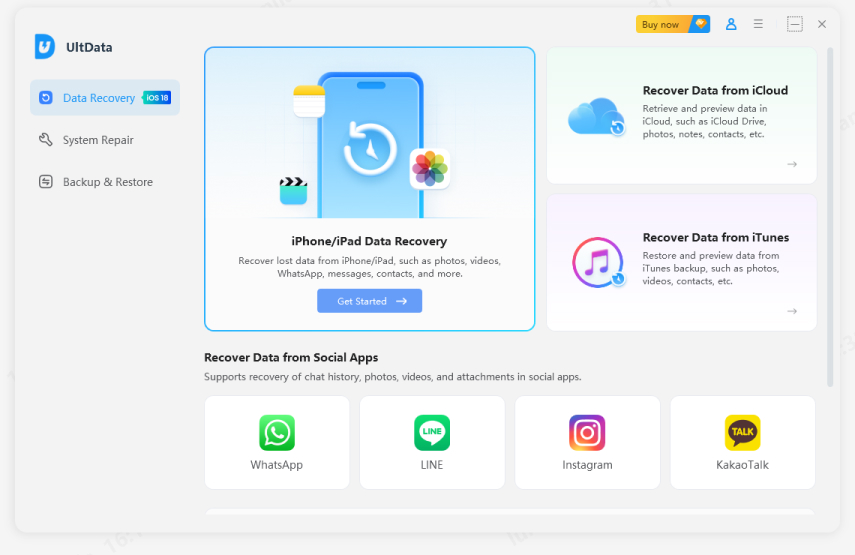
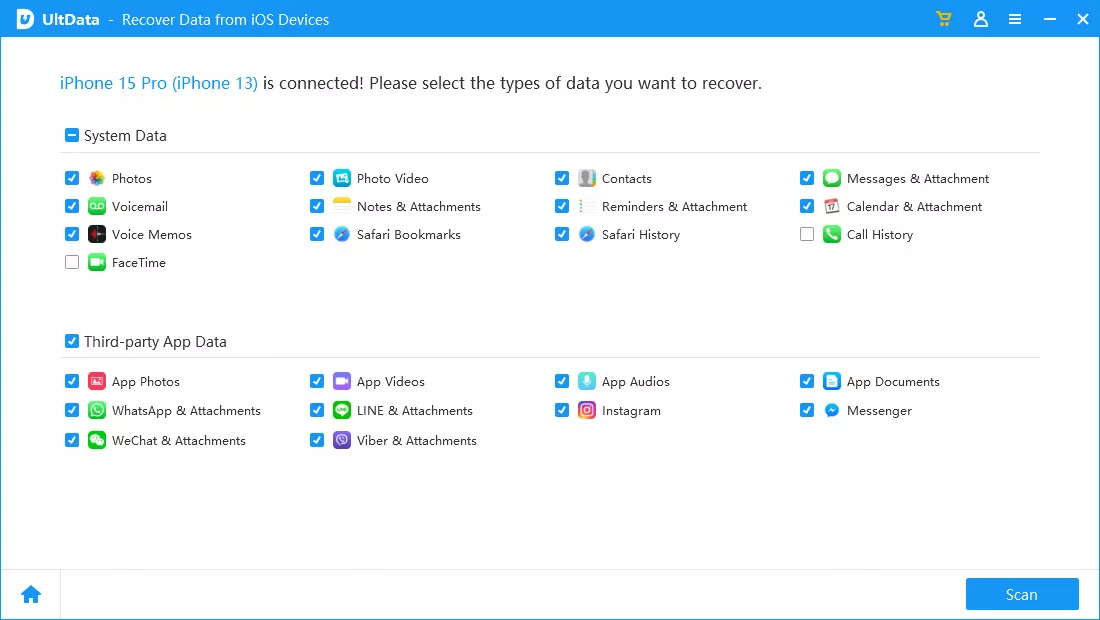
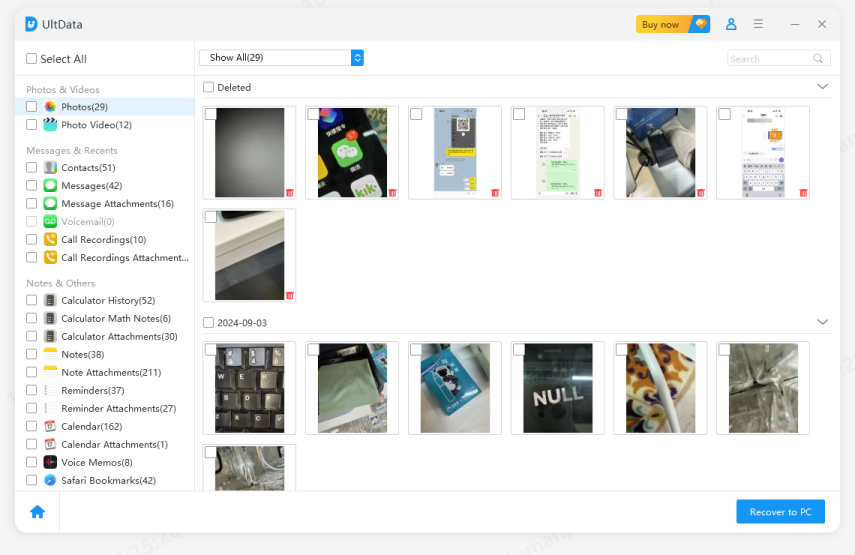

UltData cannot recover files that were never written to physical storage or saved at least once as a temporary cache. For more details and software downloads, check out the Tenorshare Windows Data Recovery Product Page and its Official Guide.
Unexpected application terminations interrupt background writing processes, causing active RAM data to vanish before it is written to permanent storage.
Clicking "Don't Save" when prompted upon closing a modified window explicitly commands Word to discard active temporary caches.
If background saving intervals are turned off, Word stops generating safety checkpoints, limiting your ability to how to find unsaved microsoft word document drafts.
Abrupt hardware power losses interrupt the saving cycle, often leaving incomplete or corrupted data blocks behind.
Yes, users can explore features like Recover Unsaved Documents or check temporary system folders, though discarded files without cache copies have strict limitations. This addresses inquiries about is there a way to recover unsaved microsoft word documents.
You can search through the built-in "Recover Unsaved Documents" dialog or check the designated AutoRecover file storage path in Word preferences, effectively answering how to find unsaved microsoft word document queries.
Relaunching the application triggers the Document Recovery pane, satisfying questions on how to get back unsaved documents on microsoft word.
They are typically saved in temporary application directories defined inside Word's Save settings menu. Users searching to microsoft word retrieve unsaved document targets can inspect these precise directories.
Explicitly clicking Don't Save instructs the program to delete temporary cache files, making native recovery difficult unless third-party software scans the raw drive sectors.
To retrieve unsaved document content in Microsoft Word, work through Recover Unsaved Documents, the Document Recovery pane, AutoRecover files, OneDrive and temp folders, in that order. Whether it works depends on whether a backup copy or recoverable file data still exists. Turn on AutoRecover and back up your files so this doesn't happen again. And if Word's tools come up empty, Tenorshare UltData is worth a try for deleted or lost files.


UltData - Best iPhone Data Recovery Software




then write your review
Leave a Comment
Create your review for Tenorshare articles

Share this post


UltData - Best iPhone Data Recovery Tool
Recover Deleted & Lost Data from iOS Devices Easily, No Backup Needed!
UltData: Best iPhone Recovery Tool
Recover Lost iPhone Data without Backup
By Jenefey Aaron
2026-11-13 / iOS Data Recovery