
iOS 26.3 Transfer to Android: Easy iPhone to Android Switch
With the release of iOS 26.3, Apple has introduced a built-in Transfer to Android feature, making it easier than ever to switch from iPhone to Android. This update simplifies data migration and removes many of the barriers users previously faced when leaving Apple’s ecosystem.
In this guide, you’ll learn how iOS 26 Transfer to Android works, how to transfer your data step by step, what Reddit users think about the feature, and how to fix common transfer issues.
Part 1. iOS 26.3 New Features: Seamlessly Switch From iPhone to Android
One of the most talked-about changes in iOS 26.3 is the new Transfer to Android feature. Apple quietly added this option to the iPhone setup and system settings, allowing users to move essential data directly to an Android device without relying entirely on third-party apps.
What’s New in iOS 26.3?
According to early reports, the iPhone to Android Transfer Tool in iOS 26.3 offers:
A dedicated “Transfer to Android” option during setup or reset
Wireless data transfer using local Wi-Fi
Support for common data types such as:
- Contacts
- Messages
- Photos and videos
- Calendar events
- Call history
Better compatibility with Android’s official migration tools

This update signals a clear shift in Apple’s stance. While Apple still wants users to stay in its ecosystem, iOS 26.3 acknowledges that switching platforms should be smoother and less frustrating.
Part 2. How Do I Transfer Data from iOS 26.3 to Android?
If you’re wondering how to transfer from iPhone to Android on iOS 26.3, follow the step-by-step guide below.
Step-by-Step Guide: iOS 26.3 Transfer to Android
Step 1: Prepare Both Devices
Before starting, make sure:
- Your iPhone is updated to iOS 26.3
- Your Android phone is fully charged
- Both devices are connected to the same Wi-Fi network
Step 2: Open Transfer to Android on iPhone
On your iPhone:
- Go to Settings
- Tap General
- Select Transfer or Reset iPhone
- Choose Transfer to Android
Alternatively, you may see this option during iPhone setup after a factory reset.
Step 3: Pair iPhone with Android
- A QR code or pairing code will appear on your Android device
- Scan or enter the code on your iPhone to establish a secure connection

Step 4: Select Data to Transfer
Choose what you want to move:
- Contacts
- Messages
- Photos & videos
- Calendar
- System settings (limited)
Tap Continue to begin the transfer.
Step 5: Wait for the Transfer to Complete
Transfer time depends on data size and network speed. Keep both devices unlocked and close to each other.
Once finished, your Android phone will automatically organize the imported data.
Part 3. Reddit Users’ Feedback on iOS 26.3 Transfer to Android
The Transfer to Android feature in iOS 26.3 quickly drew attention on Reddit, especially from long-time iPhone users considering a switch.
Positive Reactions from Reddit Users
- Many users believe Apple and Google partnered to build the new transfer system
- Several comments link the change to EU Digital Markets Act requirements
- Users appreciate that the feature is available worldwide, not Europe-only
- The easier transfer makes switching platforms feel less risky and more realistic
- Some called it one of the best features Apple has added in years

Why Users Are Considering Switching
- Ongoing iOS 26 performance issues (stuttering, keyboard lag, UI bugs)
- Frustration with recent updates pushing users toward Android
- The new transfer feature removes the last major barrier to switching

Common Concerns and Doubts
- Unclear handling of app data (Apple Notes, passwords, WhatsApp)
- Limited ability to select or exclude specific apps
- Transfers still feel tied to device setup, not post-setup migration

Overall Reddit Sentiment
- Generally positive but cautious
- Seen as a meaningful step forward, not a complete solution
- Makes switching possible—but doesn’t guarantee a perfect experience
Part 4. How to Fix iOS 26.3 Transfer to Android Stuck Issues
If the built-in transfer fails or freezes, you’re not alone. Many users report issues such as the process getting stuck on “Preparing data” or transfers stopping midway. Before giving up, try the solutions below.
Common Fixes When iOS 26.3 Transfer to Android Is Stuck
1. Restart both devices
A simple reboot can clear temporary system glitches that interrupt the transfer process.
2. Check Wi-Fi stability
Make sure both devices are connected to the same, stable Wi-Fi network. Avoid public or restricted networks.
3. Free up storage space on Android
Insufficient storage is a common reason transfers fail. Ensure your Android device has enough free space for photos, videos, and messages.
4. Disable VPN and battery optimization
VPNs, low power mode, or aggressive battery optimization may block background data transfer.
5. Reduce the transfer size
If you have a large photo or video library, try transferring essential data first, then move remaining files later.
When You Need a Reliable iPhone to Android Transfer Tool
If the transfer still fails after troubleshooting, a professional iPhone to Android Transfer Tool is the safest option. Tools like Tenorshare iTransGo are designed to handle large data volumes and complex migrations without relying on unstable wireless connections.




Why Use Tenorshare iTransGo?
Supports iOS 26.3 and latest Android versions
Transfers large photo libraries without interruption
Works without resetting your Android device
Supports WhatsApp, messages, contacts, photos, and more
Faster and more stable than wireless transfer
How to Use Tenorshare iTransGo for iPhone to Android Transfer?
Transferring your data from one phone to another using Tenorshare iTransGo is simple and efficient. Here’s a step-by-step guide on how to do it:
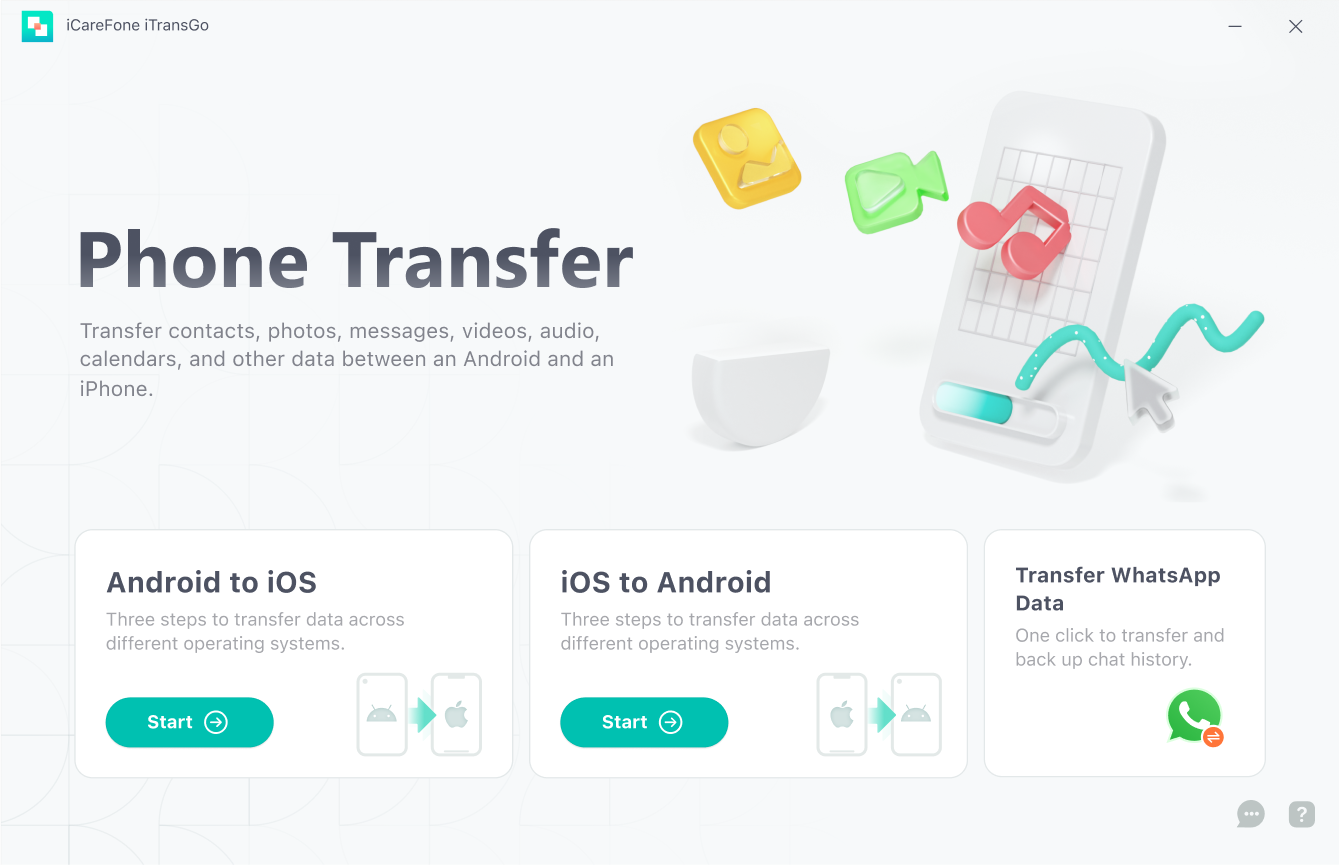
- Start by launching iTransGo on your computer. Once the program is open, click the "iOS to Android" button.
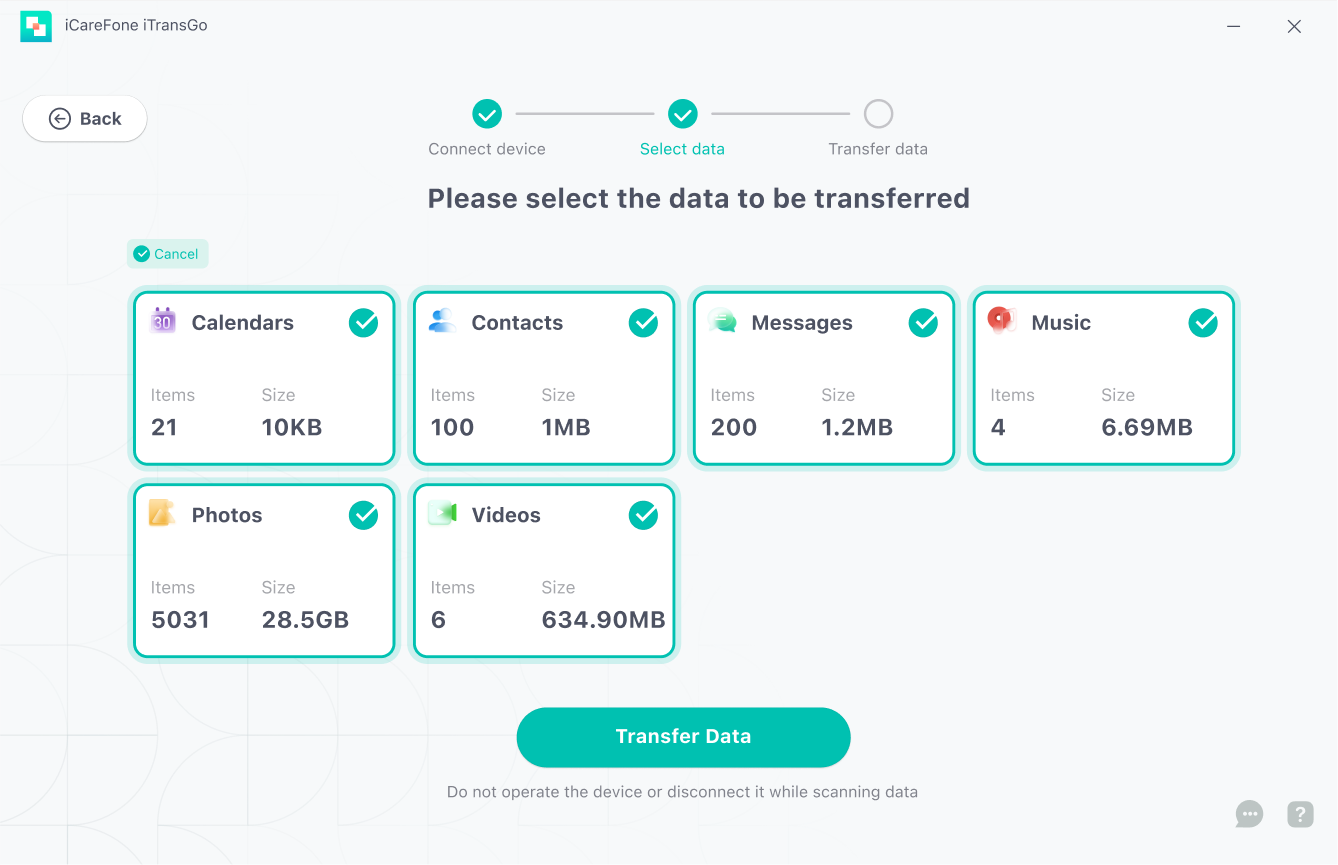
- Next, connect both your iPhone and Android to the computer using USB cables. Once they’re connected, you’ll see the option to choose the types of data you want to transfer, such as contacts, messages, photos, or apps. Select the data you need and get ready for the transfer.
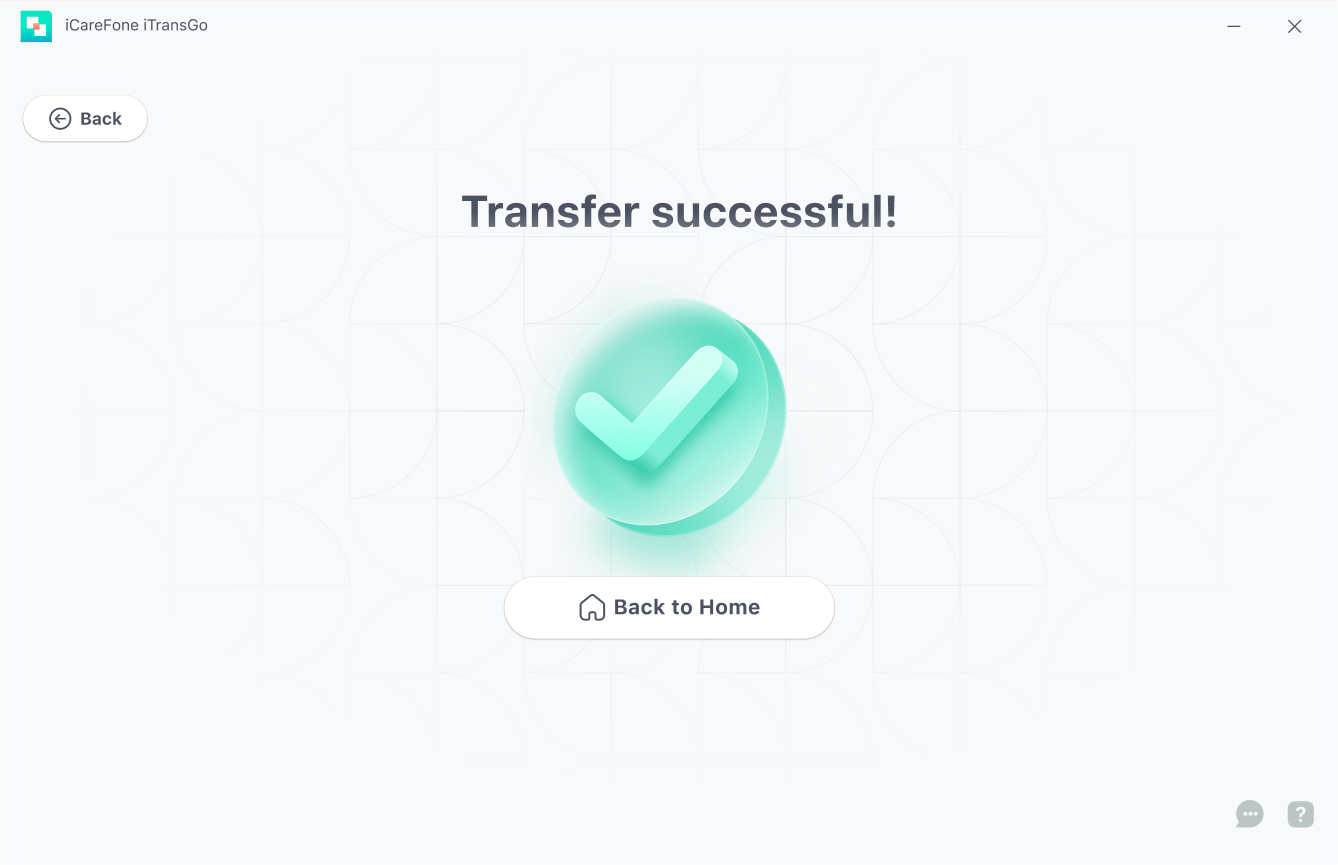
- After the data is successfully transferred, the screen will display a message saying "Transfer successful." This means your data has been moved safely to your new device without any issues.
Part 5. FAQs about iOS 26.3 Transfer to Android
Q1. Does iOS 26.3 include a new transfer to Android system developed with Google?
iOS 26.3 introduces a system-level Transfer to Android option that appears to integrate better with Android migration tools. While Apple hasn’t confirmed deep co-development, compatibility has clearly improved.
Q2. Does Apple have an Android transfer app?
Apple does not offer a standalone Android app. Instead, iOS 26.3 embeds the transfer function directly into iPhone system settings.
Q3. How to transfer data from iOS to Android using Smart Switch?
Samsung Smart Switch can still be used by connecting your iPhone via cable or Wi-Fi. However, results vary depending on data type and iOS version. For iOS 26.3 users, Apple’s built-in tool or a professional transfer tool may offer better stability.
Conclusion
iOS 26.3 brings a major upgrade to Apple’s Transfer to Android experience, making the switch from iPhone to Android smoother and more user-friendly than ever.
While the built-in tool works well for basic transfers, issues like freezes or incomplete data are still possible. In those cases, a professional iPhone to Android Transfer Tool such as Tenorshare iTransGo offers a more reliable solution.
Overall, iOS 26.3 makes moving to Android simpler, faster, and far less frustrating.


Tenorshare iTransGo - No.1 Phone Data Transfer Tool

- Transfers data from iPhone to Android without resetting and vice versa
- Six types of data are supported: photos, contacts, messages, videos, calendars and music




 iOS Tips & Latest Updates
 Bug Fixes, Unlock Guides
 Giveaways & Freebies

Speak Your Mind
then write your review
Speak Your Mind
Leave a Comment
Create your review for Tenorshare articles
Related articles
All topics
Share this post



By Anna Sherry
2026-09-24 / Transfer