If your computer feels slow or cluttered, you’ve likely encountered CCleaner.
But is it still worth using in 2026? In this CCleaner review,
we’ll break down its features, safety concerns, pricing, and real-world
performance so you can decide whether it’s the right tool or if a better
alternative exists.
CCleaner is a system optimization and cleaning tool developed to remove
unnecessary files, improve performance, and protect user privacy. It works
by scanning your system for junk files, temporary data, browser history, and
other unused items that may slow down your device.
It is available for Windows and Mac, with both free and paid versions
offering different levels of functionality.
What Does CCleaner Do: Key Features?
CCleaner includes a wide range of tools designed to clean and optimize your
system. Here are its core features.
These features aim to improve performance, free storage, and enhance
privacy.
Part 2. Is CCleaner Safe & Legit to Use?
Many users wonder is CClneaner safe. While there have been some incidents in
the past, knowing the current safety measures is also crucial, so we will
give you a complete overview in this section.
The 2017 Malware Incident: What Actually Happened
In 2017, CCleaner was compromised by hackers who injected malware into its
official installer. These affected millions of users before it was detected.
The issue raised serious concerns about security and trust. However, the
developers quickly resolved the breach, removed infected versions, and
strengthened security measures.
Is It Safe Right Now?
Yes, CCleaner is generally safe to use today if downloaded from the official
website. It has undergone multiple security improvements and audits since
the 2017 incident.
That said, some users still report concerns such as:
Aggressive notifications and upselling
Background processes running without clear control
Occasional false positives in registry cleaning
How to Get Rid of CCleaner Virus / Malware?
If you suspect issues with CCleaner, follow these steps:
Uninstall CCleaner from your system
Run a full antivirus scan
Remove leftover files manually or using a cleanup tool
Avoid downloading from unofficial sources
Part 3. CCleaner Free vs Pro: Is CCleaner Pro Worth It?
After knowing what is CCleaner, people ask if it is free and what the
versions are. So, we have listed the versions of this software in the table
below to help you easily compare:
Feature Comparison Table
Please swipe to view
Feature
Free Version
Pro Version
Professional Plus
junk file cleaning
✅
✅
✅
browser history wipe
✅
✅
✅
startup manager
✅
✅
✅
real-time monitoring
✅
✅
duplicate file finder
✅
✅
disk analyzer
✅
✅
driver updater
✅
software updater
✅
✅
free space wiper
✅
✅
priority support
✅
✅
devices covered
1
1-3
up to 3
price (approx.)
free
$29.95/yr
$39.95/yr
Is the CCleaner Free Version Good Enough?
The free version is sufficient for basic cleaning tasks like removing junk
files and clearing browser data. However, it lacks automation, real-time
monitoring, and advanced tools, which may limit its usefulness for long-term
maintenance.
Is CCleaner Pro Worth It?
CCleaner Pro is worth it if you want automation and convenience. Features
like scheduled cleaning and real-time monitoring can save time. However,
many users feel the upgrade is not essential, especially when free
alternatives offer similar functionality.
Part 4. Does CCleaner Actually Work (Performance Test)?
To evaluate effectiveness, we tested CCleaner across key functions:
Please swipe to view
Feature
Test Result
Performance Impact
junk file cleaning
removed 2–5gb temporary files
significant storage improvement
registry cleaning
detected multiple invalid entries
minimal noticeable performance boost
startup optimization
disable unnecessary startup apps
faster boot time (10–25%)
privacy cleaning
cleared browser history and cookies
improved privacy, no speed impact
duplicate file finder
found duplicate media files
moderate storage recovery
Key Takeaways
Excellent for cleaning junk and freeing space
The startup manager provides noticeable speed improvements
Registry cleaner has a limited real-world impact
Duplicate Finder is useful, but not very advanced
Part 5. Final Verdict: Should You Use CCleaner in 2026?
The answer to “Is CCleaner good?" for you depends on the value it brings to
you. So, in this section, we will discuss some pros and cons and share real
user reviews that will help you decide.
Pros and Cons of CCleaner
Pros
Easy-to-use interface for beginners
Effective junk file and cache cleaning
Includes useful tools like the startup manager
Available free version for basic use
Supports both Windows and Mac
Cons
New CCleaner not working issues reported
Cannot always clear Chrome history properly
Aggressive ads and upgrade prompts
Limited advanced features in the free version
Subscription cancellation complaints
True User Reviews of CCleaner
Here are real user-style insights based on community feedback:
These reflect a mix of satisfaction and frustration.
Rates to All Aspects of CCleaner
Please swipe to view
Category
Rating
features
4.0/5
ease of use
4.5/5
safety
3.5/5
value for money
3.8/5
customer support
2.8/5
overall
3.7/5
Part 6. Best CCleaner Alternative for Mac in 2026
If you’re looking for a cleaner, safer, and more modern CCleaner
alternative, especially for Mac, there are better options available today.
One of the best alternatives is Tenorshare Cleamio, a powerful tool designed
specifically for macOS. Unlike CCleaner, it focuses on smart cleaning,
automation, and removing all types of junk files without unnecessary
complexity.
Tenorshare Cleamio
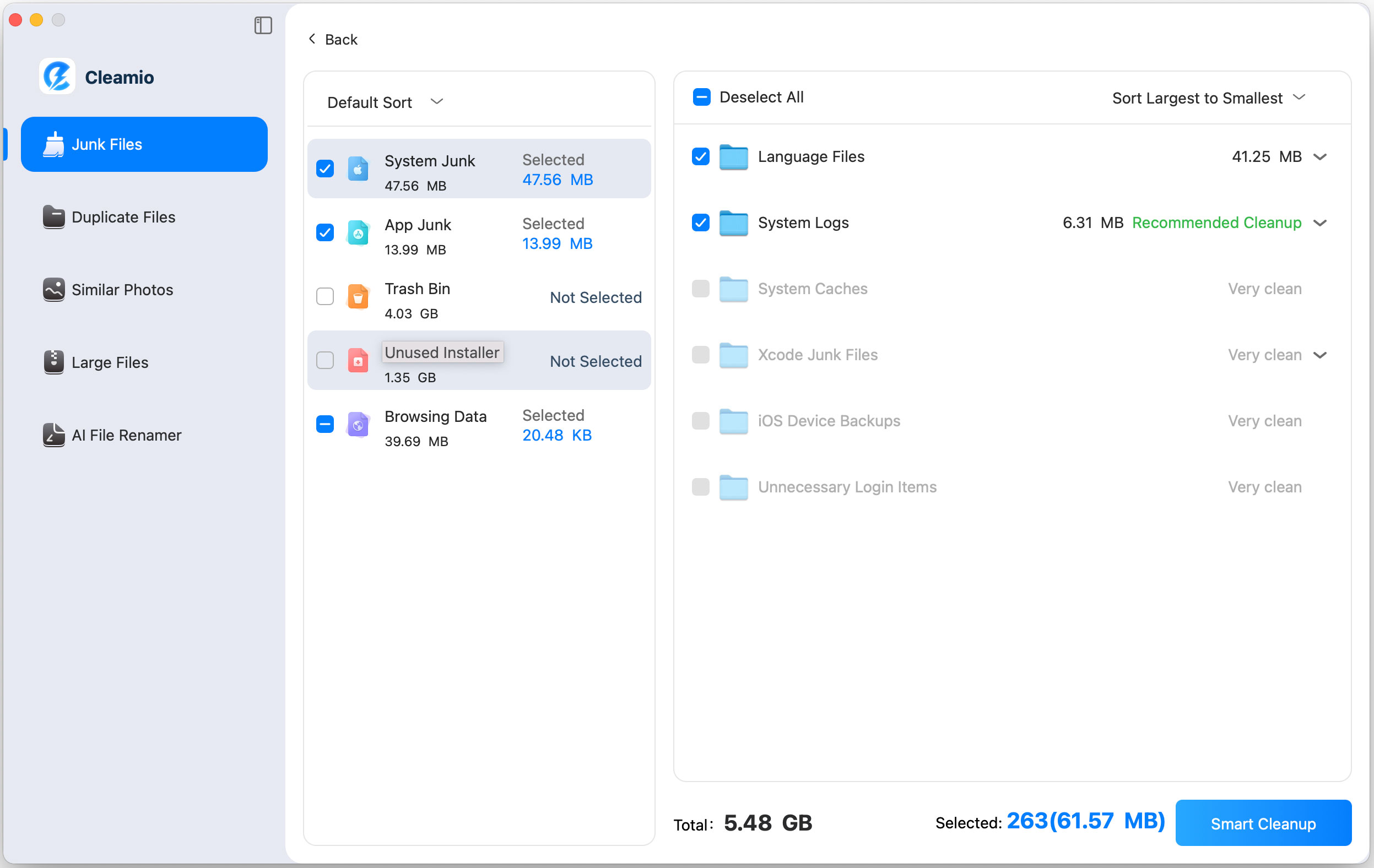
offers a powerful and user-friendly cleanup solution with deep scanning
capabilities that effectively detect and remove system junk, app cache,
browser data, unused installers, logs, and temporary files. It intelligently
identifies safe-to-delete files and can clean internet junk across all
browsers in one go. With its simple, beginner-friendly interface, users can
enjoy a thorough system cleanup with just a single click.
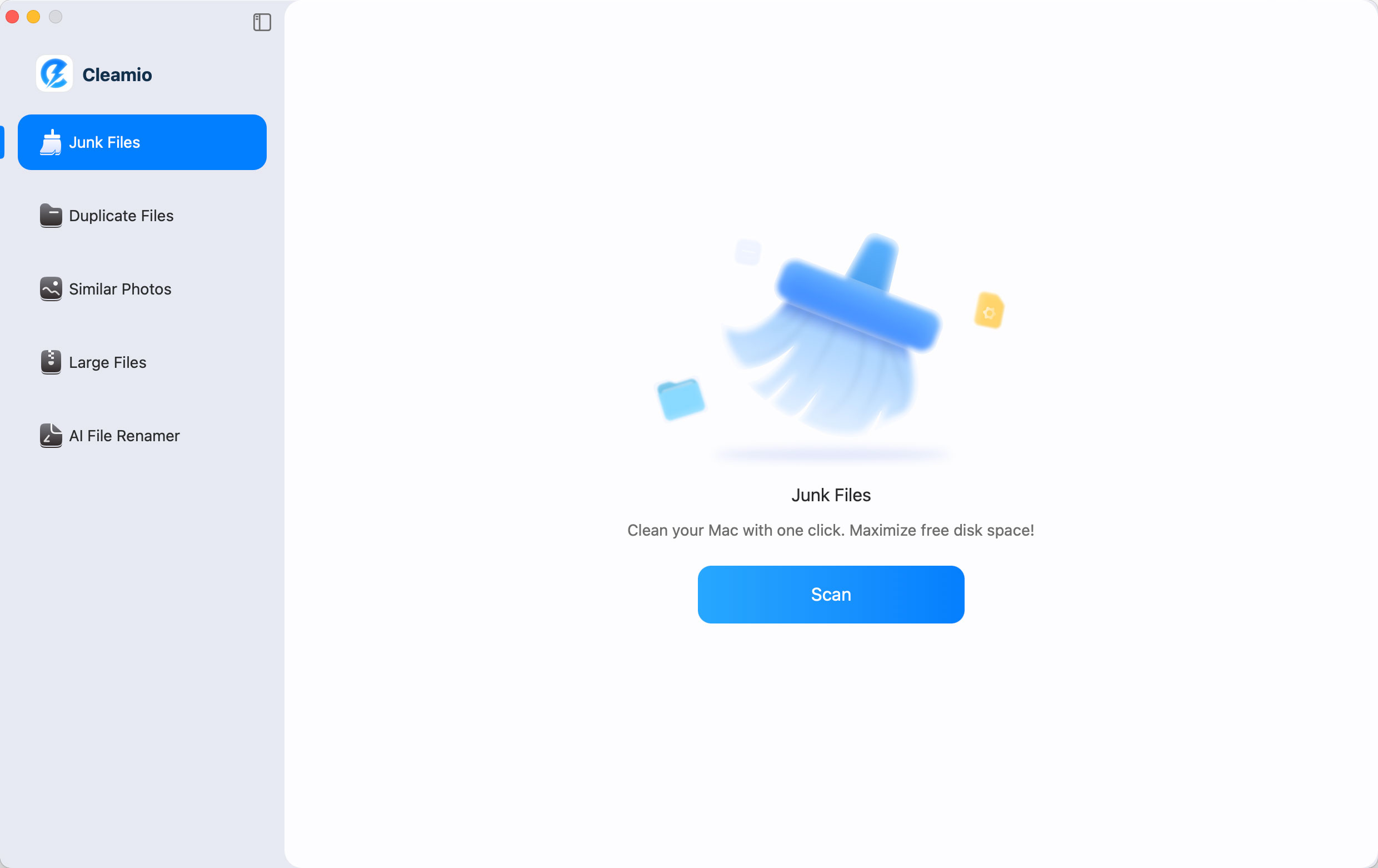
Download and install Tenorshare Cleamio. Open the software and choose
“Junk Files," then click “Scan” to analyze your system.
Review detected files and select unwanted data. Click “Smart Cleanup” to
remove all junk instantly from your system.
When 4DDiG has finished cleaning, you can click “OK” and close the
program.
This provides a faster and safer cleaning experience compared to traditional
tools like CCleaner.
People Also Ask about CCleaner
Q1: How to uninstall CCleaner?
You can uninstall CCleaner through Control Panel on Windows or by dragging
it to the Trash on Mac. For complete removal, it’s recommended to delete
leftover files using a cleanup tool.
Q2: How to cancel CCleaner subscription?
To cancel your subscription, log in to your CCleaner account on the official
website and go to billing settings. If you face issues, contact customer
support directly, as some users report difficulty canceling subscriptions.
Q3: Is CCleaner a virus?
No, CCleaner is not a virus. However, due to its past security incident and
aggressive behavior, some antivirus tools may flag it as potentially
unwanted software.
Q4: When did CCleaner become malware?
CCleaner itself never officially became malware, but in 2017, its installer
was compromised and distributed malicious code. The issue was resolved
quickly, and current versions are safe when downloaded from official
sources.
Q5: Is CCleaner free?
Yes, CCleaner offers a free version with basic cleaning features. However,
advanced features like automation, real-time monitoring, and updates are
only available in the paid version.
Conclusion
This CCleaner review shows that while CCleaner remains a
useful tool for basic cleaning, it’s no longer the best option available.
Issues like ads, limited features, and mixed performance reduce their
appeal. For a cleaner, safer, and more efficient experience, especially on
Mac, Tenorshare Cleamio is a smarter alternative worth
considering.





 iOS Tips & Latest Updates
 Bug Fixes, Unlock Guides
 Giveaways & Freebies





By Jenefey Aaron
2026-09-28 / File Tips