



Cleamio: All-in-One Mac Cleaner & Optimizer
Clean junk files, free up space, and boost Mac performance
No.1 Mac Cleaner & Optimizer
Clean, speed up, and optimize your Mac
A duplicate runtime package remover is a utility that detects and deletes redundant copies of shared system libraries, most commonly, .NET, Visual C++ Redistributable, Java JRE, and macOS framework bundles.
For Mac, Tenorshare Cleamio is the safest option for non-technical users because it flags system-protected files before deletion. For Windows, 4DDiG Duplicate File Deleter offers the fastest one-click cleanup, while Czkawka is the best free open-source alternative on both platforms.
Below we break down what these duplicates actually are, when it's safe to remove them, and how the five top tools compare in 2026 testing.
 Please swipe to view
Duplicate runtime packages are repeated versions of system libraries, frameworks, or dependencies that applications rely on to run properly. These can include files like duplicate global system runtime versioning components or errors such as duplicate ‘global::system.runtime.versioning.targetframeworkattribute’ attribute, often seen in development environments.
Common locations:
Two distinct problems get called by this name:
Please swipe to view
There are several reasons why duplicate runtime packages accumulate over time:
Over time, these duplicates can consume storage, slow down your system, and even cause compatibility issues or runtime errors.
Yes, it is generally safe to remove duplicate runtime packages, but only if you are sure they are not required by active applications. Removing unnecessary duplicates can free up space and resolve system conflicts.
Safe for application-bundled duplicates and superseded SDK versions; unsafe for system-protected runtimes. Removing a runtime an active app still depends on causes immediate crashes or "missing DLL" / "framework not found" errors on launch.
You should avoid deleting runtime packages in the following situations:
In short, using a reliable app to find and delete duplicate runtime packages that flags protected files and can display which should delete and which not. It is safer than manual deletion.
Here are our top 5 picks for removing the duplicate runtime packages.

Tenorshare Cleamio is the recommended duplicate runtime package remover for macOS users without technical background. It scans /Library/Frameworks, ~/Library/Application Support, and bundled .app/Contents/Frameworks directories. Most importantly, it will provide risk indicators before deletion to help users avoid removing critical system components.
Key Features:
Pros
Cons
Best For: Mac users who want a safe, automated cleanup solution
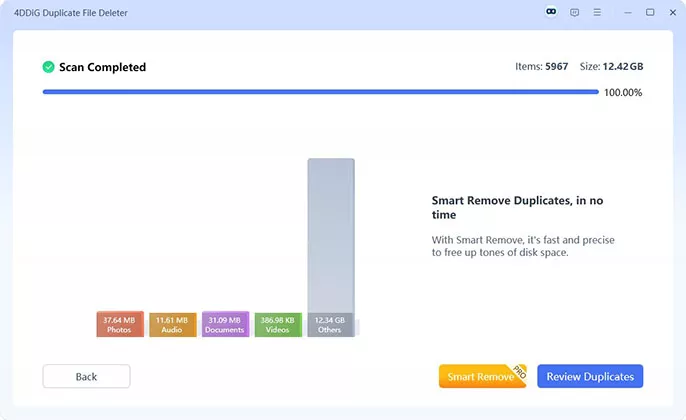
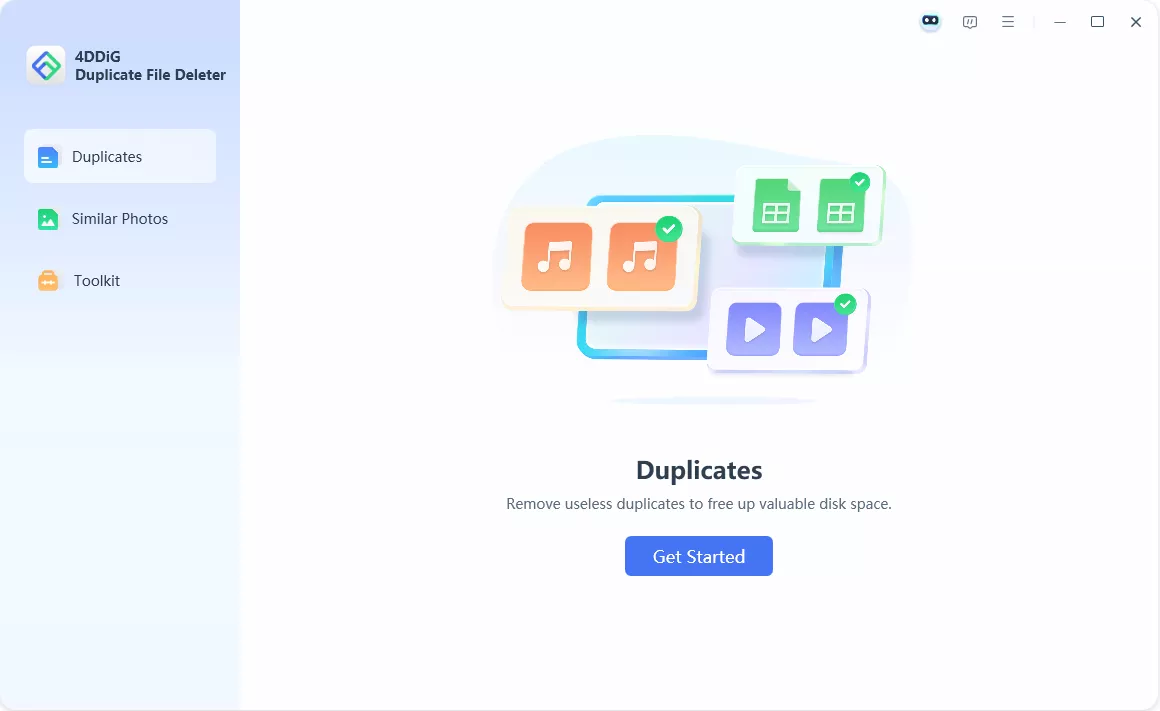
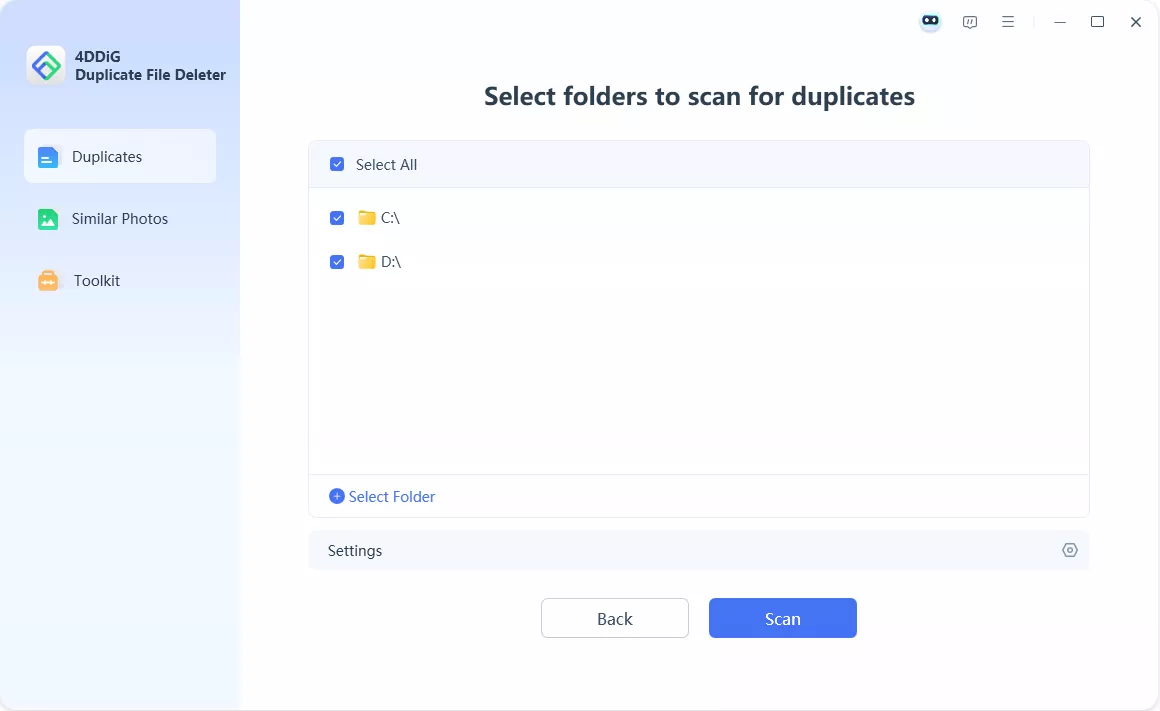
4DDiG Duplicate File Deleter is the easiest duplicate runtime package remover for Windows 10 and Windows 11 beginners. Its byte-by-byte and MD5 hash comparison reliably catches duplicate .dll, .exe, and .msi runtime files in user folders, though it doesn't deep-scan protected system directories.
Key Features:
Pros
Cons
Best For: Non-technical Windows users cleaning up Downloads, Documents, and per-user app data.

Czkawka is the best free duplicate runtime package finder for users who prefer open-source software with no telemetry. It uses BLAKE3 hashing for fast comparison and scans cross-platform without any feature gating, but provides zero guidance on which duplicates are safe to delete.
Key Features:
Pros
Cons
Best For: Developers, sysadmins, and users who would rather verify manually than pay for guardrails.

AllDup is the most powerful free duplicate finder for advanced Windows users who need granular filtering. It supports comparison by file content, name, date, attributes, and even ID3 tags, with regex-based exclusion rules, but its 2010-era interface is genuinely intimidating for newcomers.
Key Features:
Pros
Cons
Best For: Advanced users needing deep scanning control

CCleaner's duplicate finder works for general files but is not optimized for runtime packages specifically. It's worth using only if you already run CCleaner for other maintenance tasks; as a dedicated duplicate runtime remover, the four tools above are better choices.

CCleaner has had a public security incident: the 2017 supply-chain compromise of version 5.33 affected approximately 2.27 million users. Some IT environments restrict its use as a result.
Key Features:
Pros
Cons
Best For: Existing CCleaner users who want one extra utility, not a primary duplicate cleaner.
In this part, we will explain the most efficient way of deleting these packages for both Windows and Mac users.
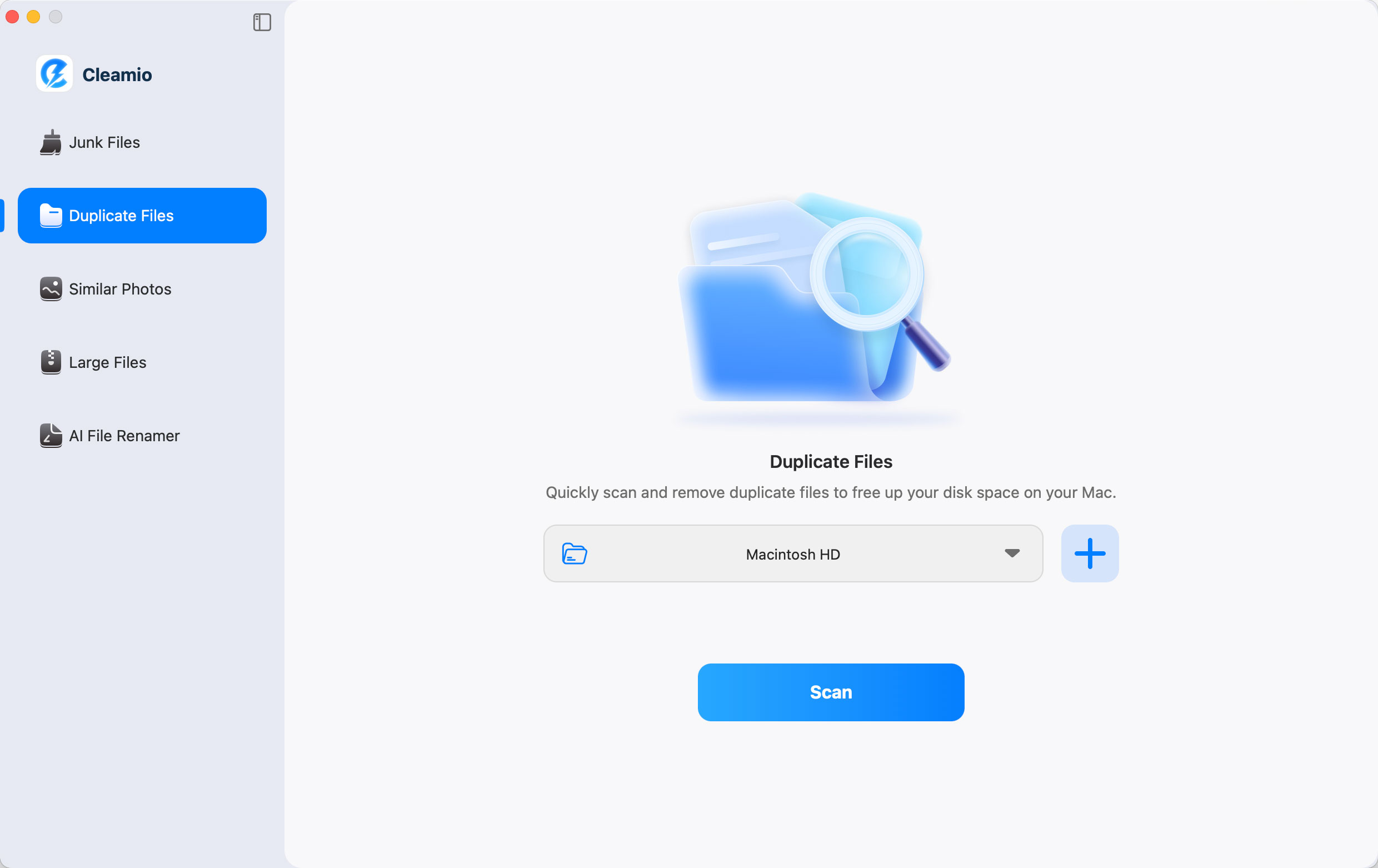
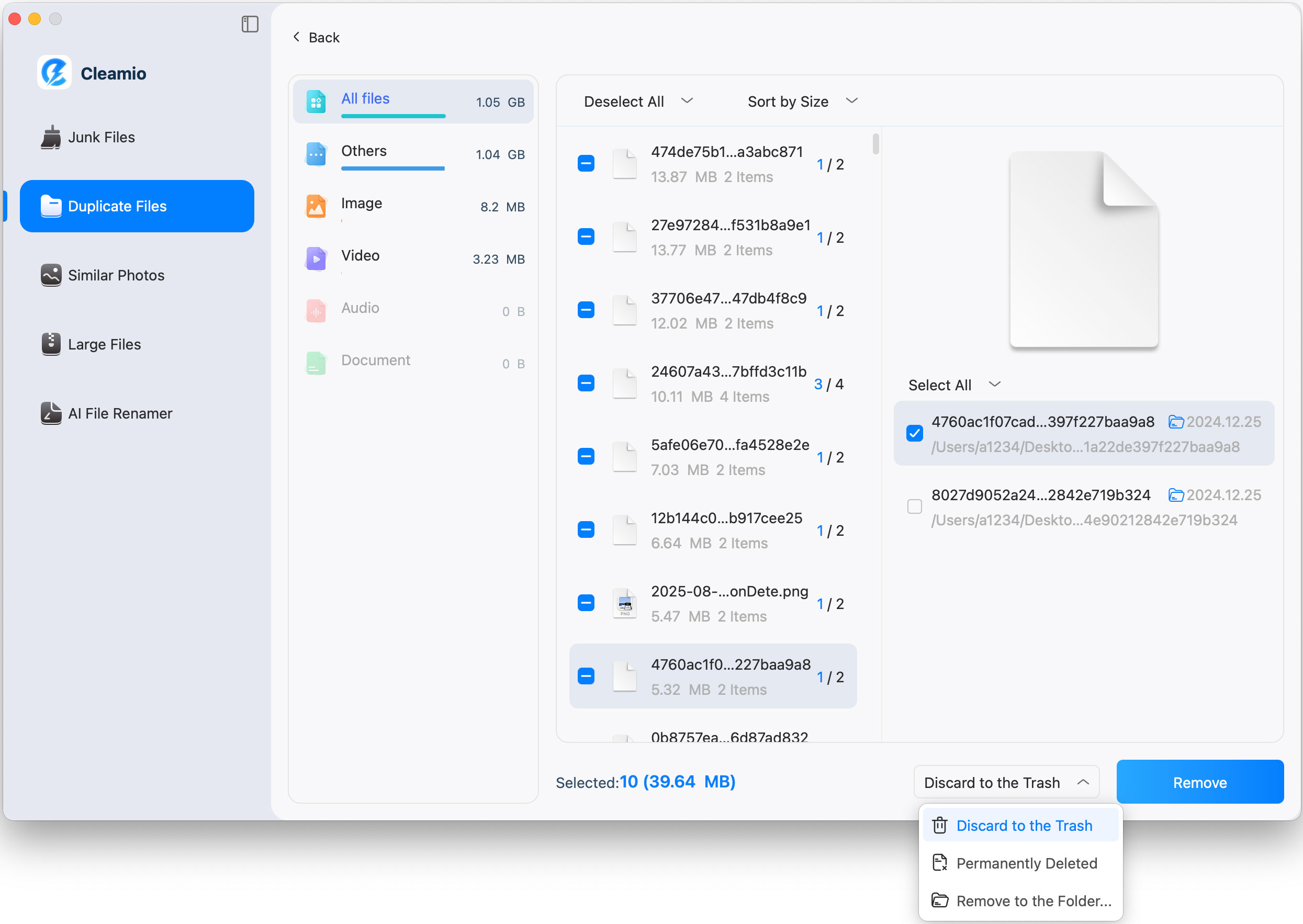
The easiest way to remove duplicate runtime packages on Mac is by using Tenorshare Cleamio. It automates the scanning process and identifies safe-to-delete files. This eliminates guesswork and ensures system stability, making it the best solution for users who want fast and safe cleanup.
On Windows, 4DDiG Duplicate File Deleter provides a quick and safe way to remove duplicate runtime packages. It scans your system thoroughly and allows you to delete duplicates with one click. This is ideal for both beginners and advanced users.

This is a .NET project configuration error, not a disk cleanup problem. No duplicate file remover will fix it. The error occurs when MSBuild generates AssemblyInfo.cs with a TargetFrameworkAttribute while your project also has it defined manually.

Add this to your .csproj file inside the main :
Then run dotnet clean followed by dotnet build. If the error persists, search your project for manually-defined [assembly: TargetFramework] attributes and remove duplicates.
Yes, AllDup is safe for PC use. It is a legitimate tool designed to find and remove duplicate files. However, users should review files carefully before deleting them to avoid removing important system files.
Yes, there are several free tools available, including AllDup and Czkawka. Czkawka is open-source under MIT license; AllDup is freeware with portable distribution. Neither has paid tiers or scan limits.
Generally no. Games often require specific older versions of Visual C++ 2010, 2013, or DirectX components. Removing duplicates can break games that depend on exact version matches. Use the Windows "Installed Apps" panel to review VC++ versions before removing any.
This Microsoft Store error is typically caused by an interrupted app update, not duplicate files. Fix it by running wsreset.exe, then re-registering the app via PowerShell: Get-AppxPackage [appname] | Reset-AppxPackage. A duplicate file remover will not resolve this error.
Use a tool unless you can read package manifests. Manual deletion of files from WinSxS (Windows) or /Library/Frameworks (macOS) frequently breaks system components because filenames don't reveal which apps depend on them. A scanner with safety prompts prevents this.
Using a reliable duplicate runtime package remover can help you free up space, fix system errors, and improve performance. While manual cleanup is possible, tools like Tenorshare Cleamio and 4DDiG Duplicate File Deleter make the process much safer and easier. For Mac users especially, Tenorshare Cleamio offers a smart, all-in-one solution to manage and remove duplicate runtime packages efficiently.
then write your review
Leave a Comment
Create your review for Tenorshare articles
 Cleamio
All-in-One Mac Cleaner & Optimizer
Share this post


Cleamio: All-in-One Mac Cleaner & Optimizer
Clean junk files, free up space, and boost Mac performance
No.1 Mac Cleaner & Optimizer
Clean, speed up, and optimize your Mac
By Jenefey Aaron
2026-09-15 / File Tips