
















Home > iCareFone Transfer > WhatsApp Backup and Restore
iOS 26 Supported

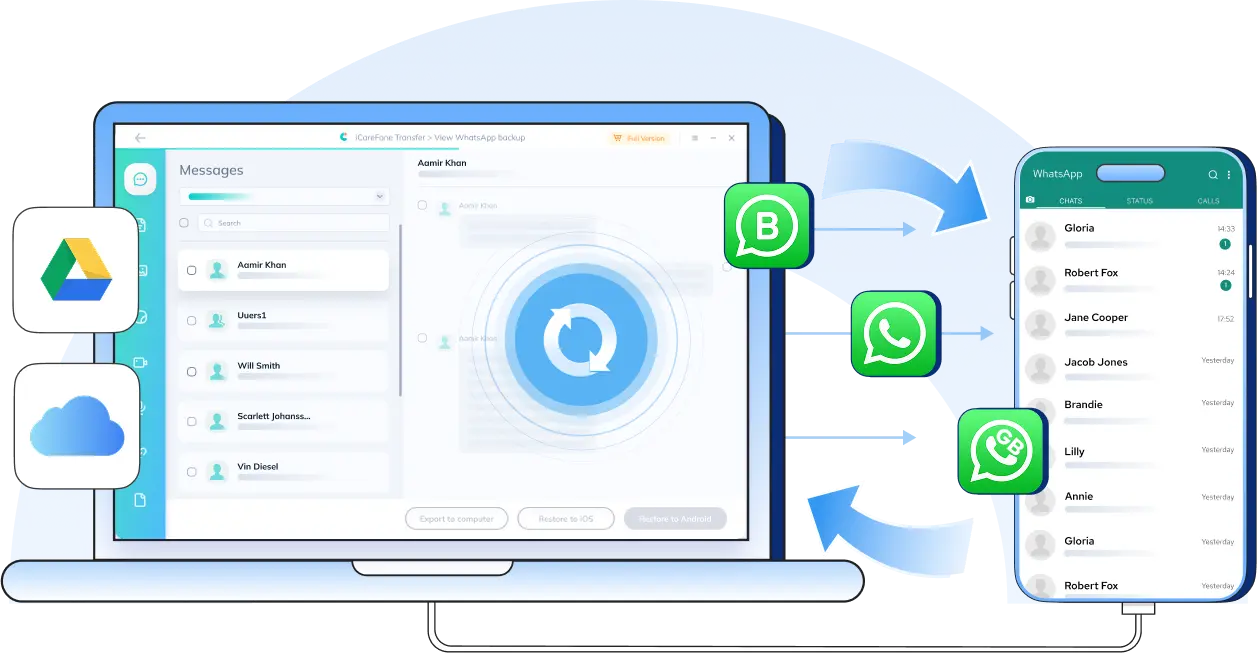
WhatsApp Backup & Restore Between iPhone and Android

Restore WhatsApp backup from Google Drive with ease

  • Back up WhatsApp data to your computer for free
  • Restore WhatsApp backup from Google Drive to iPhone, or iCloud to Android.
  • Access or export your WhatsApp backups anytime, anywhere.
  • Supports 18+ data types, including messages, photos,and stickers.
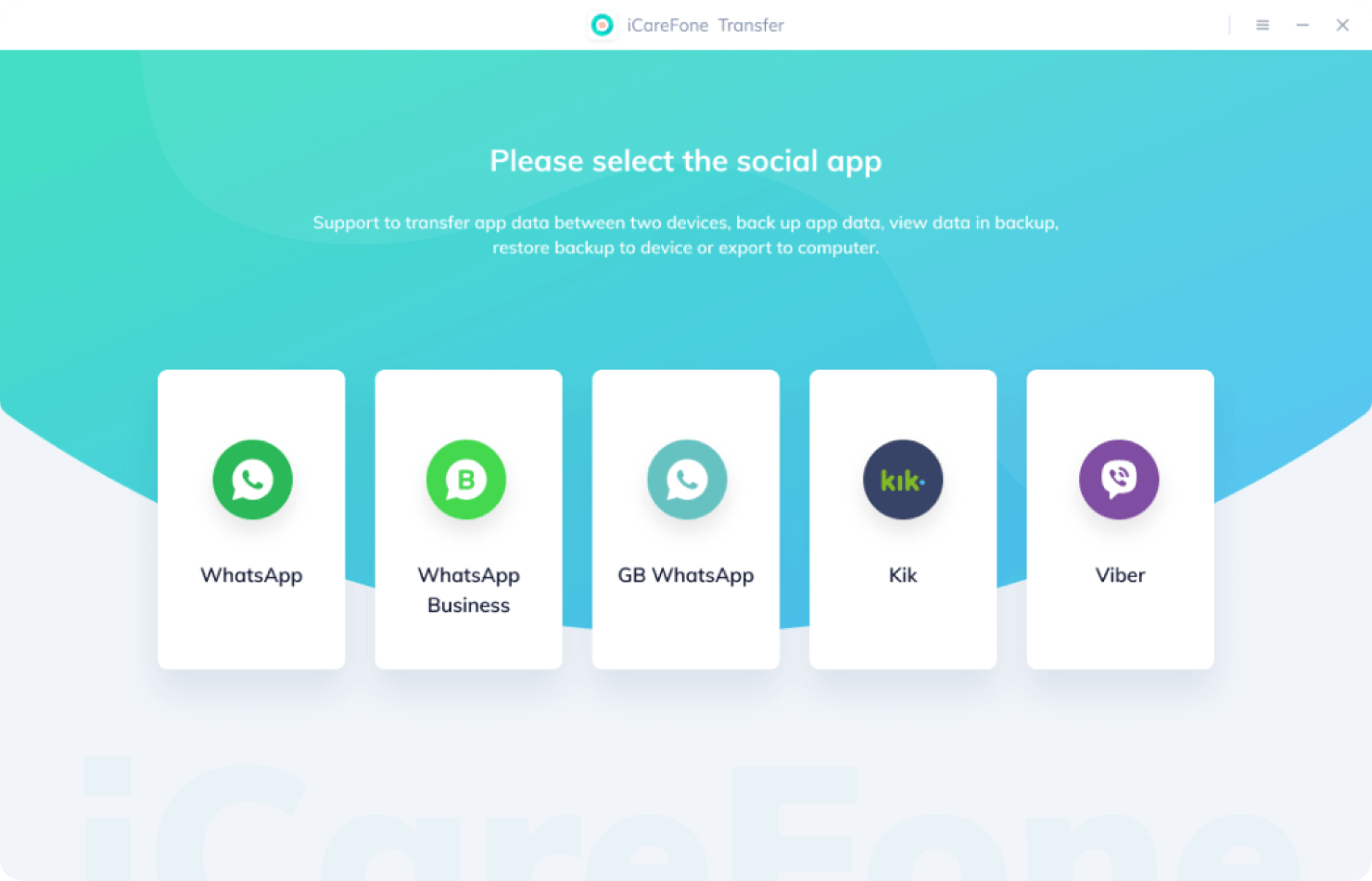
  • Works with WhatsApp, WhatsApp Business, and GBWhatsApp.
Available for:

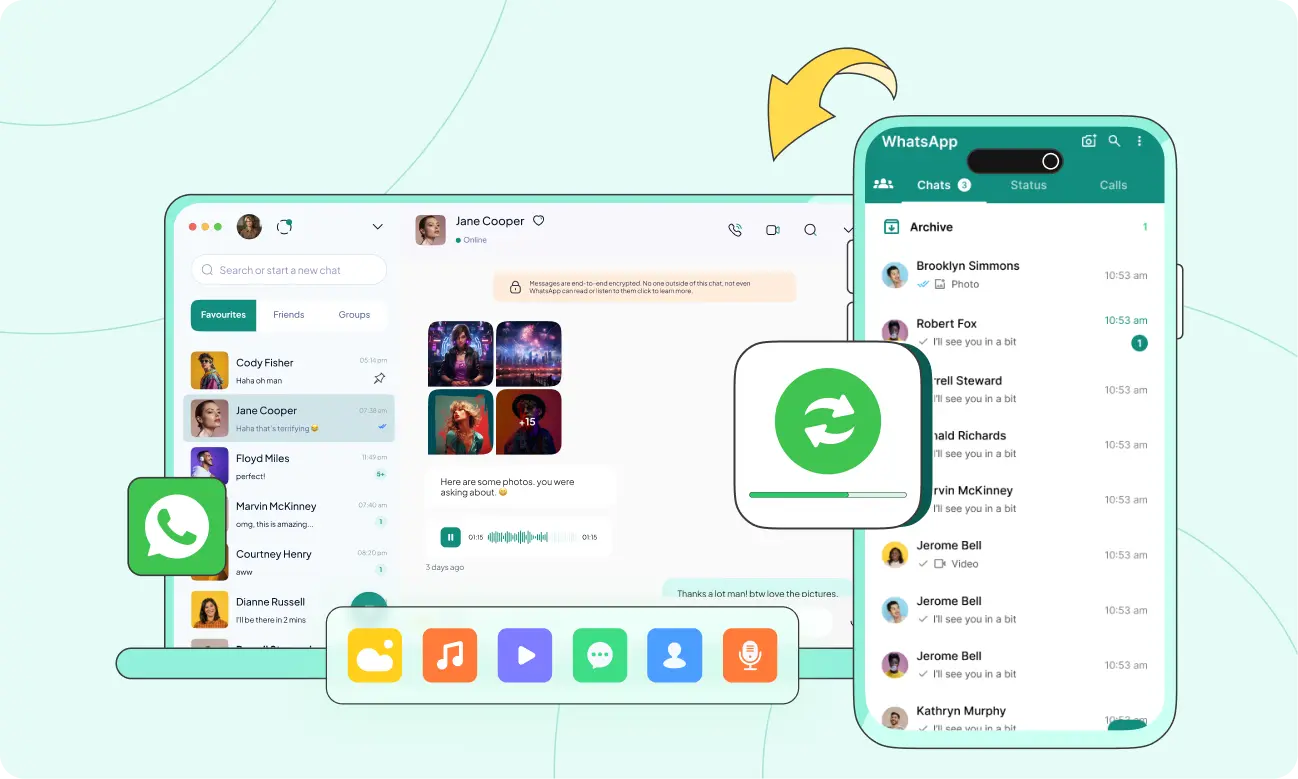
Back Up WhatsApp on Your Computer. Forget Cloud Hassles. iOS FREE

Enough of WhatsApp backup failures, storage limits, and constant “backup not working” issues. Back up your WhatsApp, WhatsApp Business, or GBWhatsApp data to your computer instead — a safer, more reliable way to store, access, and manage your chats and media.

  • No storage limits
  • Private and secure
  • Access and restore offline
  • Save backups from different dates
  • View, export, or download easily

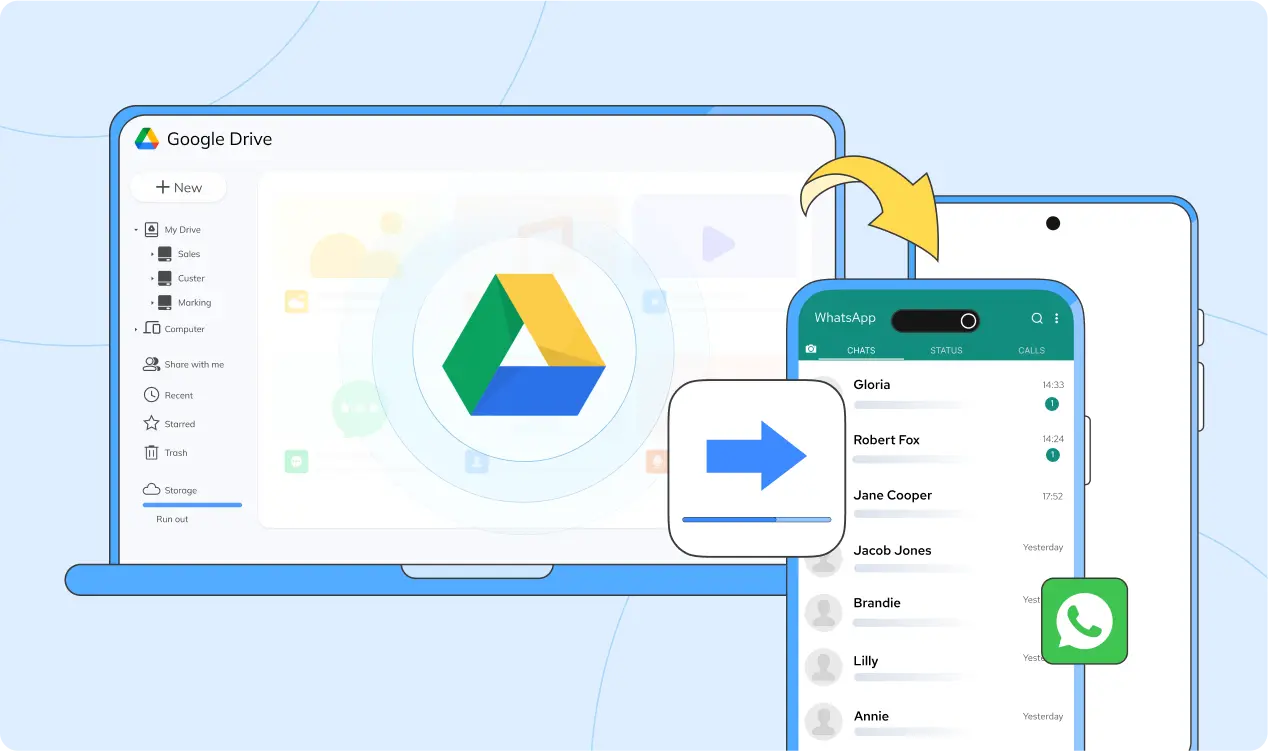
Restore WhatsApp from Google Drive to iPhone or iCloud Backup to Android

Switching phones across platforms doesn’t have to mean starting over. With cross-platform restore support, you can restore WhatsApp chats from Google Drive to iPhone or move iCloud backups to Android, even when the systems don’t officially work together.

  • Restore between iOS and Android - move your full chat history, media, and files smoothly across platforms.
  • Restore only what you need - choose specific chats or data types instead of restoring everything.
  • Restore without overwriting - restore WhatsApp backups without overwriting what’s already on.

WhatsApp, WhatsApp Business, and GBWhatsApp
Are Fully Supported

WhatsApp

Back up your WhatsApp chats to your computer and restore them between Android and iOS whenever you switch devices.

WhatsApp Business

Safely back up business chats and restore your WhatsApp Business data between Android and iOS without losing important conversations.

GBWhatsApp

Back up GBWhatsApp data to your computer and restore chats between GBWhatsApp and the official WhatsApp app.

All the WhatsApp Data You Care About
Is Covered

From everyday messages and photos to stickers, documents, contacts, videos, and voice notes, you can back up and restore your WhatsApp data without worrying about missing anything that matters.

icarefone transfer icarefone transfer icarefone transfer icarefone transfer icarefone transfer

Transfer iPhone Photos to Computer in Just 3 Steps

  • Step 1

    Launch iCareFone Transfer on your computer and choose the WhatsApp icon.

  • Step 2

    Connect your device, then select your WhatsApp backup and restore it.

  • Step 3

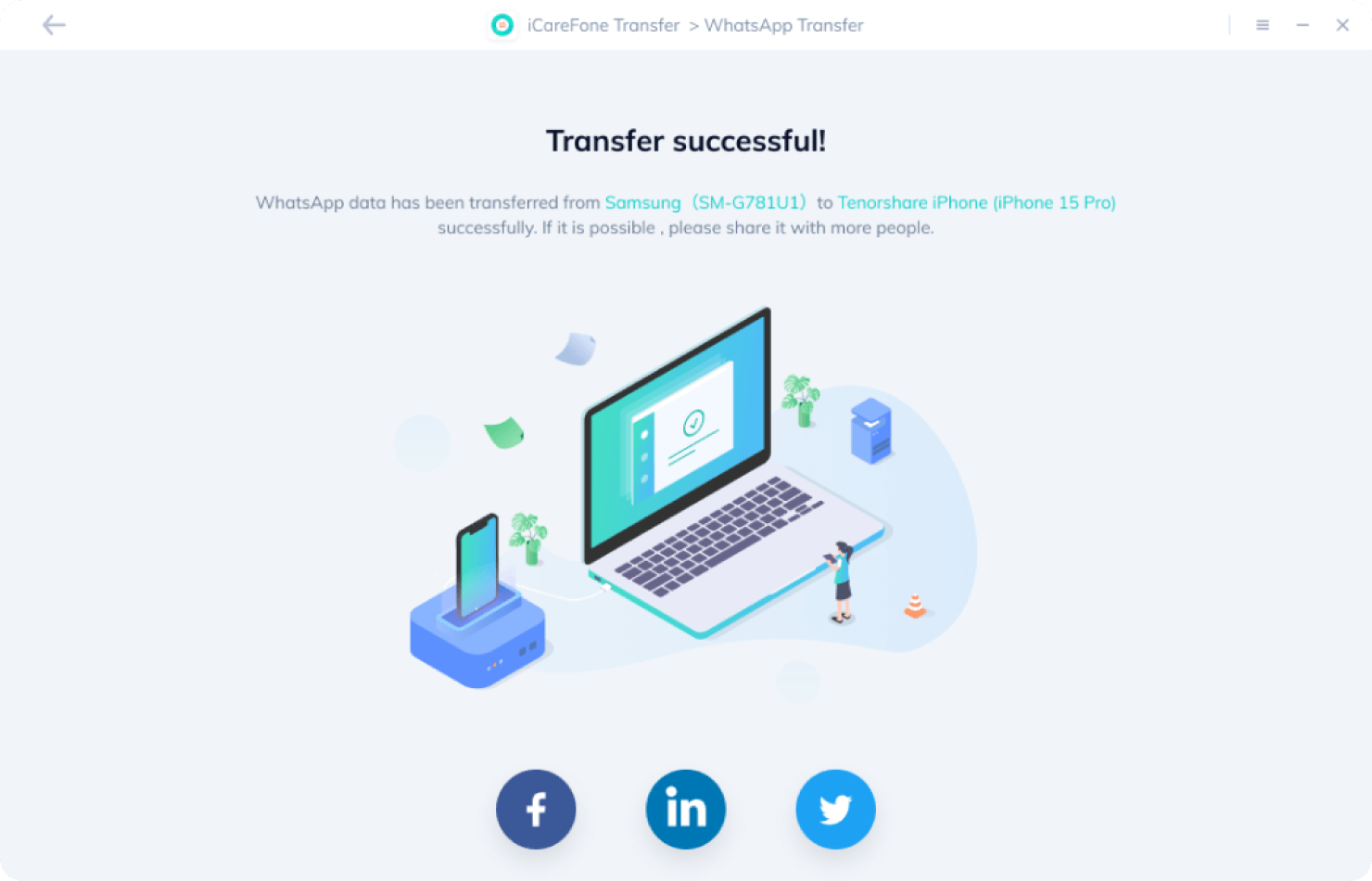
    Within several minutes, your WhatsApp backup is restored successfully and ready to use.

Why Choose iCareFone Transfer?

A reliable way to back up and restore WhatsApp data. Keep your chats safe and accessible whenever you need them.

Fast Transfer Speed

Transfer large WhatsApp backups in minutes, even with thousands of messages, photos, and media files.

No Reset Required

Restore WhatsApp chats without factory reset or overwriting existing data.

No Data Loss

Keep messages, media, and attachments exactly as they are, with no compression or missing files.

Flexible & Selective

Choose entire chats, groups, or specific messages to back up or restore, all with full control.

Loved by People From All Walks of Life

Emily Carter

Freelance Designer

I switched from Android to iPhone and didn’t want to lose years of WhatsApp chats and media. iCareFone Transfer made the whole restore process much easier than I expected. I could preview my backup, choose what to restore, and everything showed up exactly where it should. No reset, no missing messages. It just worked.

Daniel Brooks

Small Business Owner

WhatsApp Business is how I talk to my customers every day, so losing chat history was not an option. With iCareFone Transfer, I backed up all my business chats to my computer and restored them to a new phone without overwriting existing data. The process felt safe and controlled, which is exactly what I needed.

Lucas Nguyen

Tech Enthusiast

I’ve been using GBWhatsApp for years and always struggled with backups when switching phones. iCareFone Transfer was one of the few tools that actually handled GBWhatsApp properly. I backed up my chats to my computer and restored them to the official WhatsApp app without losing data. That alone made it worth it.

Sophia Miller

University Student

My WhatsApp backups kept failing because my cloud storage was always full. iCareFone Transfer gave me another option. I backed everything up to my computer and finally stopped worrying about storage limits. Being able to access and restore my chats anytime made things much less stressful.

Download Tenorshare iCareFone Transfer Now

3,478,558 users have successfully transferred WhatsApp data!

100% Secure

Purchase via 256-bit SSL

30 Days

Money Back Guarantee

Free

Technical Support

100,745,268

YouTube Total Views

85,482,249

Satisfied Customers

150,686,764

Downloads Worldwide

Resources & Tips on WhatsApp Backup and Restore

Blog

Restore WhatsApp from Google Drive

Learn more
Blog

Transfer WhatsApp from Android to iPhone

Learn more

FAQs and Hot Topics by iCareFone Transfer

iCareFone Transfer gives iOS users a free backup and preview option, covering iOS WhatsApp, WhatsApp Business, Kik, and Viber data.

In summer 2022, Apple officially endorsed using Move with iOS to transfer Android WhatsApp data to iOS . However, Move to iOS has clear drawbacks. For instance, the transfer must be initiated before setting up the new iPhone. If the new iPhone is already set up, a reset is required, leading to data loss. Moreover, the transfer speed is slow, and user reviews on the Google Play Store indicate many faced hours of unsuccessful attempts.

That's why iCareFone Transfer is your optimal choice for transferring WhatsApp from Android to iPhone after setup without resetting! Within 30 minutes, your WhatsApp data will be successfully transferred, boasting a success rate as high as 99.9%!

Basically, you need to uninstall and reinstall WhatsApp to restore WhatsApp Chat History : Uninstall and reinstall WhatsApp > Verify your phone number > Tap Restore Chat History.

If you want to restore WhatsApp chat backup without uninstalling or want to restore Google Drive WhatsApp backup to iPhone, iCareFone Transfer is your best choice.

iCareFone Transfer is a WhatsApp transfer/backup/restore tool that helps you transfer WhatsApp messages, backup WhatsApp data, and restore WhatsApp backup from Google Drive to iPhone or from iCloud to Android.

If you want to restore your deleted WhatsApp messages without backup, you can use Tenorshare WhatsApp data recovery tool - UltData WhatsApp Recovery .

Yes! You can use iCareFone Transfer to merge your old WhatsApp data and new WhatsApp data (Android to iOS is supported.)

Yes! iCareFone Transfer offers Android users a mobile app called 'iCareFone Transfer to iPhone.' Simply download it from the Google Play Store to effortlessly transfer WhatsApp data without using a computer.

The backup data of WhatsApp for Android users is stored on Google Drive, while iPhone users' WhatsApp data is stored on iCloud. Regardless of whether it's Google Drive or iCloud, you cannot access your WhatsApp backup.

If you want to view WhatsApp backups, the best way is to use iCareFone Transfer. It can help you back up WhatsApp data from Android or iOS to your computer. You can easily access the backup data at any time and export/restore the backup data as needed.