

 iOS Tips & Latest Updates
 Bug Fixes, Unlock Guides
 Giveaways & Freebies
then write your review


ReiBoot - No.1 Free iOS System Repair Software
Fix 150+ iOS Issues without Data Loss & Safely iOS 27 Upgrade/Downgrade
ReiBoot: No.1 iOS Repair Tool
Fix 150+ iOS Issues, No Data Loss
If you're experiencing rapid battery drain on your iPhone after installing the iOS 26/27, check this article! These problems often arise due to unfinished features and background processes that consume more power.
Fortunately, there are several straightforward steps for iOS 26/27 battery drain. You can take to extend your battery life and reduce unnecessary power consumption.
Whether you are currently updating your iOS 26 system or migrating to iOS 27, post-update battery drain is a common concern. Apple's support documentation explains how major system upgrades differ from minor point updates, and why they may temporarily affect battery life and thermal performance:
After a major update like iOS 26/27, the system runs heavy background tasks: indexing files for Spotlight, downloading new assets, updating and re-optimizing apps. These processes put extra load on the CPU and storage, leading to temporary overheating.
iOS 26/27 introduces features such as colored icons, richer UI animations, and Apple Intelligence. These features require more GPU/CPU power, which can cause ongoing heat and battery drain. The impact varies based on individual usage.
Some third-party apps may not yet be optimized for iOS 26/27. Poorly optimized apps can consume extra resources, adding to heat and power drain.
Post-update, iOS re-adjusts system settings, storage, and performance. Until this process completes, devices may show higher heat and reduced battery efficiency.
Overheating on iOS 26/27 mainly comes from intensive post-update background tasks and new features that push hardware harder. The first is temporary (usually resolves within 1–3 days), while the latter can have longer-term effects—especially when using graphics-heavy features like colored icons or animated UIs.
It's normal to experience a temporary drop in battery life after installing the new iOS 26/27 update. Here's why it happens and what you can do:

Rebooting your iPhone is a simple yet effective method to resolve iOS 26/27 battery drain problems, especially after an iOS update. It helps eliminate minor software bugs or glitches that may be affecting battery performance and gives the system a fresh start.
Although this isn’t a permanent fix for iOS 26/27 battery drain issues, enabling Low Power Mode on your iPhone can help extend its battery life when it's running low. This feature reduces background activity like downloads, mail fetch, and visual effects to conserve power.

Sometimes, iOS 26/27 battery draining fast issues on your iPhone may not be directly related to the iOS 26/27 update itself, but rather to outdated apps that are no longer compatible with the latest iOS version.

If you're experiencing battery drain issues on your iPhone running iOS 26/27, especially on an older model, it’s important to check the health of your battery. This will give you a clearer understanding of its overall condition and whether it needs to be replaced.

Leaving Background App Refresh enabled for too many apps can quickly home and lock screen draining battery iOS 26/27, as apps continue to pull new data via Wi-Fi or a cellular connection, even when not in use.


One of the easiest ways to extend your iOS 26/27 iPhone’s battery life is by reducing the screen brightness. A bright display consumes a significant amount of power, so I always keep it as dim as I can without straining my eyes.
Widgets on your home screen continuously update data in the background, which can lead to faster battery drain. To help iOS 26/27 conserve battery life, it’s a good idea to reduce the number of active widgets.
Here’s how to remove widgets from your home screen:

If you’ve already tried basic troubleshooting but are still facing iOS 26/27 battery drain issues, the next step is to identify and remove any incompatible, non-verified, or misbehaving apps. These apps may consume excessive power due to poor design, coding errors, or incompatibility with your iPhone’s iOS version.
Follow these steps to locate and address battery-draining apps:

If none of the solutions above fix your iOS 26/27 battery drain issue, waiting for a newer iOS update may be the best option.
Take iOS 26.0 as the example: After the release of iOS 26.3 RC, many users reported noticeable improvements in battery life. If you’re still experiencing excessive battery drain, consider updating to iOS 26.3 RC or the official iOS 26.3 release once it becomes available.


To check for updates, go to Settings > General > Software Update, then tap Download and Install if an update is available.


If all the usual fixes haven’t helped and your battery is still running out quickly, it may be time to try a more advanced solution. Tensorshare ReiBoot is a trusted tool designed to fix iOS system issues without needing technical skills.
Tensorshare ReiBoot is especially useful for problems that start after installing a new iOS version, like iOS 26/27 battery drain.




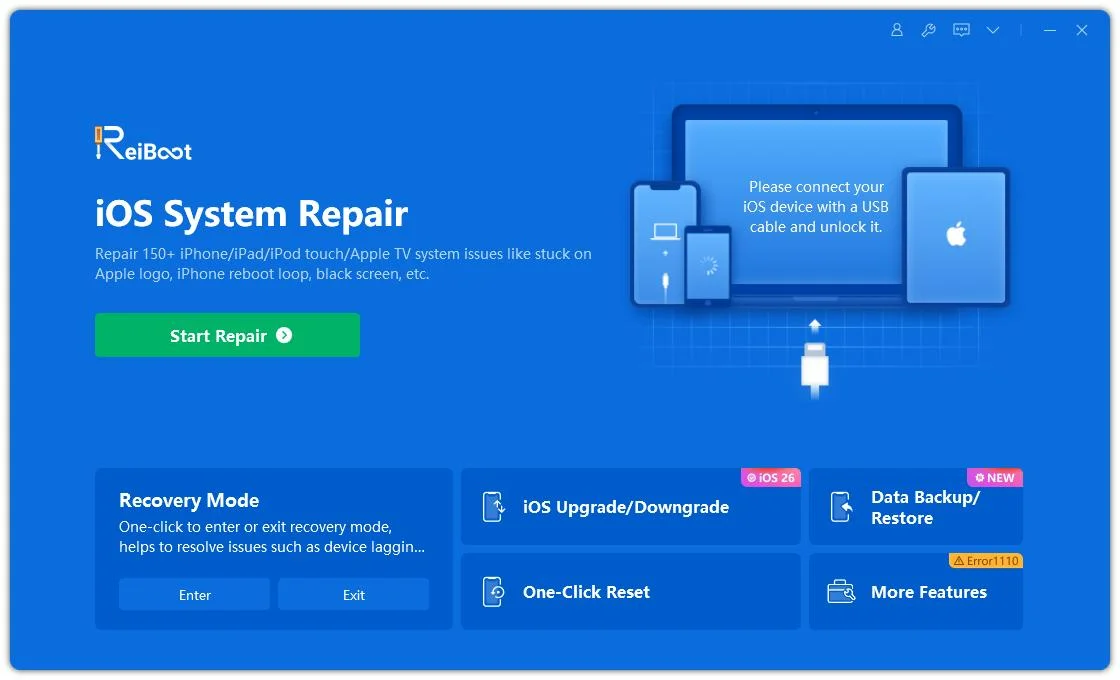
Download and Install Tenorshare ReiBoot on your computer. Then connect your iPhone with the computer and run ReiBoot.
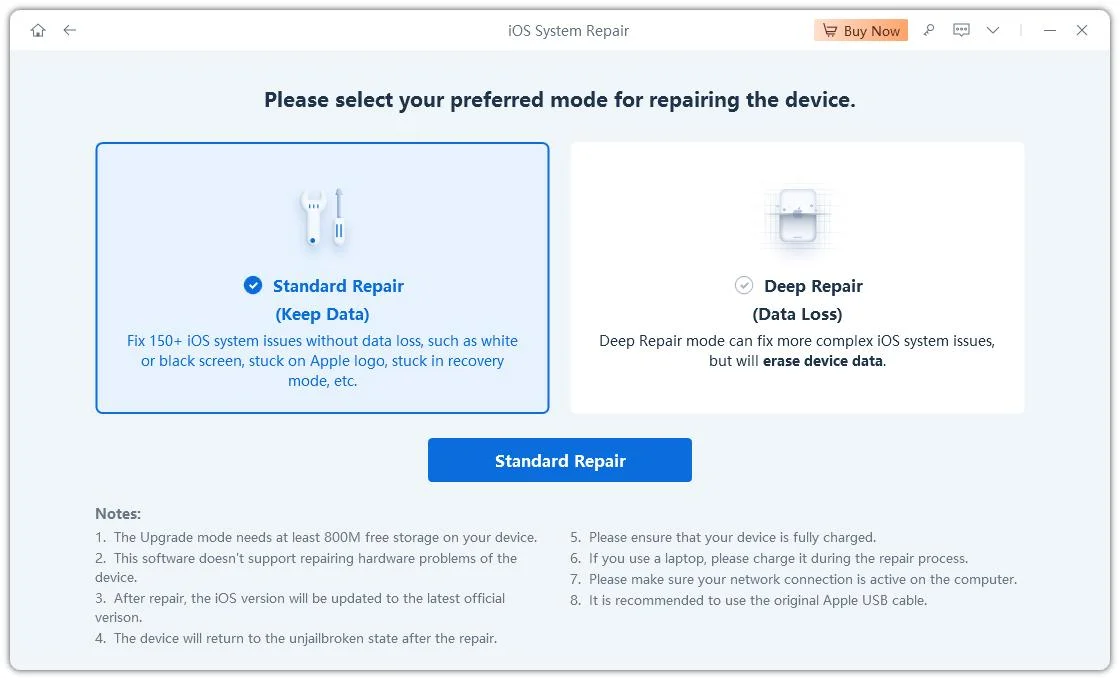
Choose Standard Repair. Also, read the instructions below to know about the requirements of the tool.
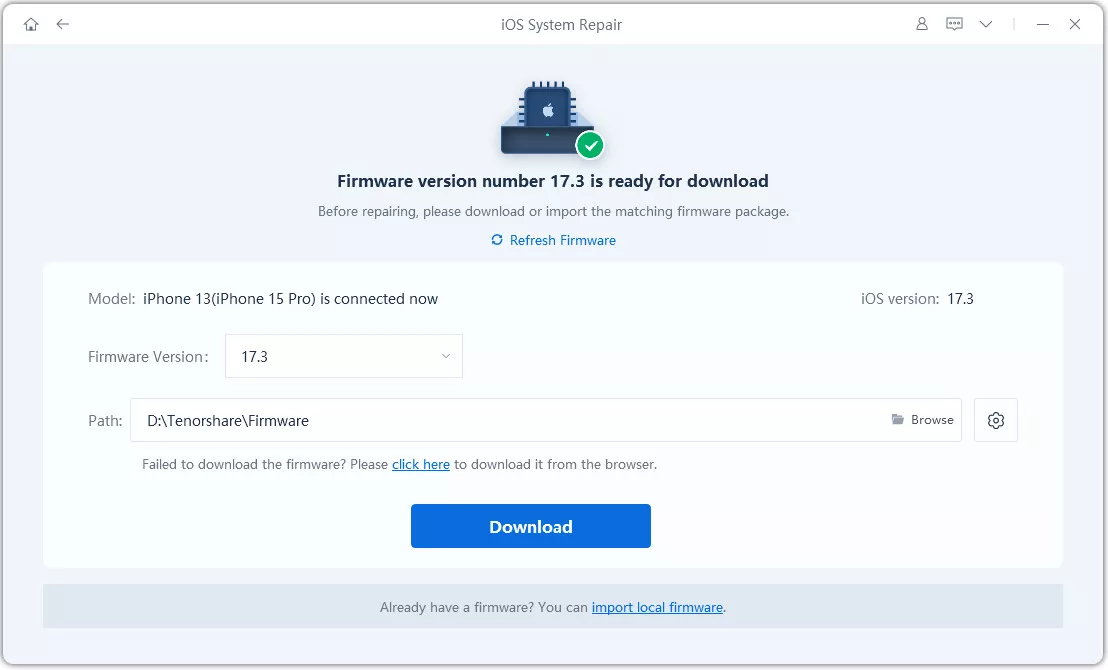
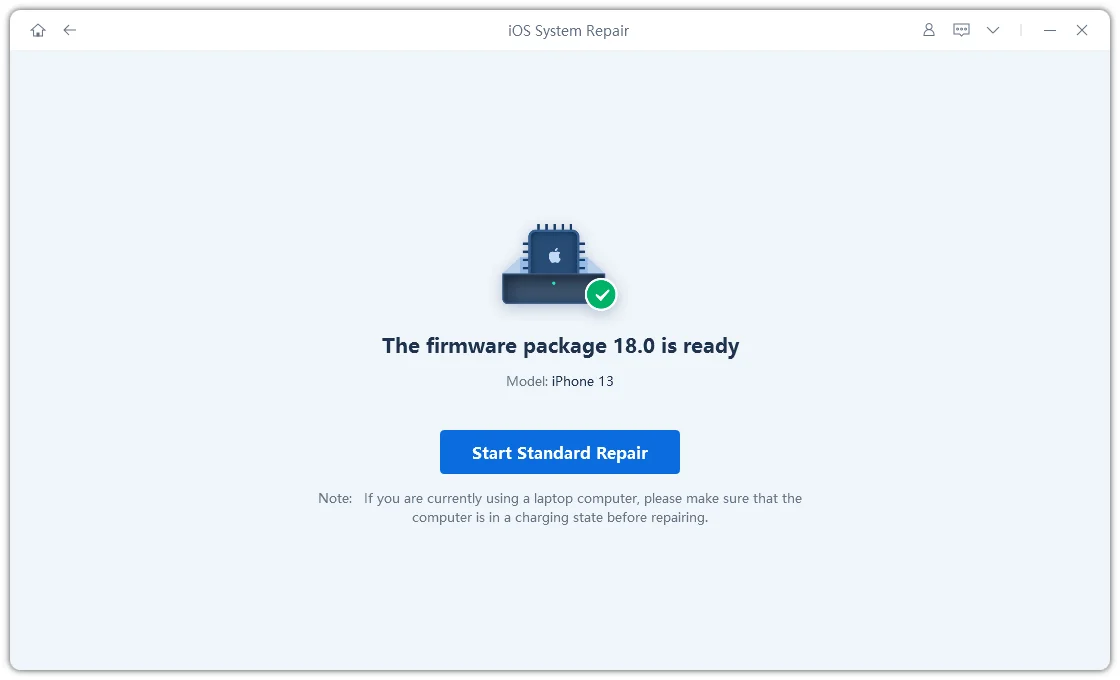
When ReiBoot detects your device, continue to download the latest firmware package by clicking Download. Wait for the firmware to download.
Click Start Standard Repair.
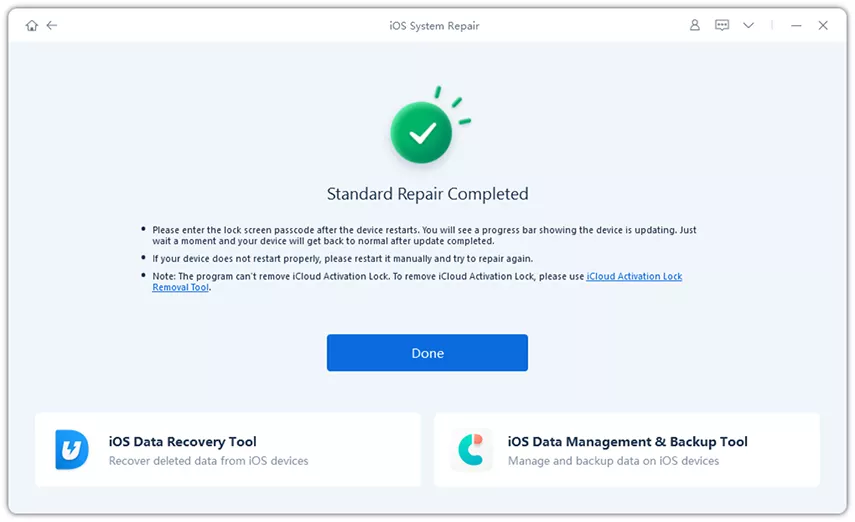
Wait until the repair gets completed. You’ll see a confirmation message once it’s done. Click Done when it's finished.
Don’t know how to fix iOS 26/27 battery drain yet? No worries — here’s the most detailed guide so far, covering all the causes and solutions:
Even beyond beta-related problems, keeping your battery in good shape helps long-term performance. Here are extra tips that don’t need any apps or tools:
From letting your phone settle to turning off features you don’t need, there are many easy ways to fix iOS 26 or iOS 27 battery drain issue.
If none of these fixes help and your iPhone is still draining too fast, using trusted tools like Tensorshare ReiBoot can be your best option. It’s simple to use and fixes deep system issues without erasing your data.


then write your review
Leave a Comment
Create your review for Tenorshare articles

Share this post


ReiBoot - No.1 Free iOS System Repair Software
Fix 150+ iOS Issues without Data Loss & Safely iOS 27 Upgrade/Downgrade
ReiBoot: No.1 iOS Repair Tool
Fix 150+ iOS Issues, No Data Loss
By Jenefey Aaron
2026-10-19 / iOS 26