


then write your review
Bairan Song VN Codes for Viral Video Editing
Scrolling through TikTok and Insta these days instantly lands you in a pool of nostalgic, cinematic, and emotionally charged video edits, thanks to the Bairan song trend, one of the biggest viral waves of 2026.
The secret behind these videos is not endless editing—creators are using Bairan Song Vn Code Editing in the VN Video Editor app. By scanning specific QR code templates, anyone can replicate complex transitions and dreamy overlays in seconds. This guide provides the ultimate toolkit to master this trend, including the best codes and tips to help your videos get more clicks.
- VN Code #1: The Official Bairan VN Template
- VN Code #2: Bairan Memories Flashback (CapCut)
- VN Code #3: Two-Side Bairan Split Screen
- VN Code #4: Bairan Song Reels Template
- VN Code #5: The Mini Vlog Template
- VN Code #6: Biggest Flex VN Template
- VN Code #7: 3D Photo Cube Template
- VN Code #8: Couples "Only You" Romantic
- VN Code #9: Viral Instagram Trending Template
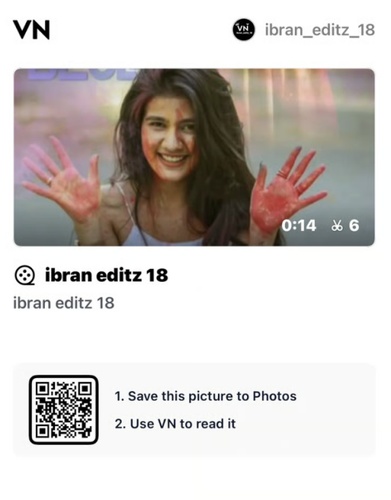
- VN Code #10: Holi & Celebrations Template
Show More
Part 1: Copy & Paste: 10+ Bairan Song VN Codes
In early 2026, the Bairan Song Vn Code Editing trend has become a goldmine for creators looking to boost their engagement. To help you join the wave, we’ve gathered the most popular templates.
For each of these, you can find the QR codes in popular tutorial thumbnails or dedicated template sites. Simply screenshot the code and follow our import guide in the next section.
VN Code #1: The Official Bairan VN Template
This is the foundational template for the entire trend. It’s a clean, high-performance edit that focuses on the core beat-sync of the Haryanvi hit.
- Effect: Professional beat-sync transitions with color grading optimized for the song's
"nostalgic" vibe.
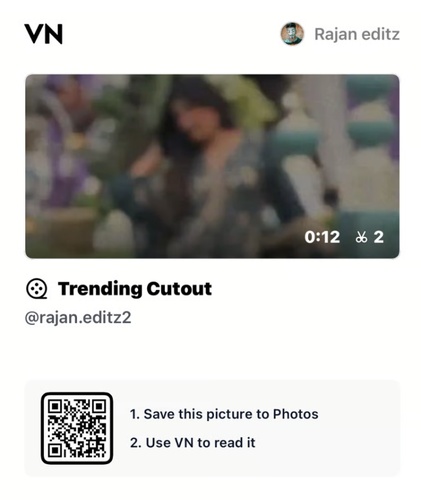
VN Code #2: Bairan Memories Flashback (CapCut)
While VN is great for QR codes, many creators use this specific CapCut template for its "Flashback" AI effect, which is perfect for the Bairan song's emotional tone.
- Effect: A dreamy "memory" aesthetic that flips through photos in a cinematic flashback
style.
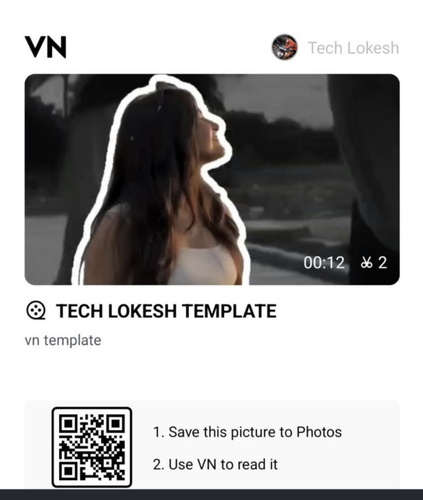
VN Code #3: Two-Side Bairan Split Screen
This layout, which divides the screen into two vertical panels, is great for "then vs. now" or "me vs. you" material since it keeps people interested.
- Effect: Two-sided masking that moves around and perfectly matches the lyrics.
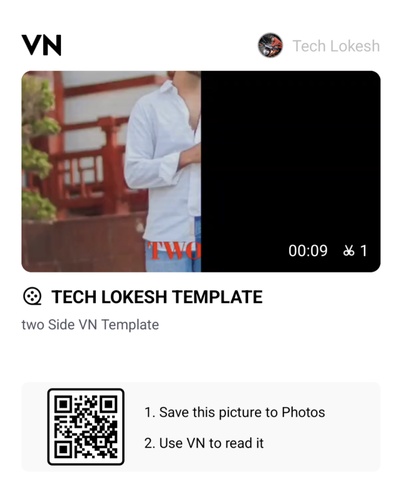
VN Code #4: Bairan Song Reels Template
Created by one of the community's top editors, this template features custom light leaks and "particle burst" effects that make your reels stand out.
- Effect: Advanced masking and glow transitions that give the video a premium, high-budget
look.
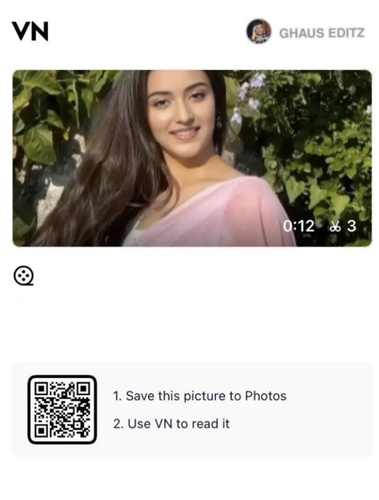
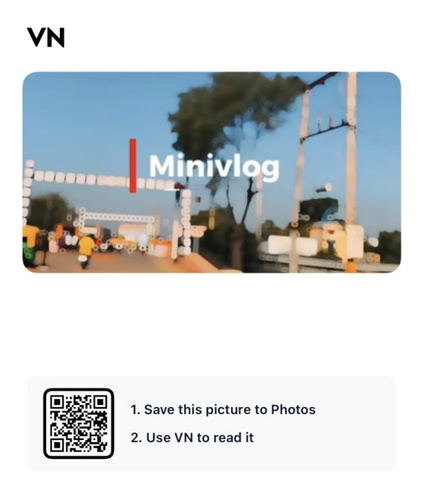
VN Code #5: The Mini Vlog Template
This template helps you fit a complete day into 15 seconds, which is what vlogging is all about.
- Effect: Quick, rhythmic cuts made for vacation and leisure videos.
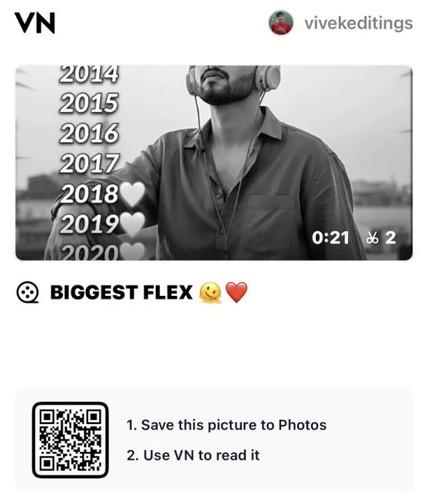
VN Code #6: Biggest Flex VN Template
Perfect for those "milestone" posts or showing off a new achievement.
- Link:https://www.vntemplatescode.com/biggest-flex-vn-template
- Effect: High-impact "beat drops" and dramatic zoom-ins.
VN Code #7: 3D Photo Cube Template
A technical wonder that makes it look like your images are spinning on a 3D cube in the video.
- Effect: A 3D animation that catches the eye and works well with photo galleries.
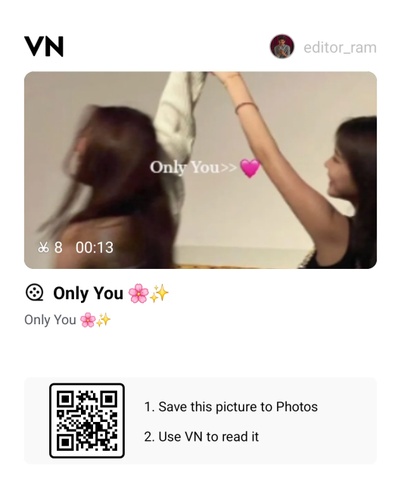
VN Code #8: Couples "Only You" Romantic
A must-have for romantic edits, featuring soft focus and romantic light transitions.
- Effect: Heart-shaped masks and warm, "soft-glow" filters.
VN Code #9: Viral Instagram Trending Template
Designed specifically for the "Explore" page algorithm, this template uses rapid cuts to keep retention high.
- Effect: High-energy zoom effects and sharp beat-matching.
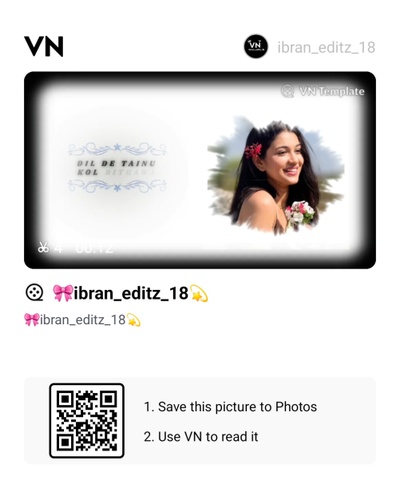
VN Code #10: Holi & Celebrations Template
Ideal for colorful celebrations, this template enhances the saturation of colors.
- Effect: Color-pop transitions and slow-mo "color throw" highlights.
Part 2: How to Import VN Code (Tutorial)
Now that you have your codes, you need to know how to import VN code files into your app. The four steps are quite easy, and here's what you need to do.
-
Get the QR Code(s)
-
Open a VN Editor
-
Scan and Import
-
Use Your Media
First, you need to choose a code and then take a high-quality screenshot of the QR code.

Next, you want to open up a VN app on your phone, then click the "+" icon or the "Scanner" on the top right corner.

Third, instead of using your camera, choose the “Gallery” or “Photos” to pick the screenshot of the Bairan Song Reels Editing VN code you just saved. The app will automatically recognize the template and begin downloading the assets.
Your template will open, and you will be able to see the empty spaces. You may quickly tap on them and swap them out for your films. For the best effects, export them in 1080p.
And, of course, while you could use options like Gemini, those leave visible AI traces, like mismatched lighting or plastic-looking skin. Instead, to maintain high quality, you’ll want to use PixPretty as the ultimate quality check tool and your safety net before sharing your stuff online.
Part 3: Your Video Is Ready, But Will Anyone Click?
You’ve finished your Bairan Song Vn Code Editing project. The transitions are seamless, the music is perfectly synced, and the "Bairan" vibe is on point. You upload it to YouTube or Instagram, feeling confident. But then... nothing. The views don't move.
This is the logical transition that many creators miss. Because even if your video is flawless, what if your thumbnail isn’t? Well, then you have a problem. Most people use a blurry screenshot from the video. That makes most people think the video will be just as bad.
Part 4: The Pro's Secret; Turning Screenshots into High-CTR Thumbnails
To fix the thumbnail problem, the best creators use a "Thumbnail Enhancement Tool" to ensure their first impression is flawless.
This is where PixPretty comes into play. PixPretty isn’t just a portrait tool; it is a specific solution for the "blurry screenshot problem" that plagues mobile editors.




#1 From Blurry to Sharp
When you take a screenshot from a moving video in VN, it’s often slightly out of focus. PixPretty uses AI to upscale these low-resolution grabs, sharpening the edges and cleaning up the "noise" so it looks like it was shot on a pro DSLR.

#2 Make Faces "Pop"
The algorithm loves faces, and PixPretty is perfect for helping you with that! It helps enhance facial features by adjusting lighting, contrast, and expressions and making the subject stand out. It makes the subject 'POP,' driving the click-through rate much higher.

#3 Create Multiple Versions for Testing
Don’t settle for one look. After all, with PixPretty, you can generate variants of your thumbnails with different lightings and sharpness, letting you A/B test on YouTube and TikTok for visibility confirmation.
Part 5: FAQs About VN Code Editing & Thumbnails
1. Are VN codes safe to use on my phone?
Absolutely. VN codes are project templates hosted within the app's ecosystem. They don’t require external downloads or logins, so there is no risk of malware as long as you are using the official VN app.
2. Can I create my own VN code to share?
Yes! You can touch "Share" and then "Export as Template" when you've finished editing the Bairan music trend. You can share a QR code that the app makes with the community.
3. Is the thumbnail really that important for a YouTube/TikTok video?
Honestly? It might just be more important than the video, because it convinces someone to come to your video in the first place.
Conclusion
Becoming the undisputed master of the Bairan Song Vn Code Editing is the fastest way to grow your social media presence in 2026. Use the 10+ templates we’ve provided, and follow the import steps to create the cinematic content you know you can.
But remember. The edit? It’s only half the battle. The real game is all about the thumbnail. Use PixPretty and take your game to a whole new level, and revel at the top of the social media pyramid!
Ready to start? Grab a code, open VN, and let’s see your Bairan Song masterpiece!
Speak Your Mind
Registrer/ Login
Speak Your Mind
Leave a Comment
Create your review for Tenorshare articles

By Jenefey Aaron
2026-09-15 / AI Insights