Why Choose US?
Since its launch, iAnyGo has been the trusted tool for users who want to change their iPhone GPS location quickly and safely. It’s an all-in-one, beginner-friendly solution you can rely on.

Whether you’re trying to catch region-exclusive Pokémon or avoid “GPS signal not found” errors in Pokémon GO, iAnyGo’s GPS location changer iPhone tool helps you teleport to any city safely. No cracked apps, no Error 12 warnings.

If turning off Location Services or disabling Find My iPhone doesn't work, iAnyGo can change your iPhone's GPS location to effectively hide it from "Find My iPhone."

Stop Sharing Location Without Notifying iMessage: Method 1 – disable iMessage; Method 2 – use iAnyGo to change your iPhone GPS while keeping Share My Location on.
Set your GPS to any location, from the USA to Japan or the UK to Australia. Easily make your iPhone appear elsewhere while keeping location-based services active.
Can you change your location on a dating app? Learn how to hide your location on iPhone for safe dating and enjoy free location change on dating apps.
Whether you want to access different content, protect your privacy, or modify your Snapchat GeoFilter, changing your phone location on iPhone with iAnyGo location changer can be useful.
If you’re looking for a virtual location changer for iPhone, iAnyGo lets you modify your GPS location easily.
Since its launch, iAnyGo has been the trusted tool for users who want to change their iPhone GPS location quickly and safely. It’s an all-in-one, beginner-friendly solution you can rely on.

All-in-One Location Solution
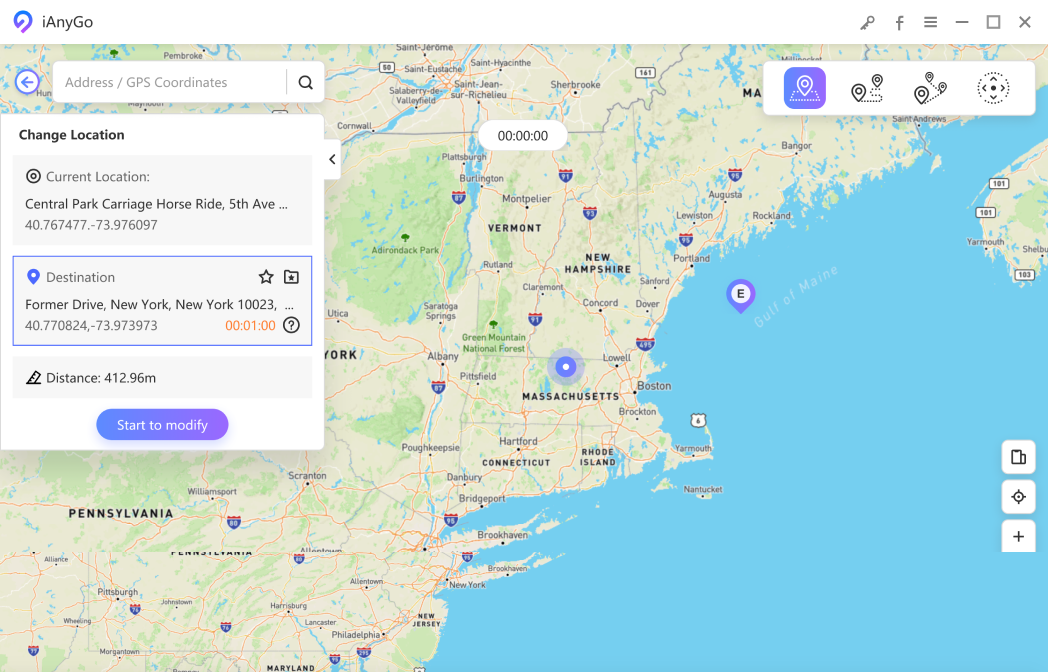
Easily change GPS location on iPhone, simulate movement with multiple routes, and switch to any country for social apps or location-based games.
Easy to Use – No Jailbreak Required
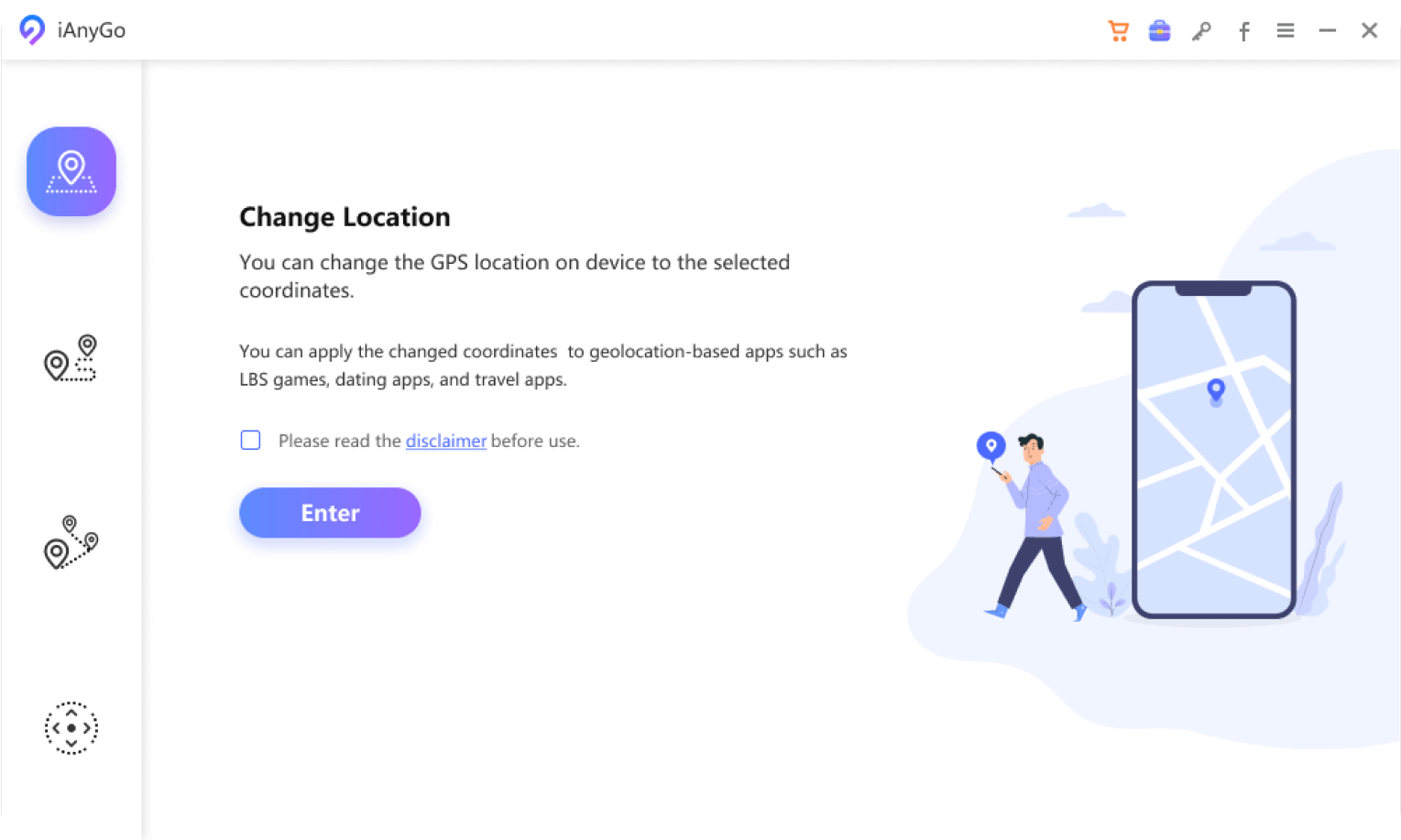
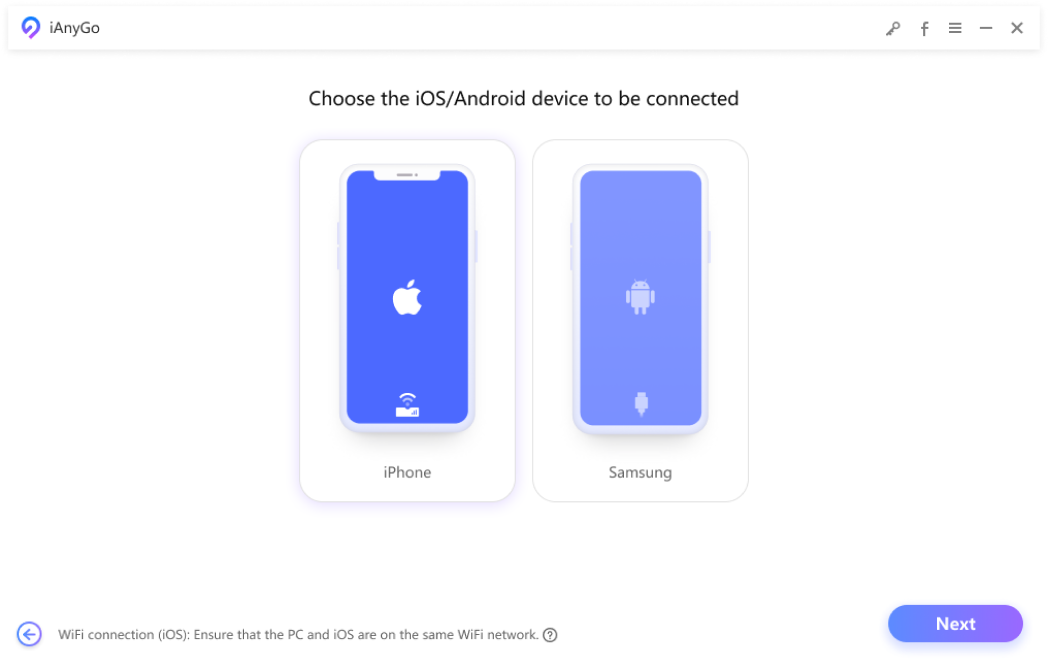
No complicated steps. Just connect your iPhone, choose a location, and iAnyGo does the rest. Perfect for beginners who want to change phone location on iPhone without risks.
Wide Compatibility & Flexible Modes
The ultimate iPhone 17 location changer for every iOS device! Fully supports iPhone and iPad, offering Teleport, Two-Spot, and Multi-Spot modes for lifelike movement anywhere.
Trusted by Millions – 100% Safe
Millions of users worldwide rely on iAnyGo as the most secure GPS location changer for iPhone. Protect your privacy, hide your real location, and explore the world virtually.
328 users online now
1,247 locations changed today
150,686,764
Downloads Worldwide
100,745,268
YouTube Total Views
85,482,249
Satisfied Customers
Free
Technical Support
30Days
Money Back Guarantee
100% secure
Purchase via 256-bit SSL
iOS Devices
iPhone 17/17 Air/17 Pro/17 Pro Max, iPhone 16/e/Plus/Pro/Pro Max, iPhone 15/Plus/Pro/Pro Max, iPhone 14/Plus/Pro/Pro Max, iPhone 13/13 Pro(Max), iPhone 13 mini, iPhone 12/12 Pro(Max), iPhone 12 mini, iPhone SE(2nd), iPhone 11/11 Pro(Max), iPhone XS(Max), iPhone XR/X, iPhone 8 Plus/ 8, iPhone 7 Red, iPhone 7 Plus/7, iPhone SE, iPhone 6s Plus, iPhone 6s, iPhone 6 Plus, iPhone 6, and all models of iPhone.
Android Devices
Samsung Galaxy S25/S24/S23/S22/S21/S20/S10, Huawei P30, OPPO, LG and other 5000+ Android devices.
iOS version
iOS 27,iPadOS 27, iOS 26,iPadOS 26, iOS 18, iPadOS 18, iOS 17, iPadOS 17, iOS 16, iPadOS 16, iOS 15/iOS 14
Android version
Android 16, 15, 14, 13, 12, 11, 10, 9, 8.1, 8, 7, 6, 5, 4
Windows
Win 11/10/8.1/8/7
Mac
masOS: 26(macOS Tahoe), 15(macOS Sequoia), 14(macOS Sonoma), 13(macOS Ventura),12(macOS Monterey), 11.5(macOS Big Sur), 10.15(macOS Catalina), 10.14 (macOS Mojave), Mac OS X 10.13 (High Sierra), 10.12(macOS Sierra), 10.11(El Capitan), 10.10 (Yosemite)
CPU
1GHz (32 bit or 64 bit) or above
RAM
256 MB or more of RAM (1024MB Recommended)
Hard Disk Space
200 MB minimum space for installing iAnyGo program
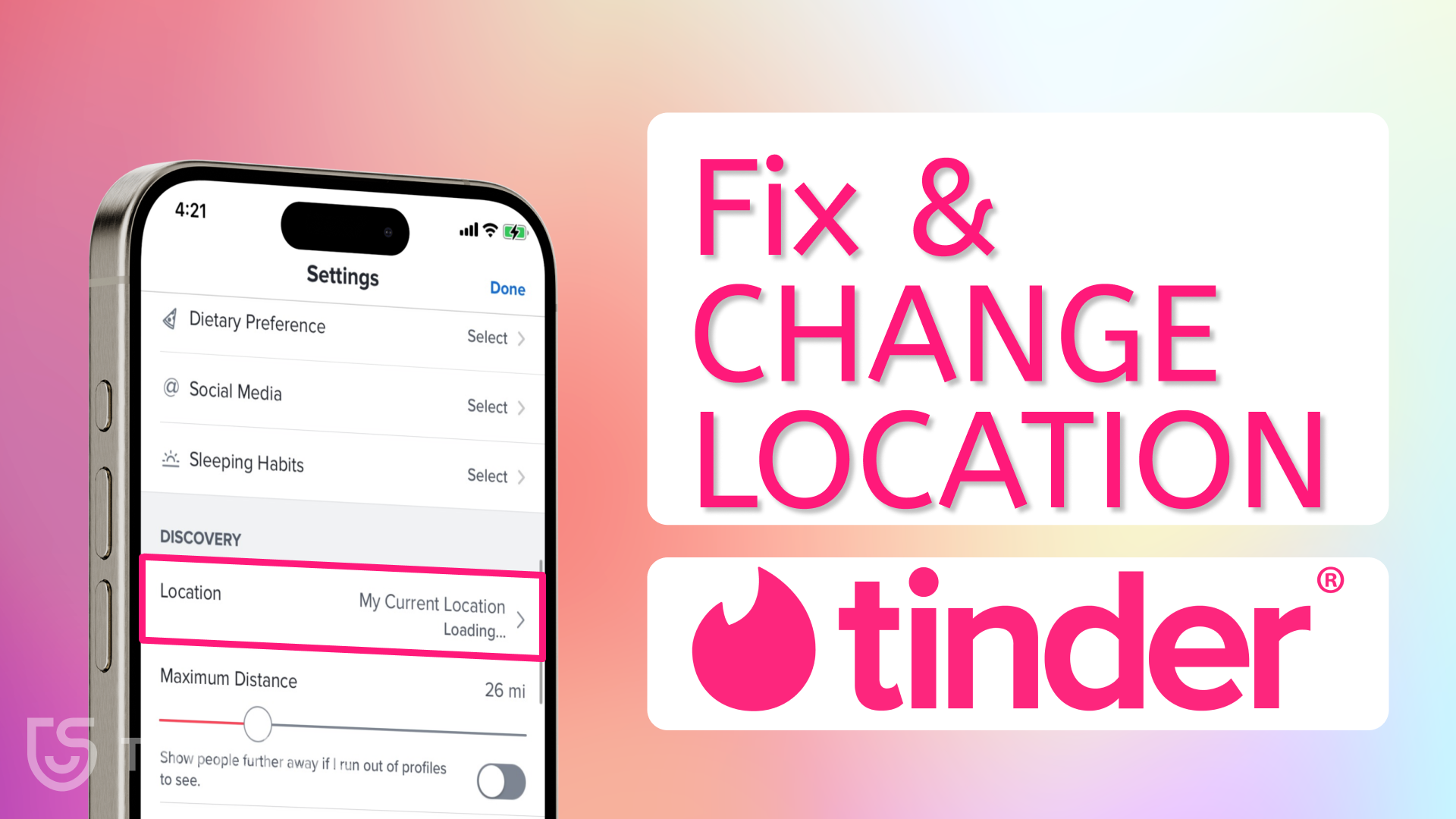
iAnyGo is a professional iPhone location changer developed by Tenorshare. It allows users to change GPS location on iPhone or iPad without jailbreak. You can move your virtual location anywhere in the world in seconds.
Yes. iAnyGo changes your iPhone GPS location safely without jailbreak. It uses official system permissions and doesn’t affect your device data or warranty.
You can use iAnyGo for a variety of purposes:
No. iAnyGo only temporarily changes your GPS location. It does not modify Apple ID settings or disable Find My iPhone.
Yes, depending on your license plan. The standard license supports multiple devices and computers. You can manage your subscription through your Tenorshare account.
You can try iAnyGo’s full features for free for 3 hours — no function limits during the trial period. After that, to continue using advanced modes such as Multi-Spot Route, Joystick Control, and Speed Simulation, you’ll need to purchase a paid license.
Get instant support, exclusive tips, and connect with other LBS Game users in our active Discord community.