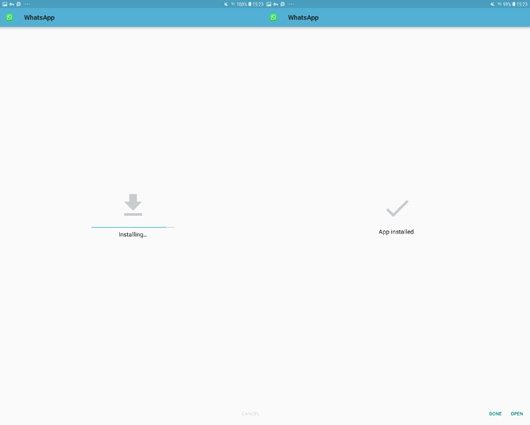
How to Reinstall WhatsApp and Get Back the Original Data on Your Phone
WhatsApp will be reinstalled in the process of recovering WhatsApp data. If the scan failed, you might not be able to find WhatsApp or find an old version.
What should you do in this scenario? Will the original WhatsApp data get lost?
They won't. Despite the reinstallation, your WhatsApp data will remain intact during the scan process. If you can't locate WhatsApp after completing the scan or the scan failed, you'll still see the data after reinstalling WhatsApp manually.
How do I reinstall WhatsApp and recover the original data?
-
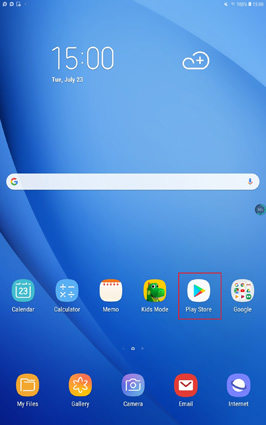
Go to the App Store on your phone, such as "Play Store".
-
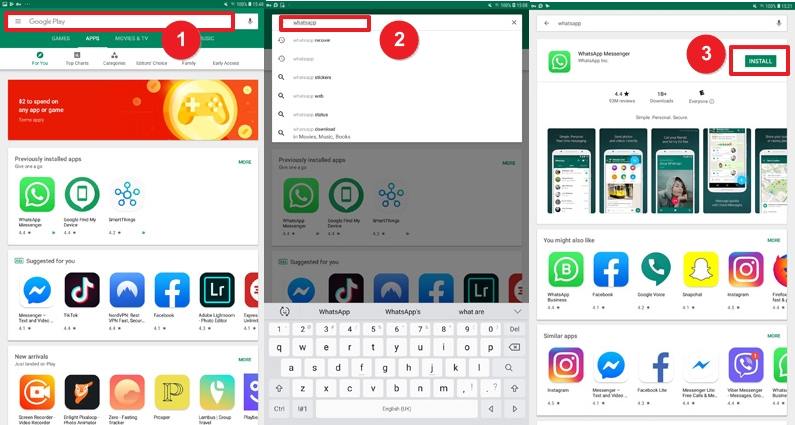
Find WhatsApp, download, and install it.
-
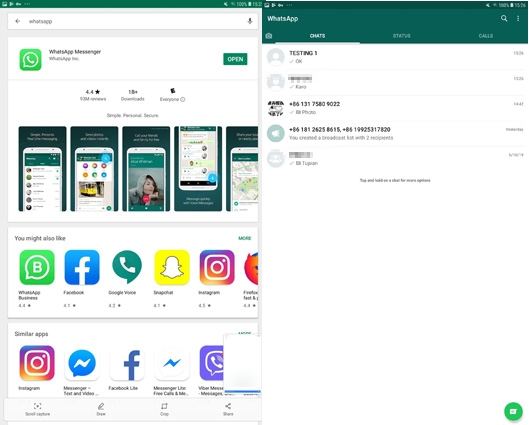
Click Open to view the original WhatsApp data. If prompted, sign in to your account and verify your phone number.


What should I do if I can't find WhatsApp in Play Store?
-
If you can't find WhatsApp in Play Store, please download it from www.whatsapp.com/android/.
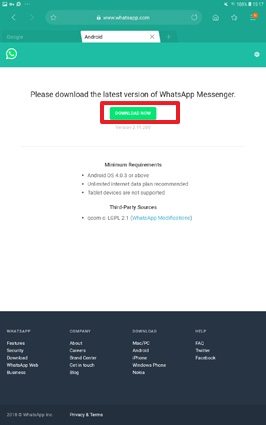
-
When the download completes, tap Download to view the APK file. Then install it.
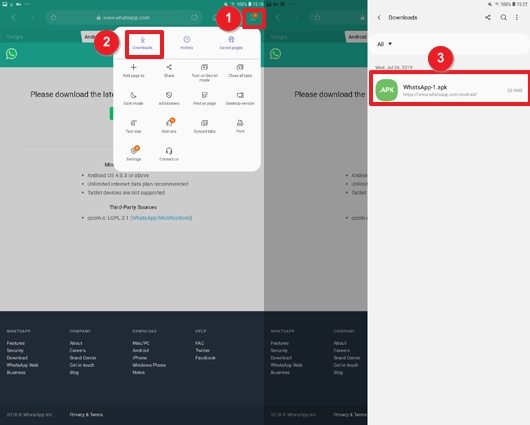
-
When installing apps via a browser, some devices might need your permission in Settings to proceed. You can follow the on-screen instructions to allow unknown apps to install on your phone. Below is how to do it on Samsung.
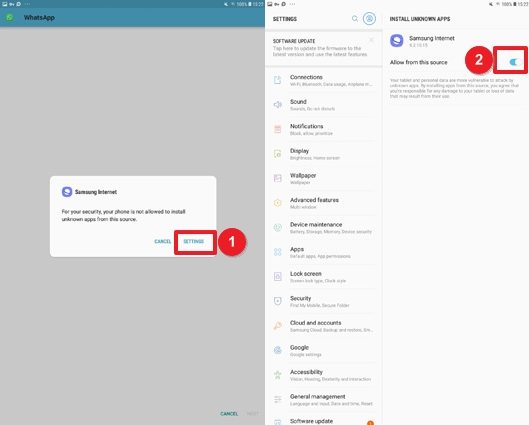
-
Switch back to the browser, tap on the downloaded APK file to install it.