How to Exit DFU Mode on iOS Devices
If your iOS device is in DFU mode, please try the following methods to exit DFU mode. If you cannot exit after multiple attempts, you can use iOS system repair tool to fix.
For iPhone 8 and Above
-
Quick-press the Volume Up and Volume Down buttons, then press and hold the Side button.
-
Release the Side button once the Apple Logo appears.
-
Your device will boot normally and exit DFU mode.


For iPhone 7/7 Plus
-
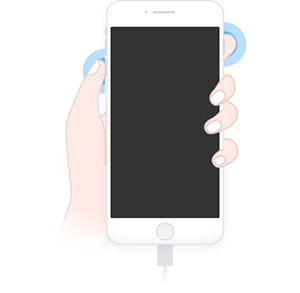
Keep holding both Volume Down and Side buttons at the same time for 10 seconds.
-
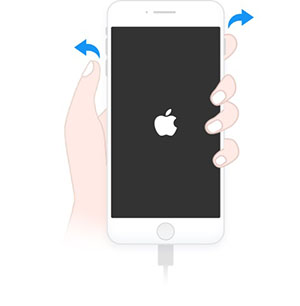
Release both Volume Down and Side buttons until you see the Apple logo screen.
-
Your device will boot normally and exit DFU mode.


For Other Devices
-
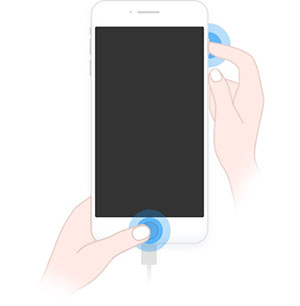
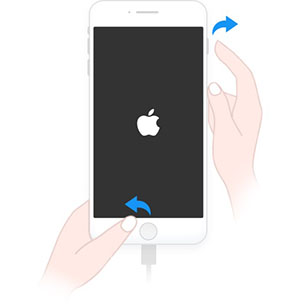
Press the Home button and Power button at the same time for 10 seconds.
-
Release the Home button and Power button together when you see the Apple Logo screen.
-
Your device will boot normally and exit DFU mode.


